In data analysis scenarios, you may need to export chart data for secondary processing offline. Currently supported export modes include single component export and page export. The corresponding operations are as follows:
Feature Entry
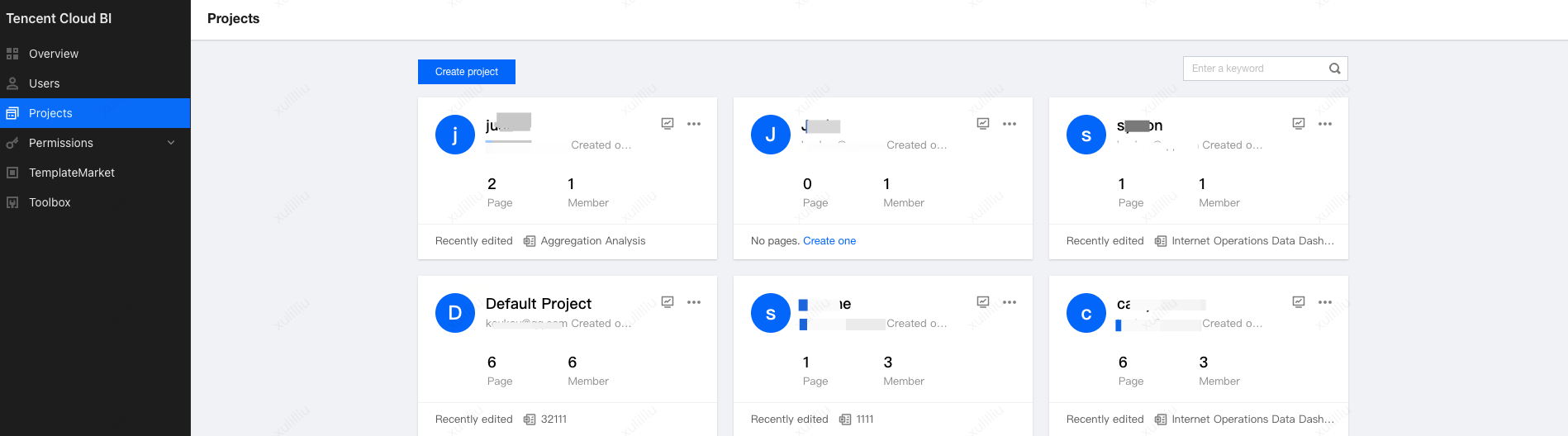
1. Go to the project: Log in to the BI Console, and go to My Project.
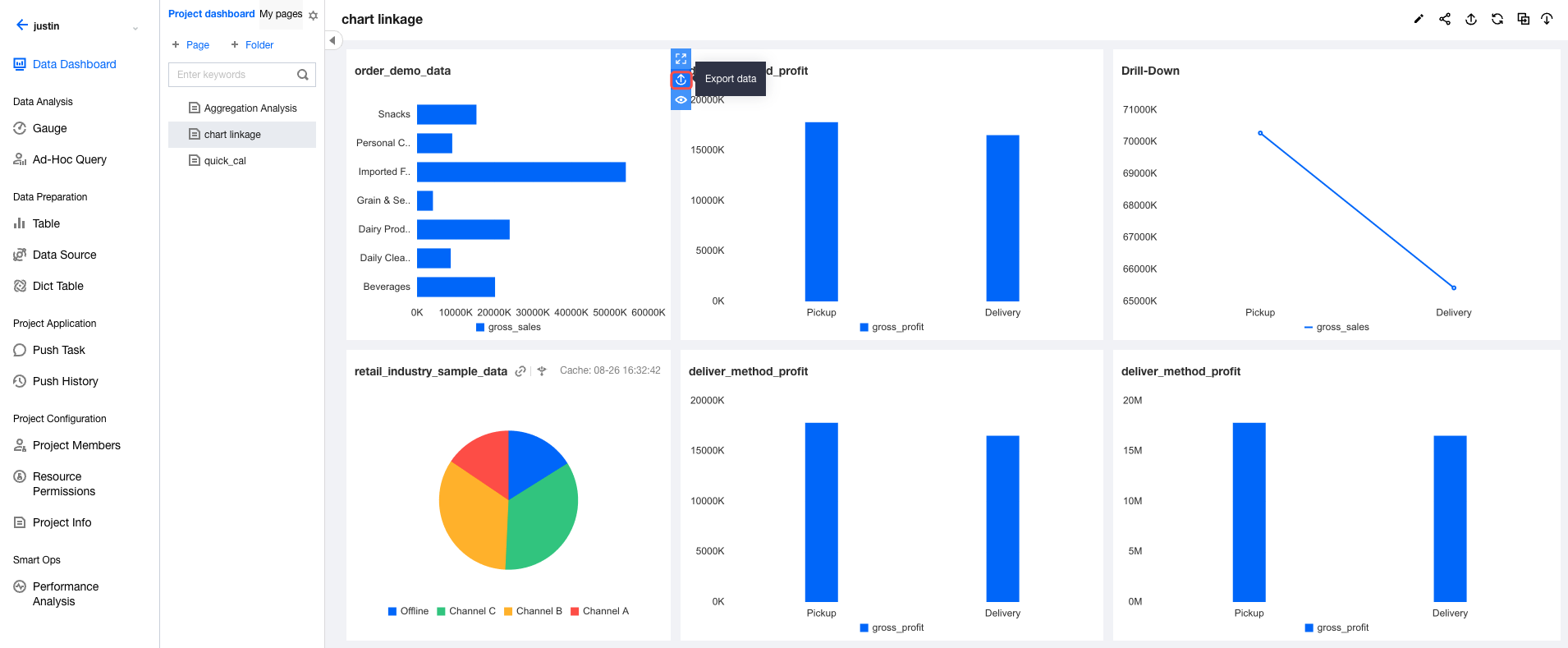
2. Go to the project dashboard: Select a project, then go to Dashboard. Select the page where the chart is located.
3. On the page, you can export a component or page as follows. (a) Component export entry: Hover the mouse over a component and select export from the component toolbar; (b) Page export entry: Select export in the upper-right corner of the page.
Feature Description
Component Export
1. Various formats of files are supported, including Excel files, CSV files, PNG/JPG images, and PDF files.
2. Data Export
Formatted export: If values are formatted on the page using settings such as thousand separators, percentages, or measurement units, the exported data will be of string type and will retain the same formatting as displayed on the page.
Export in source format: Regardless of whether values are formatted on the page, dimension fields in the exported data are of string type, while metric fields are of number type.
3. Export depends on data connections. If a local data source is used, the export time depends on the speed of reading the data source.
4. Normal chart export supports up to 1,000 entries, while table export supports up to 10,000 entries.
5. Export takes effect only after the page is released.
Page Export
Edition description: This feature is only supported for Basic Edition and Professional Edition users.
1. Various formats of files are supported, including Excel files, CSV files, PNG/JPG images, and PDF files. Exporting Excel or CSV files will generate a compressed ZIP file containing 1 or more table files.
2. The exported data is analysis result data, not raw data.
3. Export depends on data connections. If a local data source is used, the export time depends on the speed of reading the data source.
4. The maximum number of entries that can be exported for each component is the same as the maximum number of entries that can be displayed for that component.
5. Export takes effect only after the page is released.