Invisible Watermark(Digital watermark)Configuration
Download
Focus Mode
Font Size
The invisible watermark (digital watermark) feature is disabled by default for live push. This document describes how to bind/unbind a push domain name to/from an invisible watermark (digital watermark) template to enable/disable the invisible watermark feature.
Notes
The template configuration will take effect in about 5–10 minutes.
After the template is bound successfully, the digital watermark feature will be enabled for push addresses under the specified push domain name.
One domain name can be bound to only one digital watermark template. After they are bound, all streams under the domain name will be digital watermarked according to this template.
Prerequisites
You have logged in to the CSS console and added a push domain name.
You have created an invisible watermark template.
Binding Invisible Watermark Template
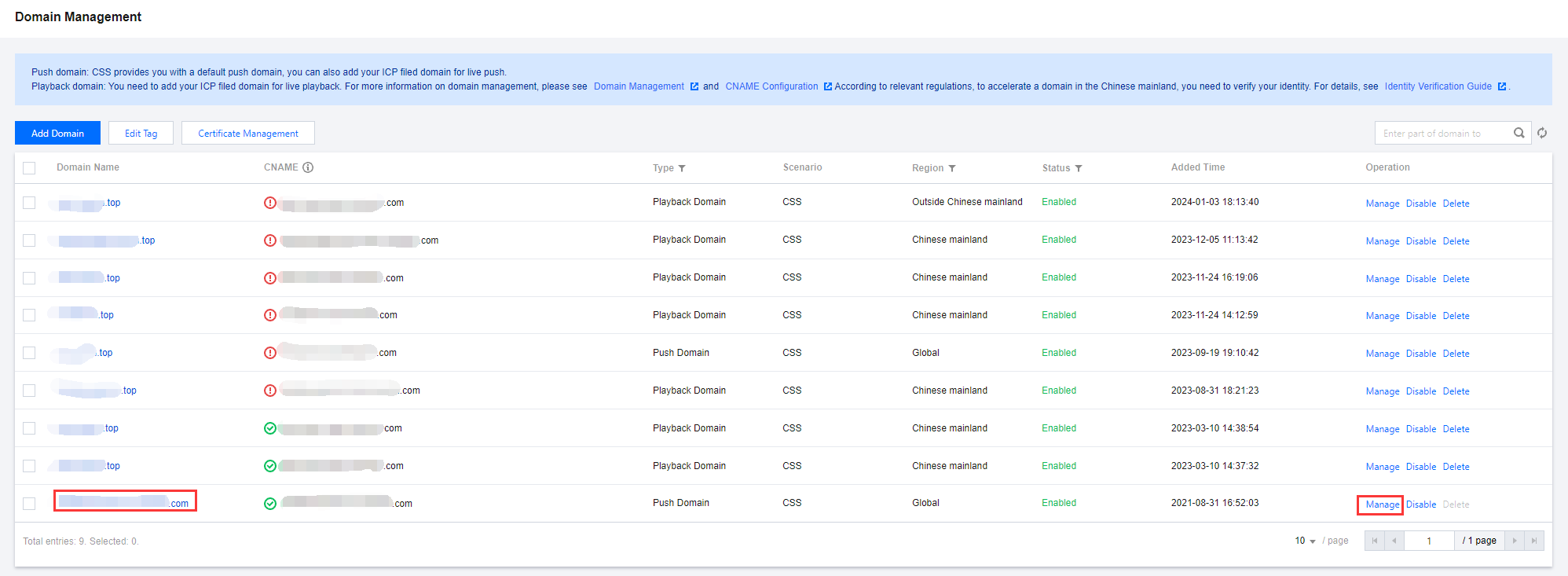
1. Go to Domain Management and click the push domain name to be configured or Manage to enter the domain name details page.
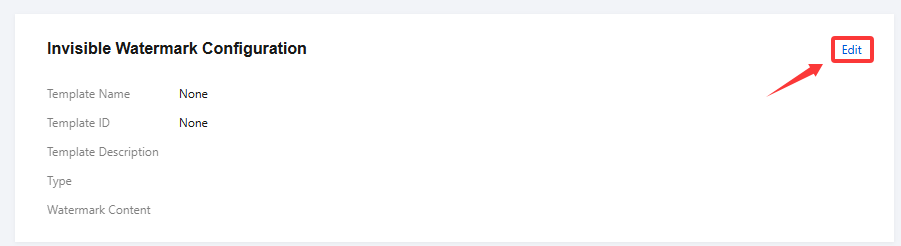
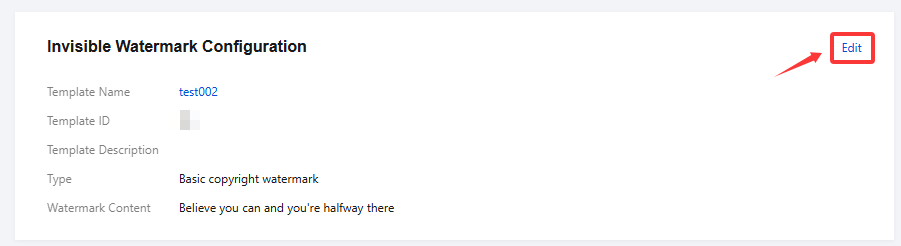
2. Select Template Configuration and click Edit in the Invisible Watermark Configuration section.

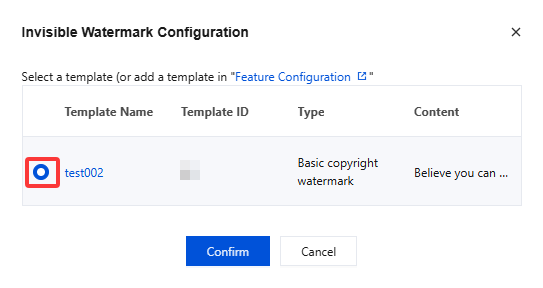
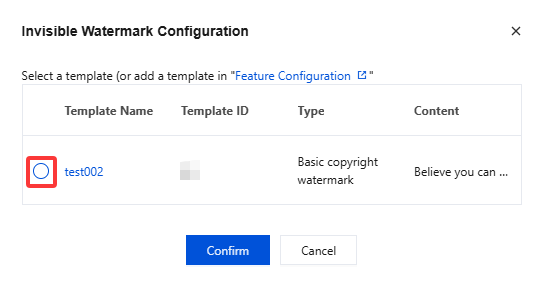
3. Select a watermark template and click Confirm.
Unbinding Invisible Watermark Template
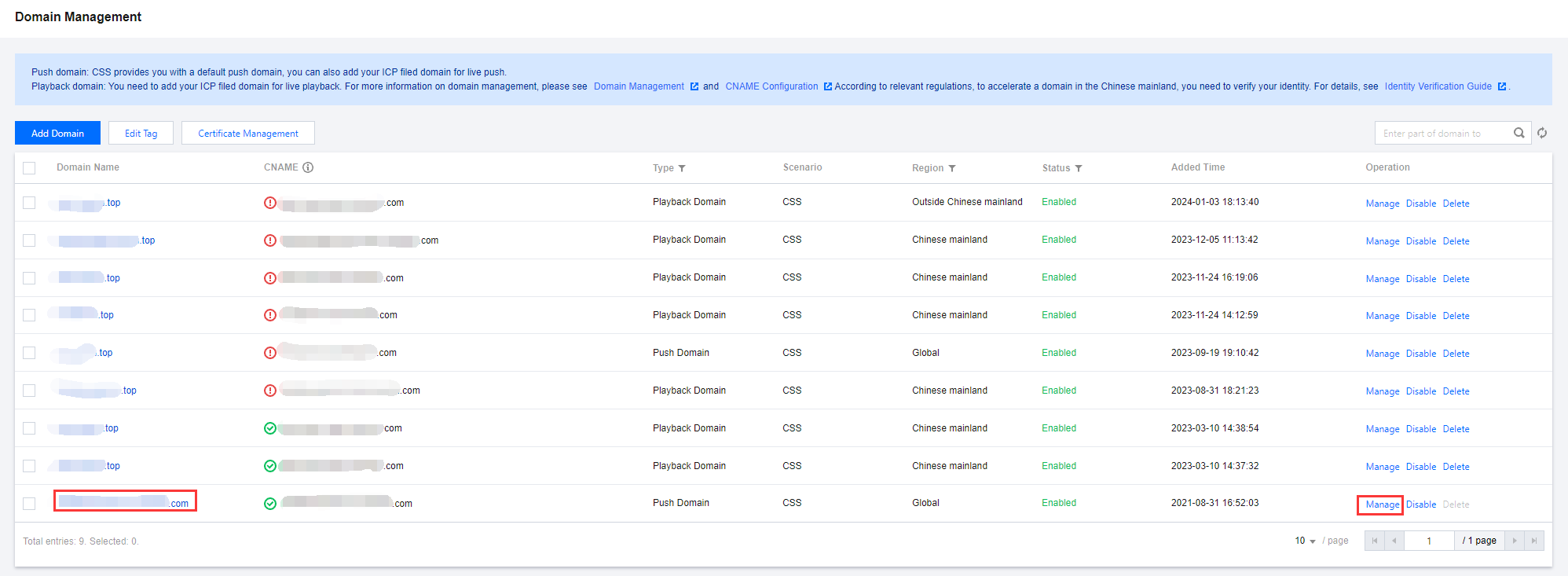
1. Go to Domain Management and click the push domain name to be configured or Manage to enter the domain name details page.
2. Select Template Configuration and click Edit in the Invisible Watermark Configuration section.
3. Clear the target template and click Confirm.
Help and Support
Was this page helpful?
You can also Contact sales or Submit a Ticket for help.
Help us improve! Rate your documentation experience in 5 mins.
Feedback