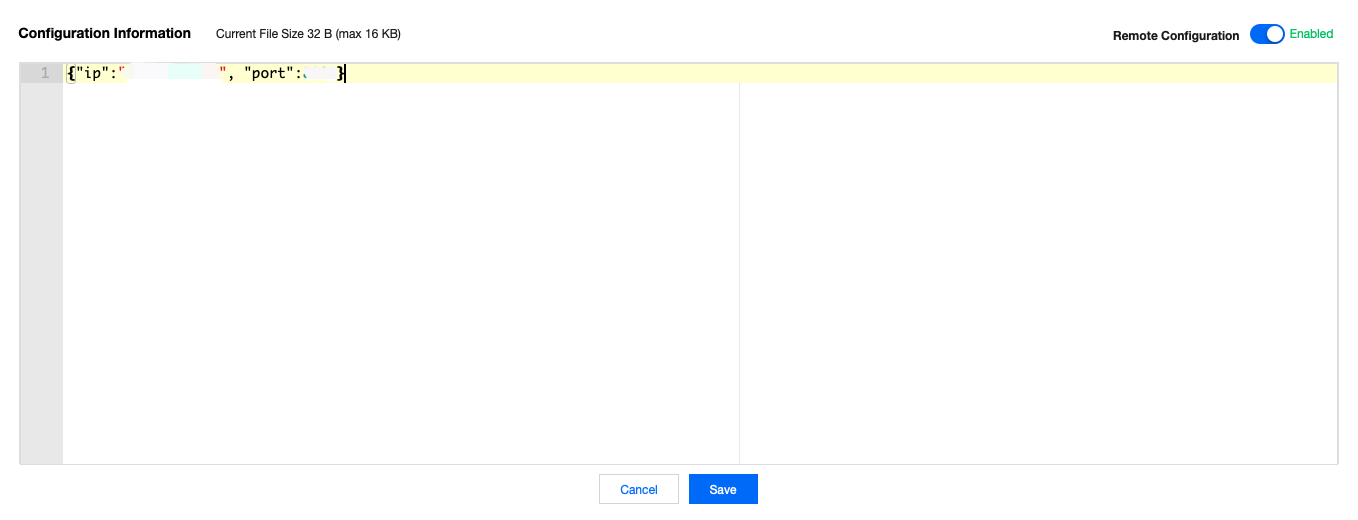
In device use cases, if system parameters need to be updated for devices, such as device IP, port number, and serial port parameter, the remote configuration feature can be used to this end.
Feature Details
Remote device configuration supports two configuration update methods: active distribution by IoT Hub and active request by device. For scenarios where all devices under the same product need to update their configurations, the former can be used to distribute the configuration information to all devices through the remote configuration topic. For scenarios where certain devices need to update their configurations, the latter can be used.
1. The device subscribes to the remote configuration topic.
2. On the configuration page in the IoT Hub console, enable remote configuration and enter the configuration information in JSON format.
3. Click Batch Distribute to distribute the configuration information to all devices under the product in batches through the remote configuration subscription topic.
4. The format of the message distributed by the cloud through the remote configuration subscription topic is as follows:
{"type":"push",
"result":0,
"payload":{yourConfigurationMessage}
}
Parameter description:
Parameter
Type
Description
type
string
The value is `push` for active distribution by IoT Hub.
push: active distribution by IoT Hub
reply: active request by device
result
int
Error code.
0: success
1001: the configuration is disabled
payload
string
Configuration information details
After the device successfully receives the configuration information distributed by IoT Hub, it will get the configuration information by calling the callback function provided in the SDK and update the information into its system parameters. The logic of updating configuration parameters in this part should be customized by yourself.
Active request by device
1. On the configuration page in the console, enable remote configuration and enter the configuration information in JSON format.
2. The device subscribes to the remote configuration topic and sends a remote configuration request through the topic.
3. After the cloud successfully receives the device's request for remote configuration information, it will send the device configuration information on the configuration page to the device through the remote configuration subscription topic.
The content of the configuration request message sent by the device is fixed as follows:
{"type":"get"}
Parameter description:
Parameter
Type
Description
type
string
The value is `get` for active request by device
The format of the message distributed by the cloud through the remote configuration subscription topic is as follows:
{"type":"reply",
"result":0,
"payload":{yourConfigurationMessage}
}
Parameter description:
Parameter
Type
Description
type
string
The value is `reply` for active request by device.
push: active distribution by IoT Hub
reply: active request by device
result
int
Error code.
0: success
1001: the configuration is disabled
payload
string
Configuration information details
4. The steps after the device receives the data are the same as those of active distribution by the cloud.
Configuration information management
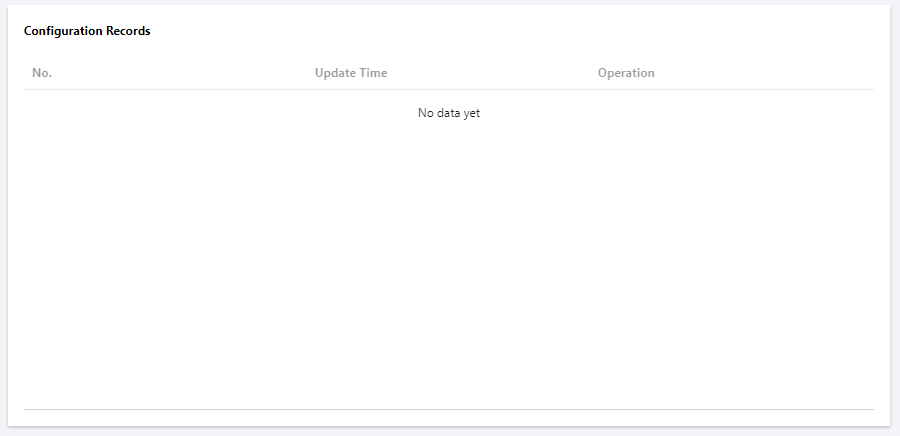
IoT Hub provides the configuration information management feature, and you can query the last five configuration information records in the console. After you edit and save the configuration information again, the last configuration information will be displayed in the configuration information record. You can view the number, update time, and configuration content for easy management.