After asset synchronization, the default port is used (for instance, MySQL uses port 3306 by default). If the asset uses a port other than the default, it can be modified in batches.
2. In the left sidebar, choose Asset Mgmt > Database.
3. On the Database page, if you want to modify the ports of multiple databases in batch, select the databases whose ports you wish to modify, then click More > Modify port.
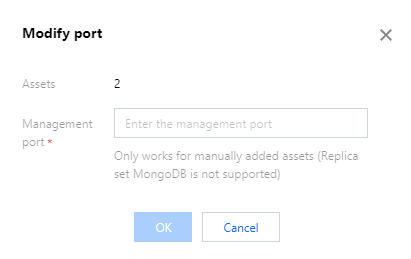
4. In the Modify port window, set the new management port, then click OK to modify the management port of the selected databases.