Viewing Database Access Permissions
Overview
View the user information of those who have access to a specific database
Directions
1. Log in to the BH console.
2. In the left sidebar, choose Asset Mgmt > Database.
3. On the Database page, select the target asset and click more > Permissions in the action column.
4. In the permissions window, you can view the users who have access to the asset.
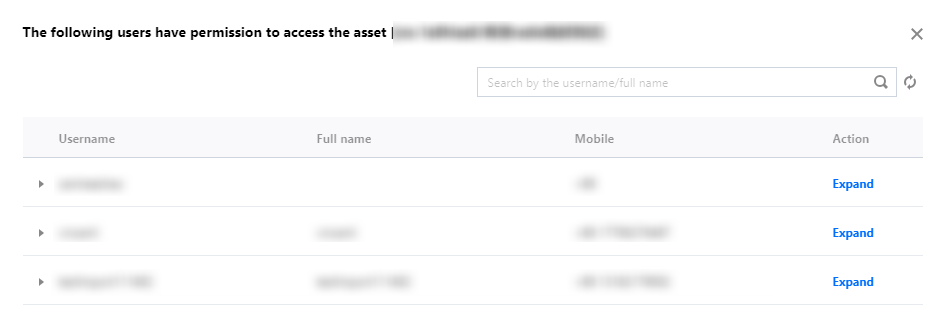
5. In the permissions window, click Expand to view detailed Ops permission information.
Help and Support
Was this page helpful?
You can also Contact sales or Submit a Ticket for help.
Help us improve! Rate your documentation experience in 5 mins.
Feedback