Store bills in COS buckets
Baixar
Modo Foco
Tamanho da Fonte
Introduction
This feature can periodically store billing files to the customer-specified Cloud Object Storage (COS) bucket.
Note:
This feature may incur fees. See COS Billing Overview.
Currently, only billing files in FOCUS protocol format are supported to be stored to COS. See FOCUS Bill Field Description.
Prerequisites
Operation Steps
1. Log in to the Tencent Cloud reseller sub-customer account and go to the Cost Center.
2. Click Billing in the left menu to go to the billing page.
3. Click the billing storage switch in the upper-right corner of the page.
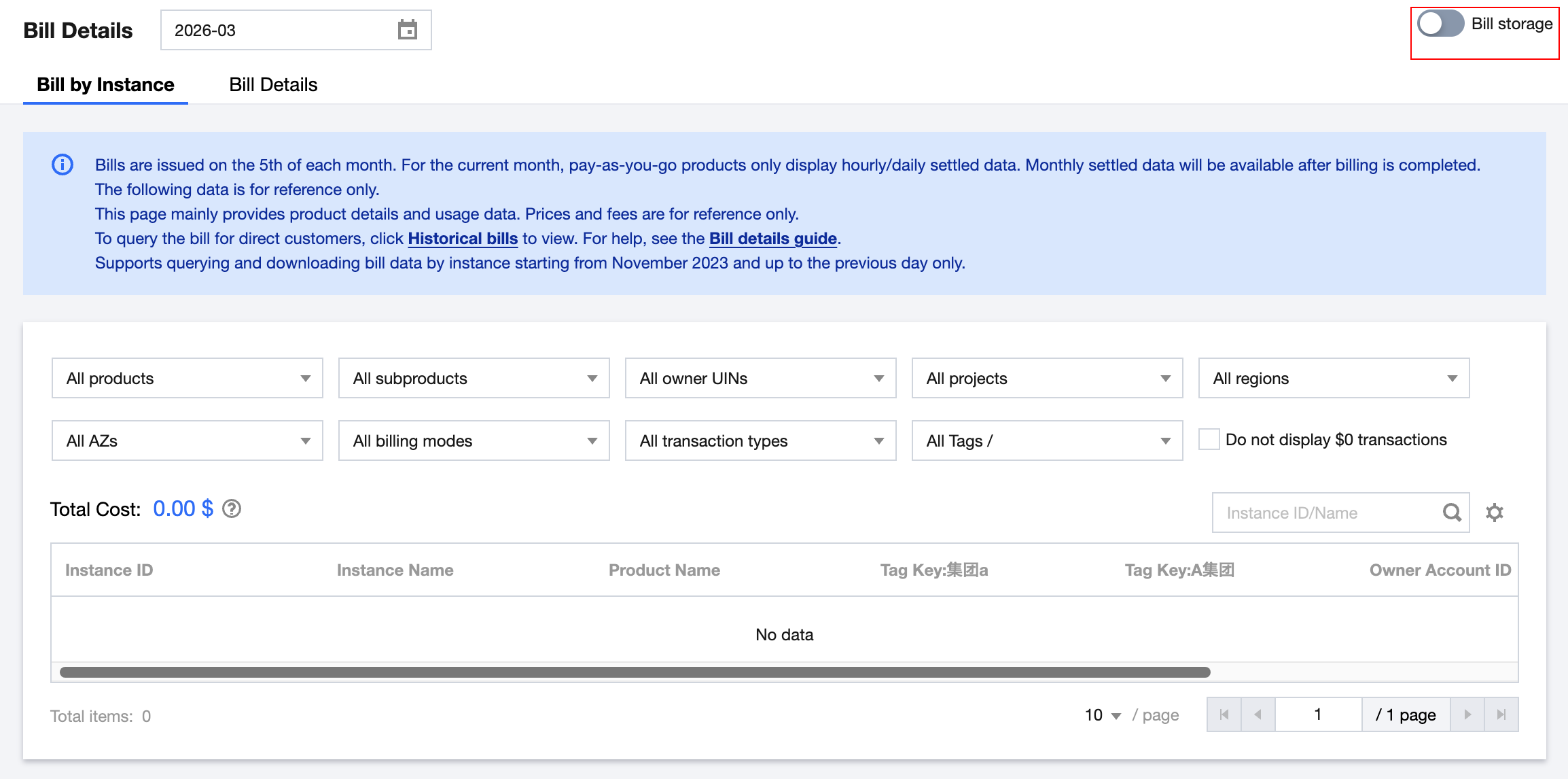
4. In the pop-up window, click Go to Authorization and grant authorization on the authorization page.
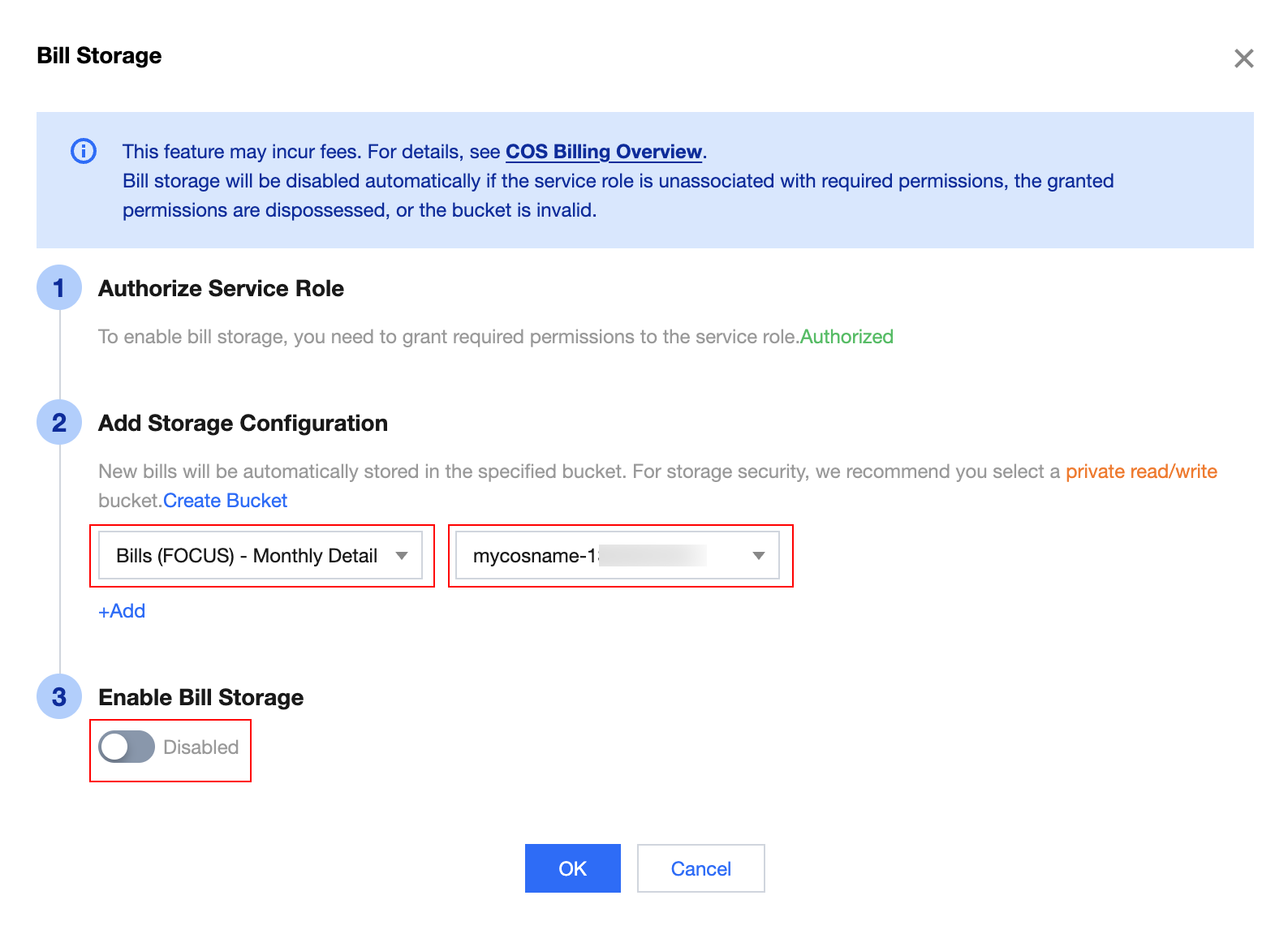
5. Select the billing type to store, select the COS bucket bills, enable the billing data storage switch, and click OK to enable this feature.
Note:
Bill (FOCUS) - Daily Details: Starting at 3:00 on the second day after activation, bills accumulated from the 1st of the current month up to yesterday are delivered, with one file per day. File naming example: FOCUS-bill_details-200020002001-20251209.CSV.
Bill (FOCUS) - Monthly Details: Starting on the 5th of each month, bills for the previous month are delivered, with one file per month. File naming example: FOCUS-bill_details-200020002001-202512.CSV.
Resending historical data is not supported.
If the account has the Group Administrator role, the billing file includes its own fees and fees paid on behalf of all group members, which can be distinguished by SubAccountId.
Other Operations
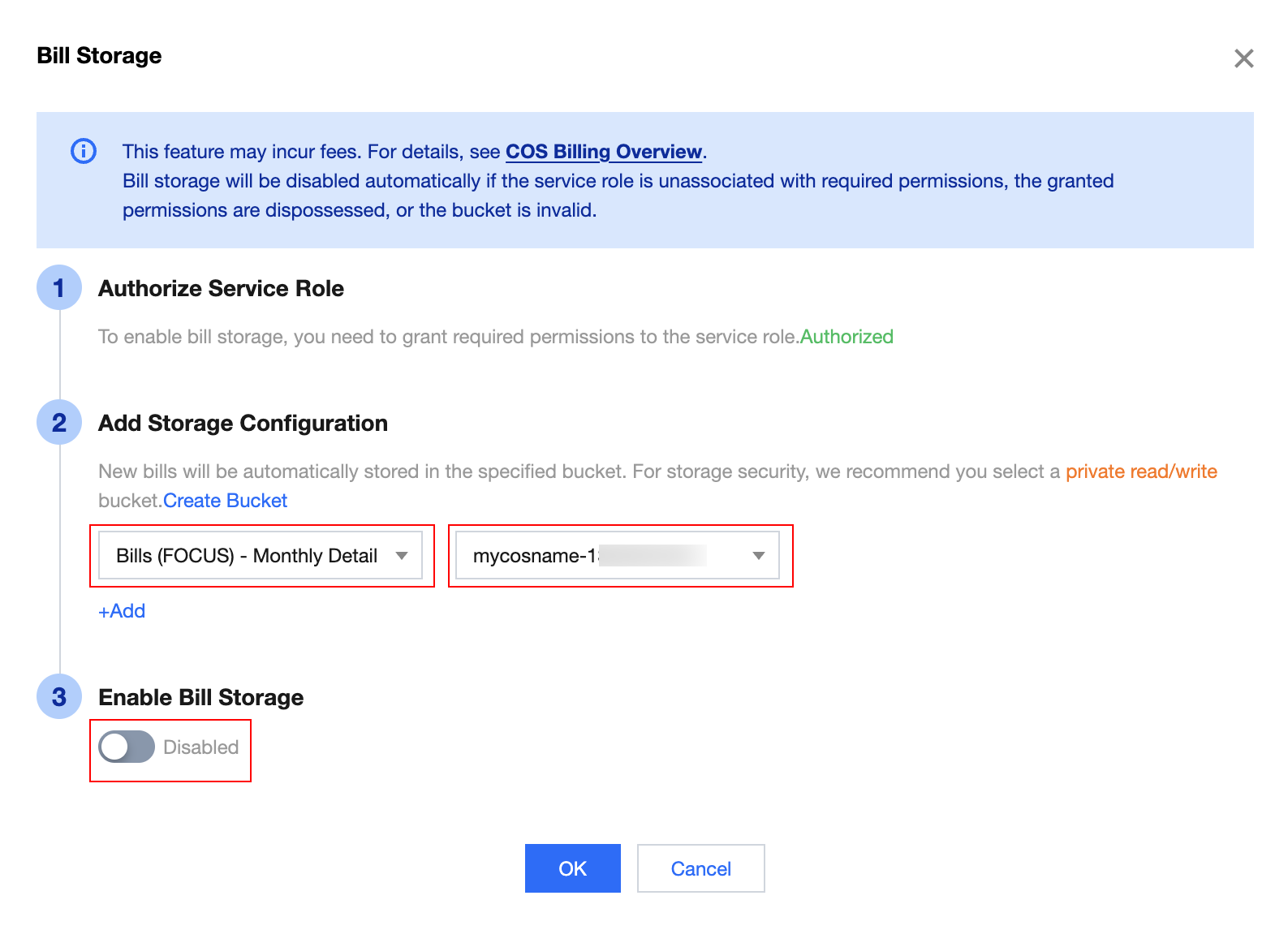
If you need to disable the billing storage feature, set the billing data storage-switch to disabled in the above steps, and click OK to complete.
After it is disabled, the bucket retains old data and no longer writes new data.
Related Links
COS API obtains the billing package name: GET Bucket (List Objects).
COS API downloads the compressed package: GET Object.
Ajuda e Suporte
Esta página foi útil?
Você também pode entrar em contato com a Equipe de vendas ou Enviar um tíquete em caso de ajuda.
comentários