Invited to Bind as a Customer
Baixar
Modo Foco
Tamanho da Fonte
This document describes how to bind and become a sub-account under a reseller.
Must-Knows
Customers can be invited to bind as a reseller's sub-account regardless of whether they have registered a Tencent Cloud account.
For registered users before binding, if there are unpaid bills, the payment must still be processed through the pre-binding identity payment process. For example: if the user was a Tencent Cloud customer before binding, the payment for unpaid bills can only be realized by the Tencent Cloud customer payment method.
Operation Steps
1. Click the reseller's invitation link, select "Bind with logged-in account", "Log in with another account and bind it" or "Sign up with new account and bind it" to become a sub-account.
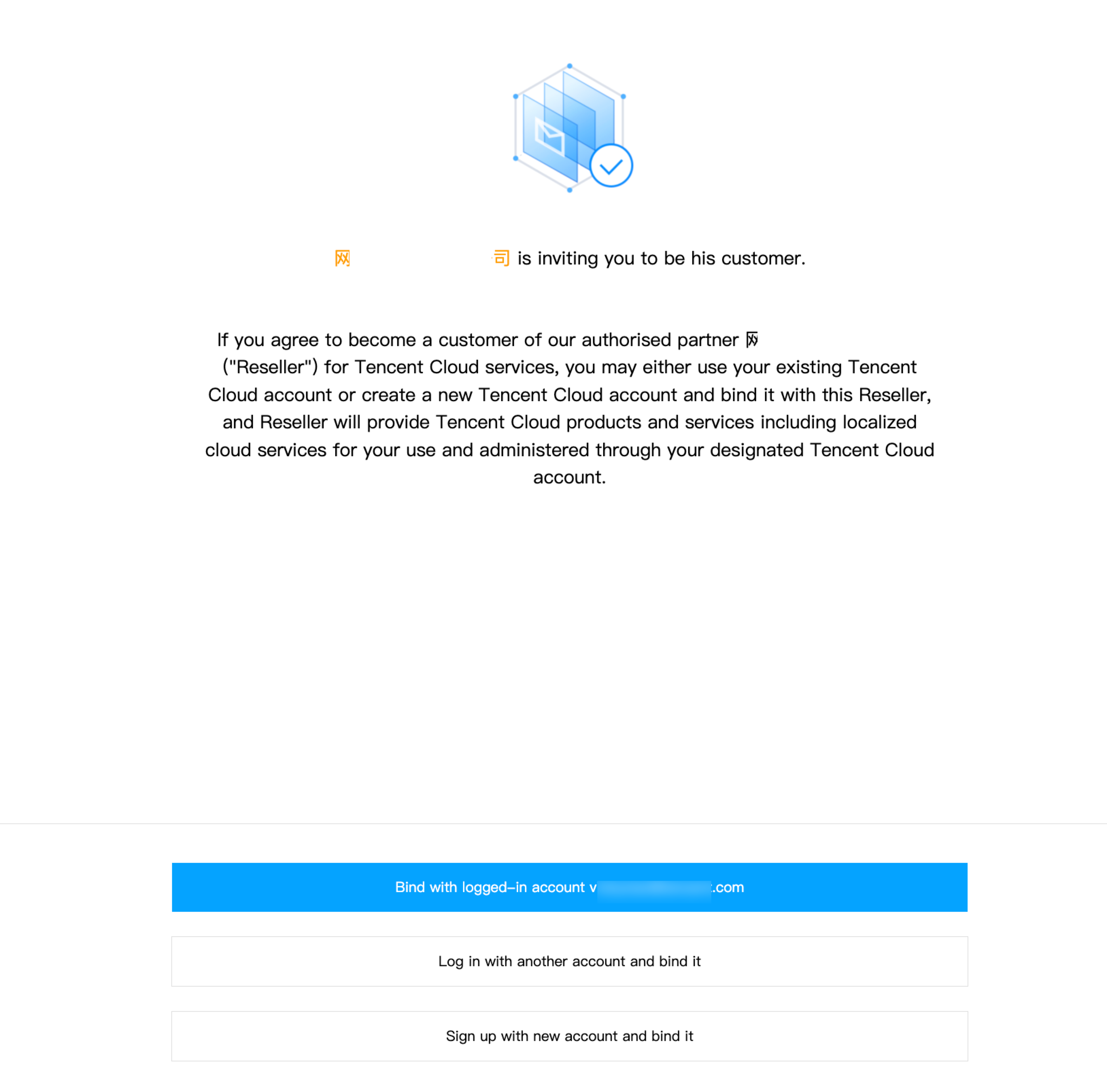
2. Complete information filling and bind.
1. Click Sign up with new account and bind it to enter the registration page and complete registration information.
Note:
You must enter through the invitation link.
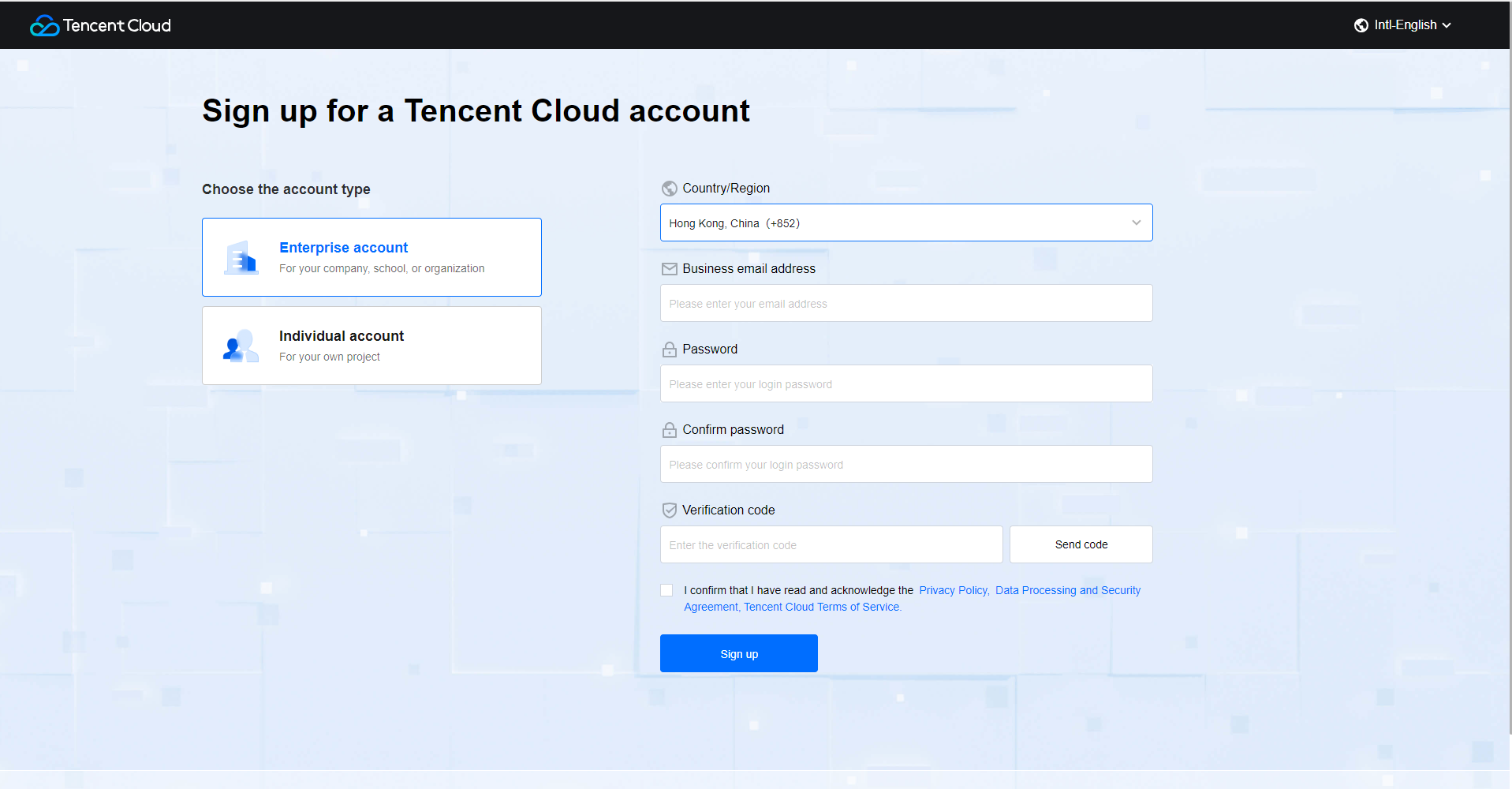
2. Complete account information, fill in enterprise name, address, phone numbers, and submit information. After dealer review passed, the reseller will be successfully bound and available for login via console.
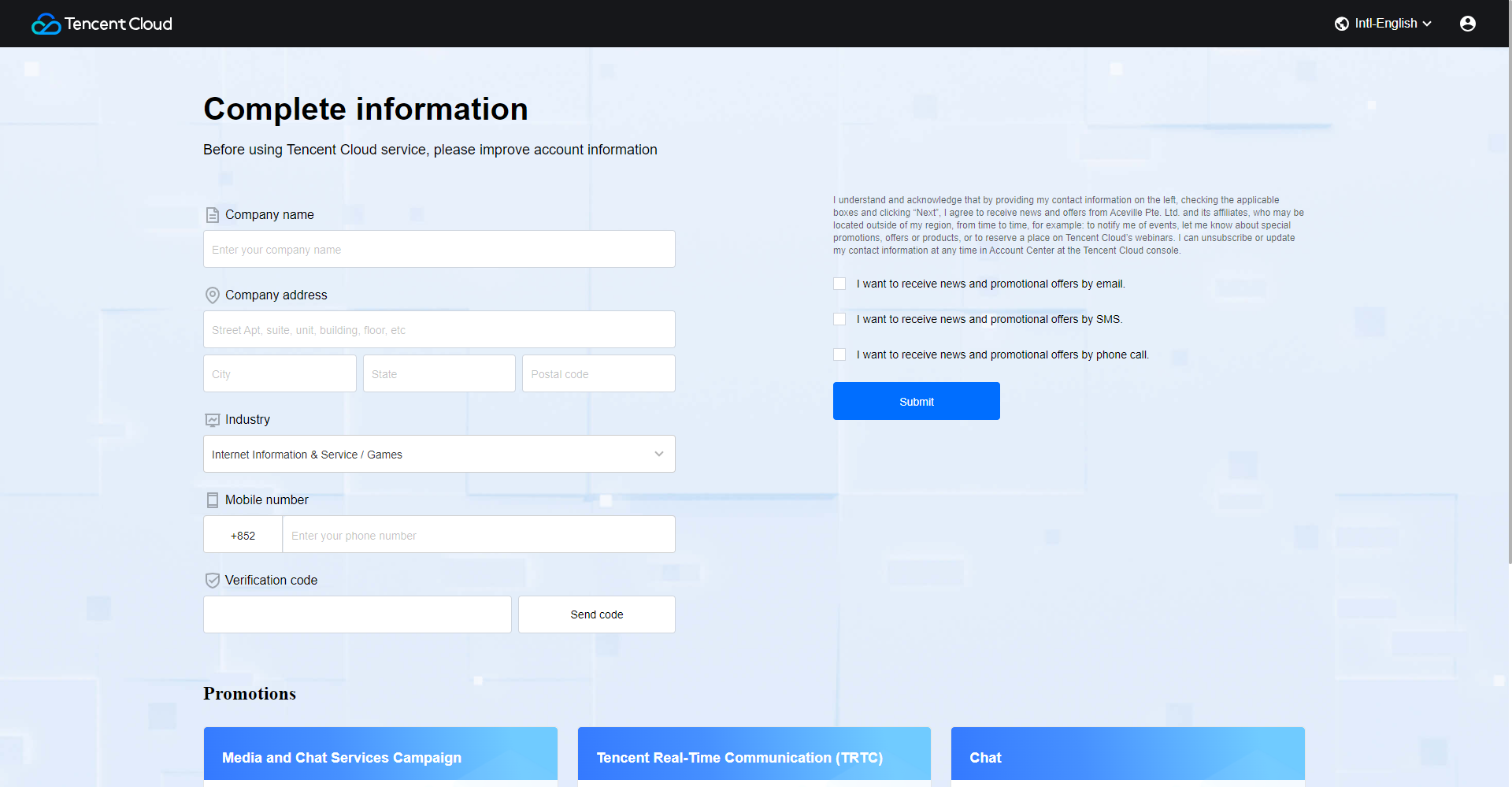
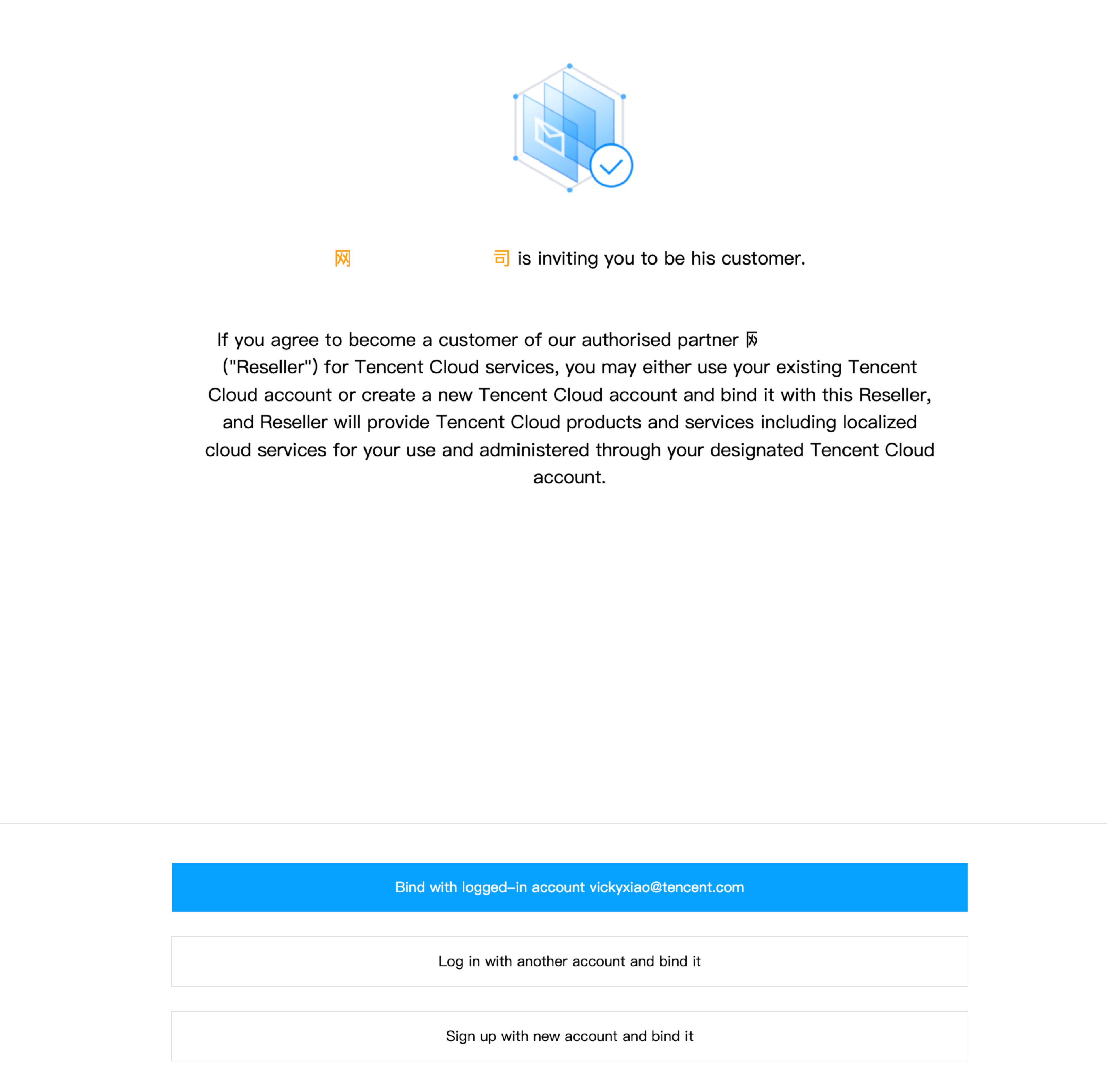
3. After submitting the account information, the page will return to the customer invitation page. Please click"Bind with logged-in account"
4. Please review and confirm the sub-customer agreement, and check"Check here to indicate that you have read and agree to these conditions for switching to become a customer of our authorised partner,Tencent Cloud Reseller Customer Terms of Service and Privacy Policy".
Note:
Please note that the option "Click here to indicate that you agree to the transfer of your data relating to the list price of last month's consumption bill to Reseller for the purpose of determining the credit level." is not mandatory and can be left unchecked.
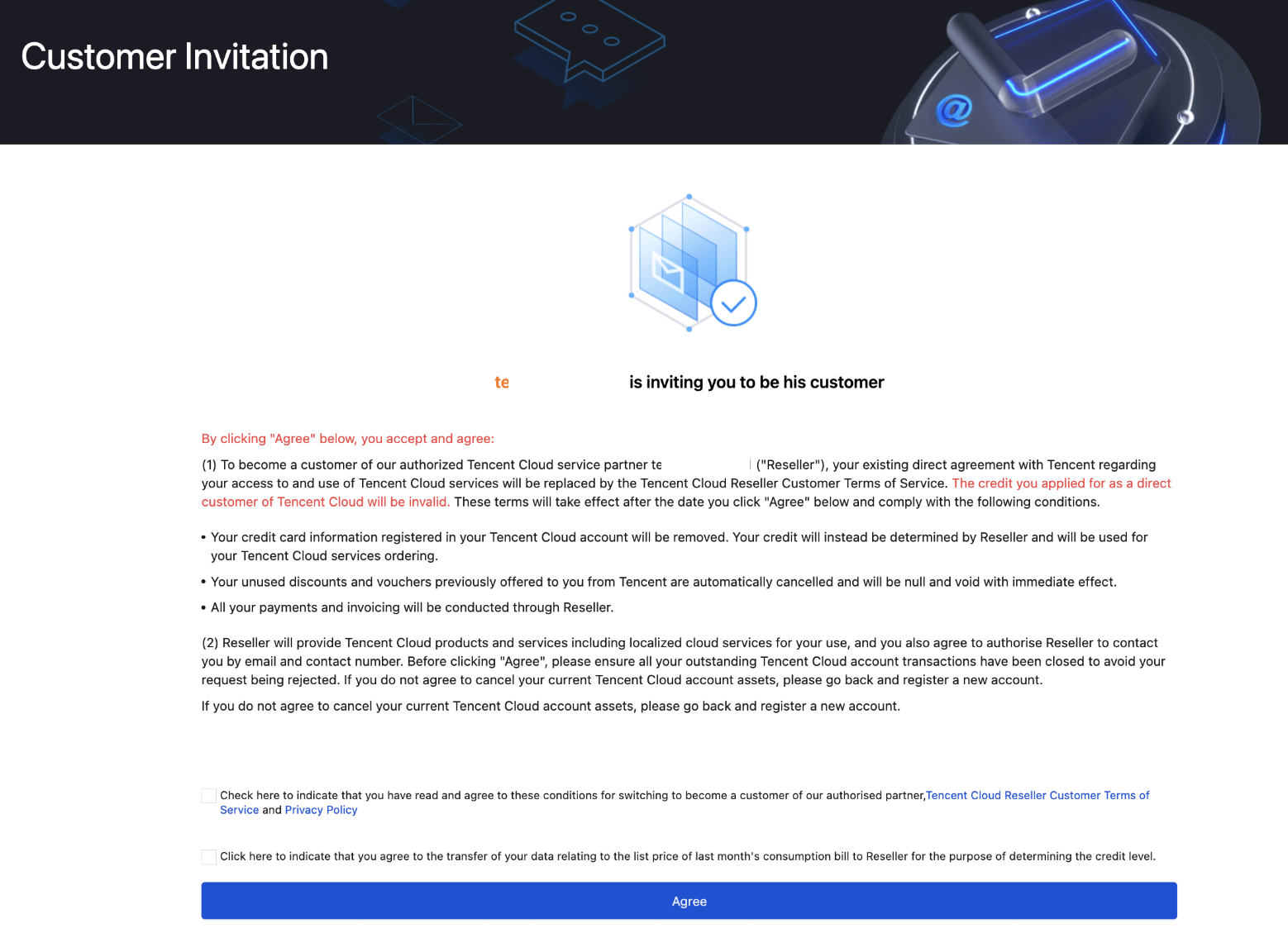
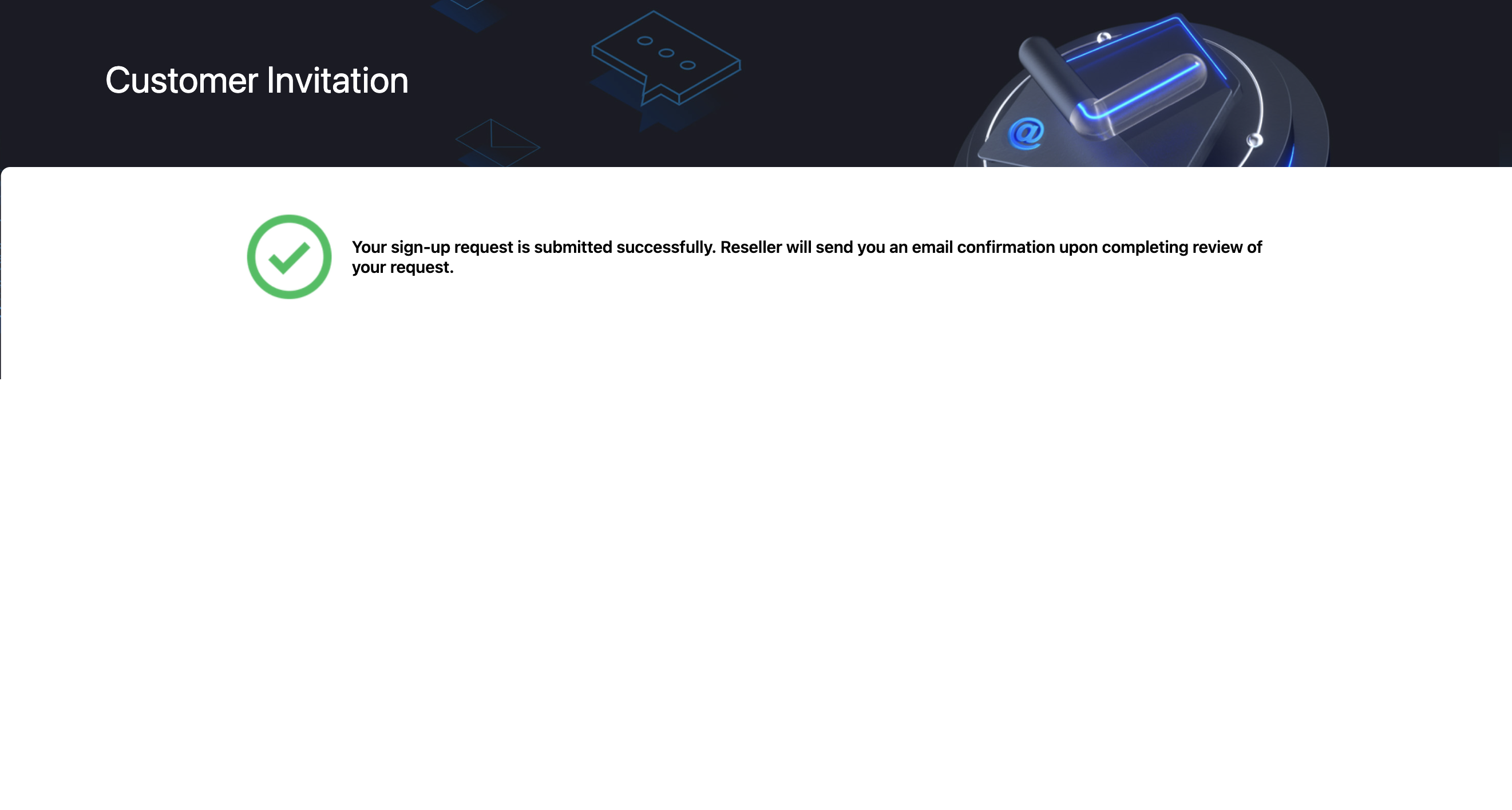
5. After clicking Agree, the system will send a binding application to the partner console for review.Once approved, you will be successfully bound as a reseller and able to log in and use the console.
1. Log in to existing account to enter the page for submitting binding application, complete the confirmation of sub-account considerations and agreement.
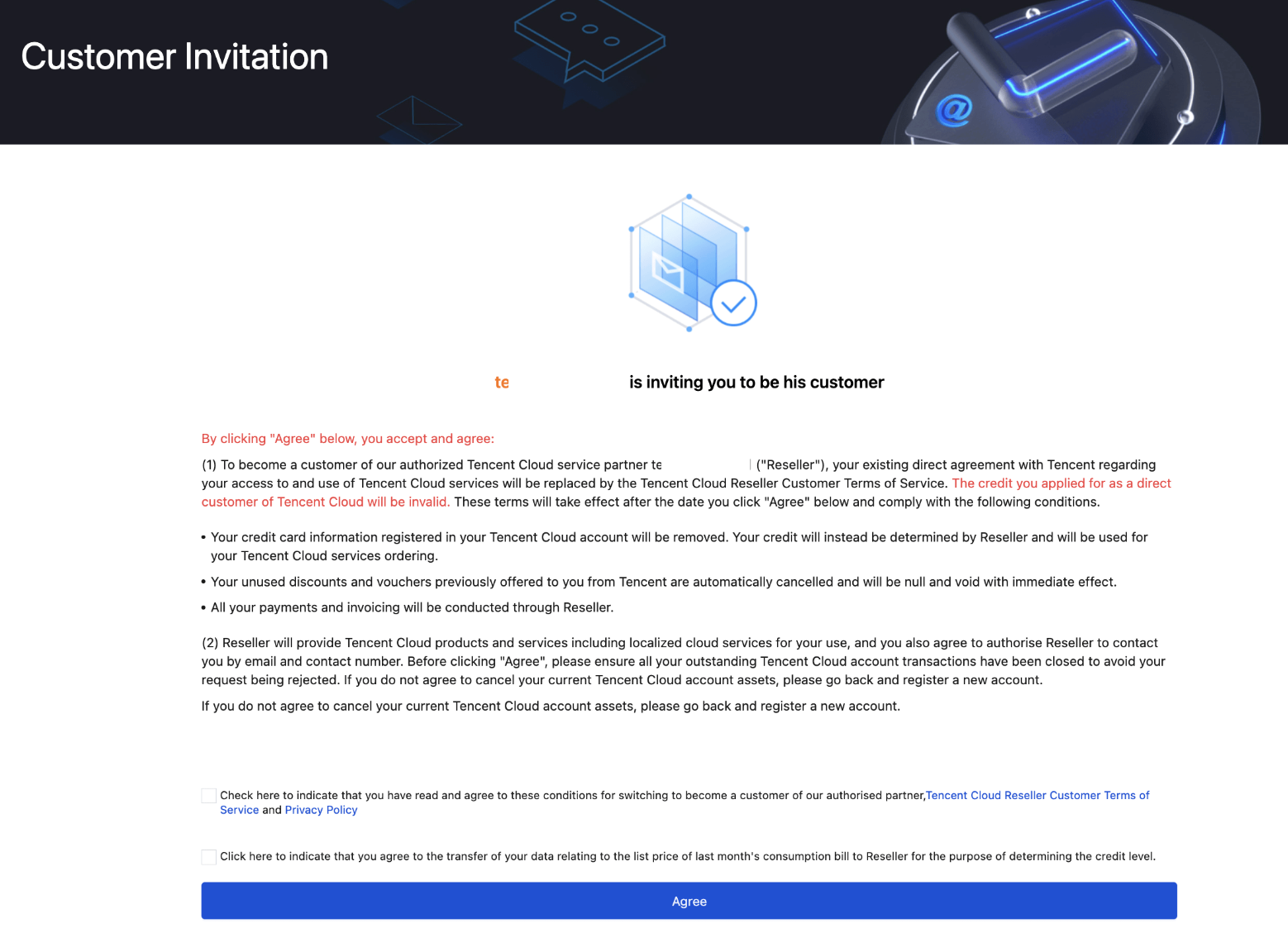
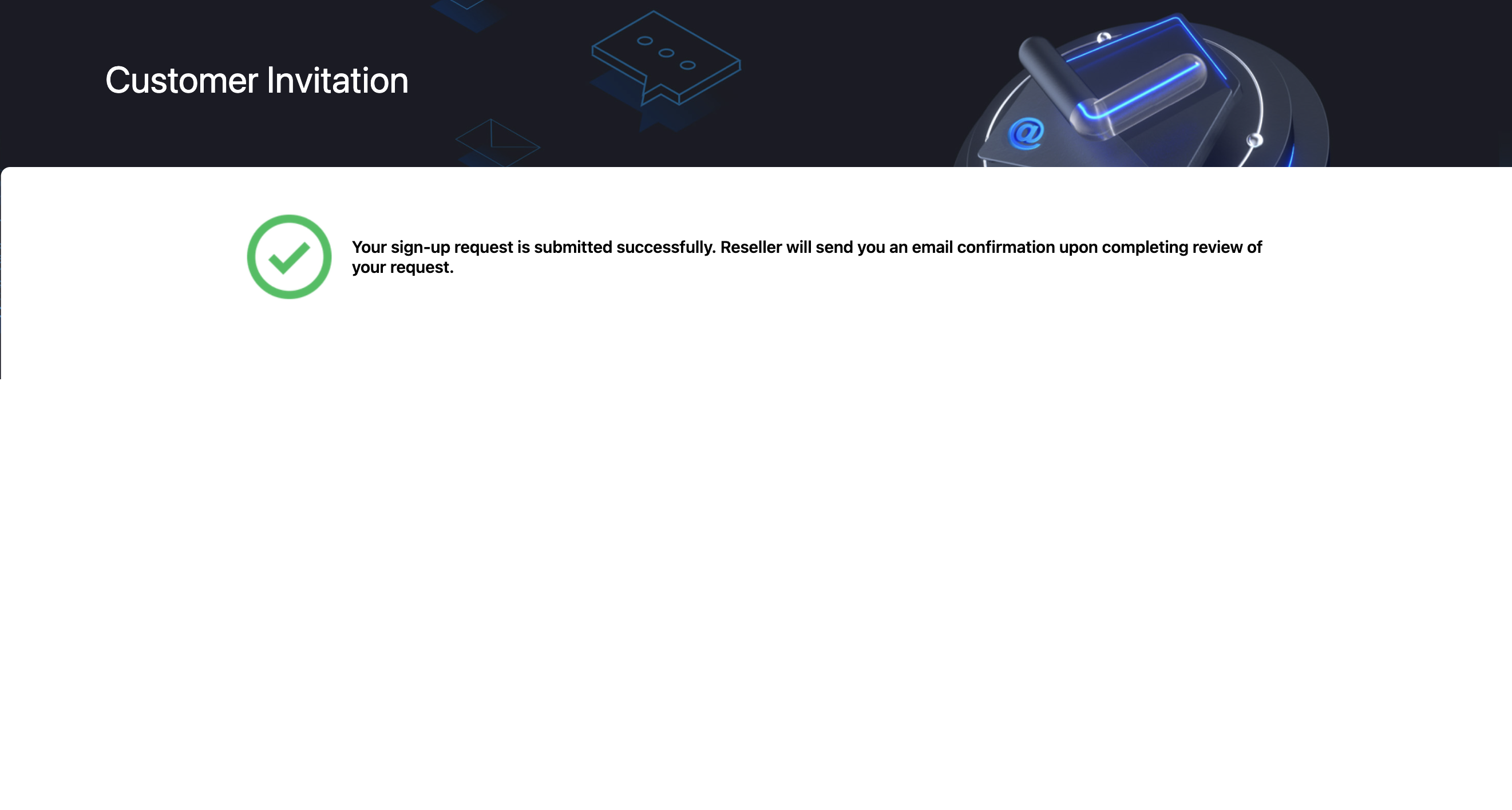
2. Click Agree, and the system will push the binding application to the reseller console for review. After review passed, the reseller will be successfully bound and available for login via console.
Ajuda e Suporte
Esta página foi útil?
Você também pode entrar em contato com a Equipe de vendas ou Enviar um tíquete em caso de ajuda.
comentários