Resource Export
다운로드
포커스 모드
폰트 크기
This document describes the resource export feature of Tencent Healthcare Data Services. You can batch export resources from the FHIR store to Tencent Cloud COS.
Prerequisites
Creating an Instance has been finished.
You have activated COS and created a bucket.
Operation Steps
1. Go to the Tencent Healthcare Data Services > Browser page. In the Operation column on the right side of the instance, click Export.

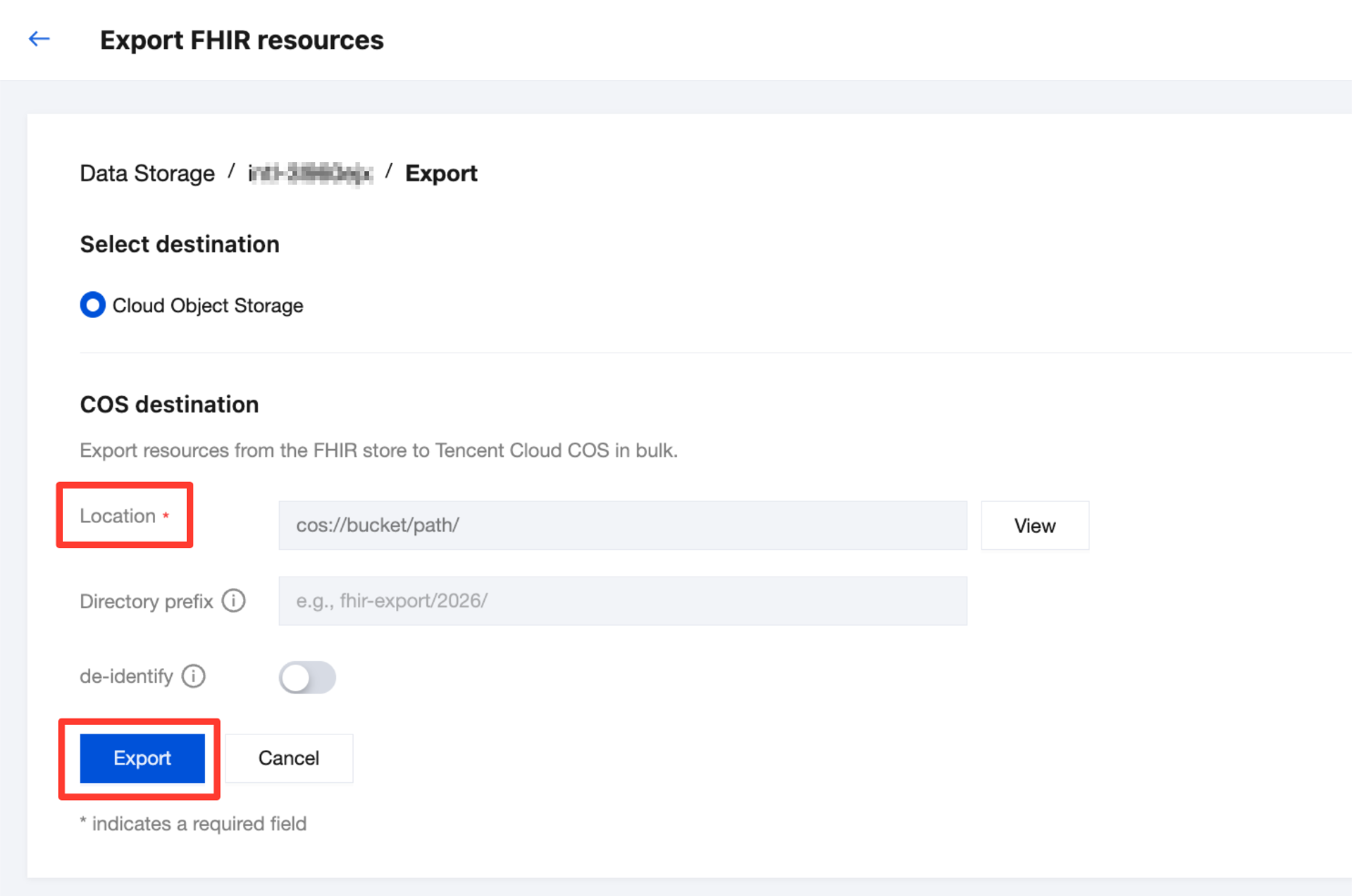
2. Go to the Export FHIR resources page. Select a COS destination. Optionally, you can specify a directory prefix and choose whether de-identify is required (for details about the de-identification feature, see De-identification (Data Masking)). Click Export to export the FHIR resources to Tencent Cloud COS.
피드백