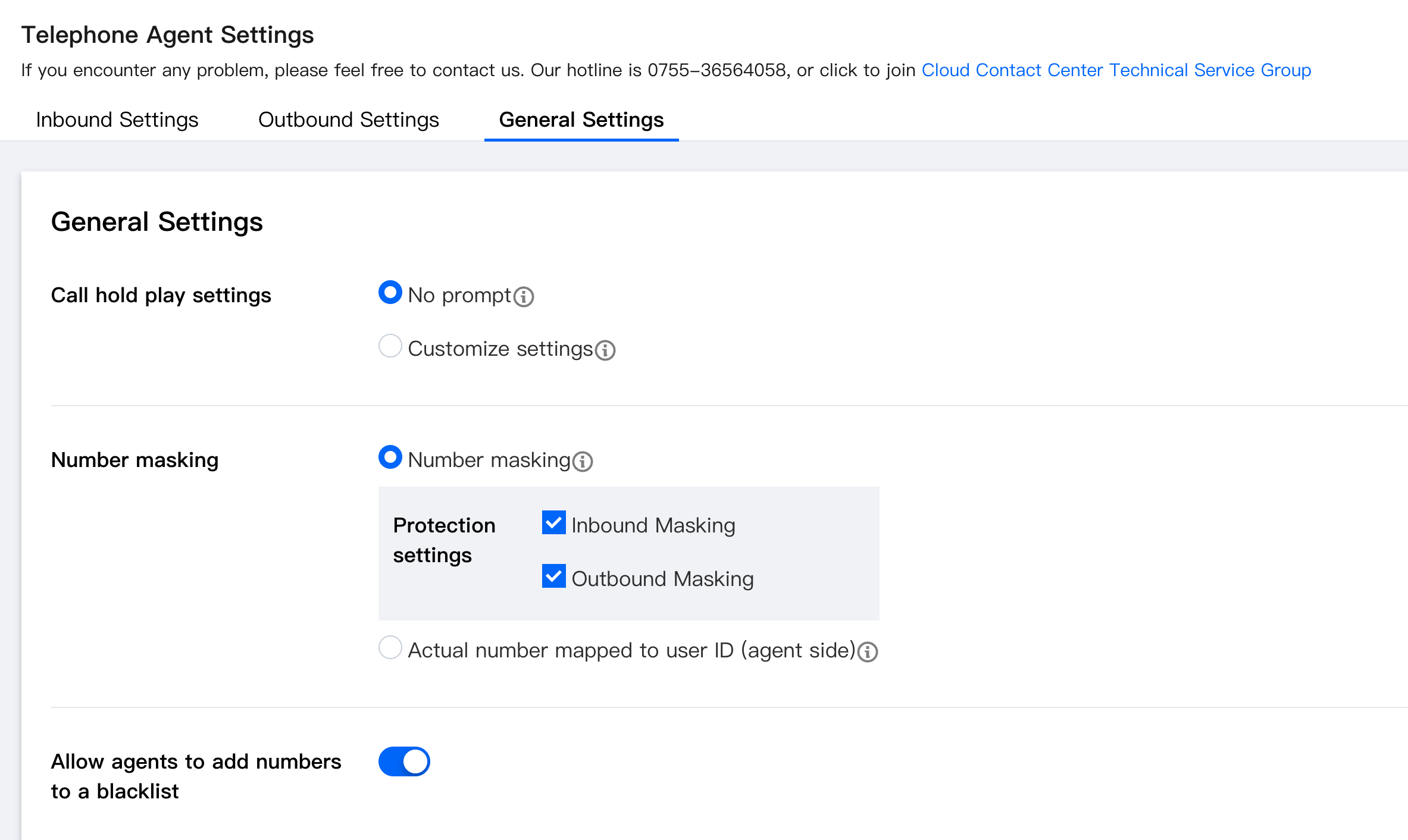
Number Masking displays the number with the middle four digits hidden (e.g., 189xxxx8352), and the agent cannot see the user's actual mobile number.
Number Masking
Go to the Cloud Contact Center management panel, choose Telephone Agent > Telephone Agent Settings > General Settings in the left navigation bar, and select Number masking in the number protection settings.