tencent cloud

TDSQL-C for MySQL

Release Notes and Announcements
Release Notes
Product Announcements
Beginner's Guide
Product Introduction
Overview
Strengths
Use Cases
Architecture
Product Specifications
Instance Types
Product Feature List
Database Versions
Regions and AZs
Common Concepts
Use Limits
Suggestions on Usage Specifications
Kernel Features
Kernel Overview
Kernel Version Release Notes
Optimized Kernel Version
Functionality Features
Performance Features
Security Features
Stability Feature
Analysis Engine Features
Inspection and Repair of Kernel Issues
Purchase Guide
Billing Overview
Product Pricing
Creating Cluster
Specification Adjustment Description
Renewal
Payment Overdue
Refund
Change from Pay-as-You-Go to Yearly/Monthly Subscription
Change from Pay-as-You-Go to Serverless Billing
Value-Added Services Billing Overview
Viewing Billing Statements
Getting Started
Database Audit
Overview
Viewing Audit Instance List
Enabling Audit Service
Viewing Audit Logs
Log Shipping
Post-Event Alarm Configuration
Modifying Audit Rule
Modifying Audit Service
Disabling Audit Service
Audit Rule Template
Viewing Audit Task
Authorizing Sub-User to Use Database Audit
Serverless Service
Serverless Introduction
Creating and Managing a Serverless Cluster
Elastic Scaling Management Tool
Serverless Resource Pack
Multi-AZ Deployment
Configuration Change
FAQs
Serverless Cost Estimator
Operation Guide
Operation Overview
Switching Cluster Page View in Console
Database Connection
Instance Management
Configuration Adjustment
Instance Mode Management
Cluster Management
Scaling Instance
Database Proxy
Account Management
Database Management
Database Management Tool
Parameter Configuration
Multi-AZ Deployment
GD
Backup and Restoration
Operation Log
Data Migration
Parallel Query
Columnar Storage Index (CSI)
Analysis Engine
Database Security and Encryption
Monitoring and Alarms
Basic SQL Operations
Connecting to TDSQL-C for MySQL Through SCF
Tag
Practical Tutorial
Classified Protection Practice for Database Audit of TDSQL-C for MySQL
Upgrading Database Version from MySQL 5.7 to 8.0 Through DTS
Usage Instructions for TDSQL-C MySQL
New Version of Console
Implementing Multiple RO Groups with Multiple Database Proxy Connection Addresses
Strengths of Database Proxy
Selecting Billing Mode for Storage Space
Creating Remote Disaster Recovery by DTS
Creating VPC for Cluster
Data Rollback
Solution to High CPU Utilization
How to Authorize Sub-Users to View Monitoring Data
White Paper
Security White Paper
Performance White Paper
Troubleshooting
Connection Issues
Performance Issues
API Documentation
History
Introduction
API Category
Making API Requests
Instance APIs
Multi-Availability Zone APIs
Other APIs
Audit APIs
Database Proxy APIs
Backup and Recovery APIs
Parameter Management APIs
Billing APIs
serverless APIs
Resource Package APIs
Account APIs
Performance Analysis APIs
Data Types
Error Codes
FAQs
Basic Concepts
Purchase and Billing
Compatibility and Format
Connection and Network
Features
Console Operations
Database and Table
Performance and Log
Database Audit
Between TDSQL-C for MySQL and TencentDB for MySQL
Service Agreement
Service Level Agreement
Terms of Service
TDSQL-C Policy
Privacy Policy
Data Privacy and Security Agreement
General References
Standards and Certifications
Glossary
Contact Us
DocumentationTDSQL-C for MySQLOperation GuideSwitching Cluster Page View in Console

Switching Cluster Page View in Console

PDF
Focus Mode
Font Size
Last updated: 2025-12-29 10:17:46

Overview

In the TDSQL-C for MySQL console, the cluster list page supports tab and list views. You can switch between them as instructed below. When there are no more than ten clusters, the tab view displays clearer cluster information and instance data than the list view.

Directions

1. Log in to the TDSQL-C for MySQL console, and toggle on the button in front of List View in the top right of the cluster list. Before toggling on:

After toggling on:

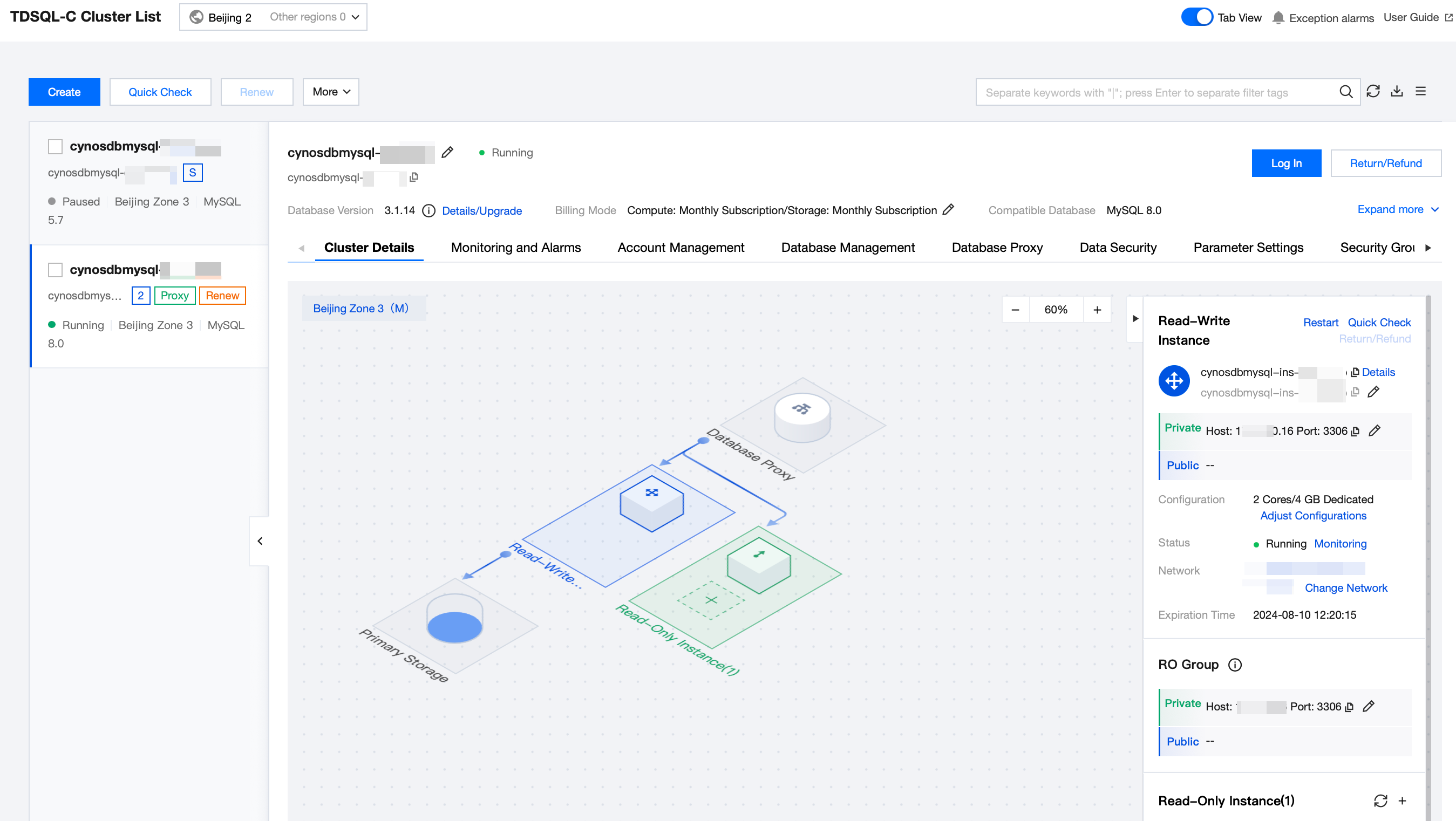
2. After it is toggled on successfully, the tab view is as follows.

3. Click the target cluster in the cluster list on the left to enter the cluster management page.
4. On the Cluster Management page, you can upgrade the database version of the cluster, log in to the cluster, terminate the cluster, request a refund, adjust project, change network, modify deployment mode, edit tags, set renewal and billing mode.
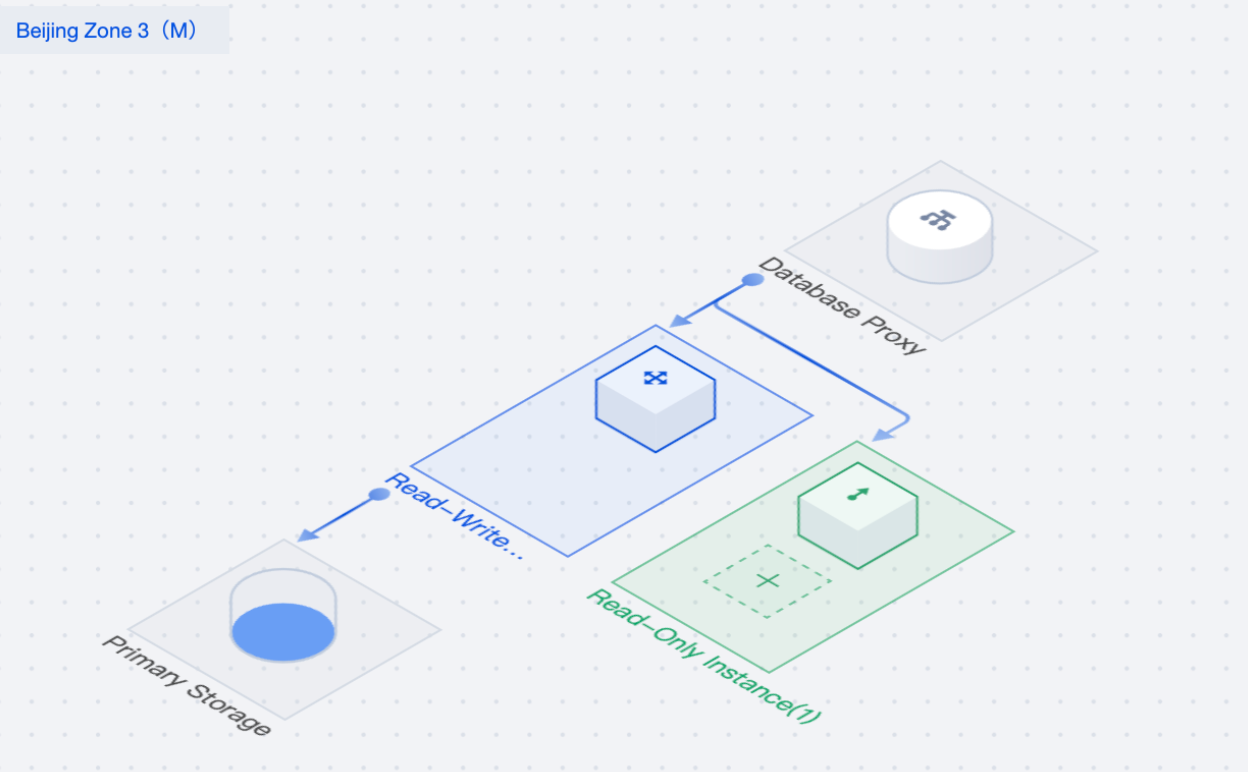
5. On the Cluster Details page, you can learn about the cluster architecture and storage details of TDSQL-C for MySQL and perform related operations on the instance. For more information, see Instance Management Overview.

6. If you need to switch the list view, you can toggle off the button in front of Tab View in the top right of the console. Before toggling off:

After toggling off:


Hiding Cluster List

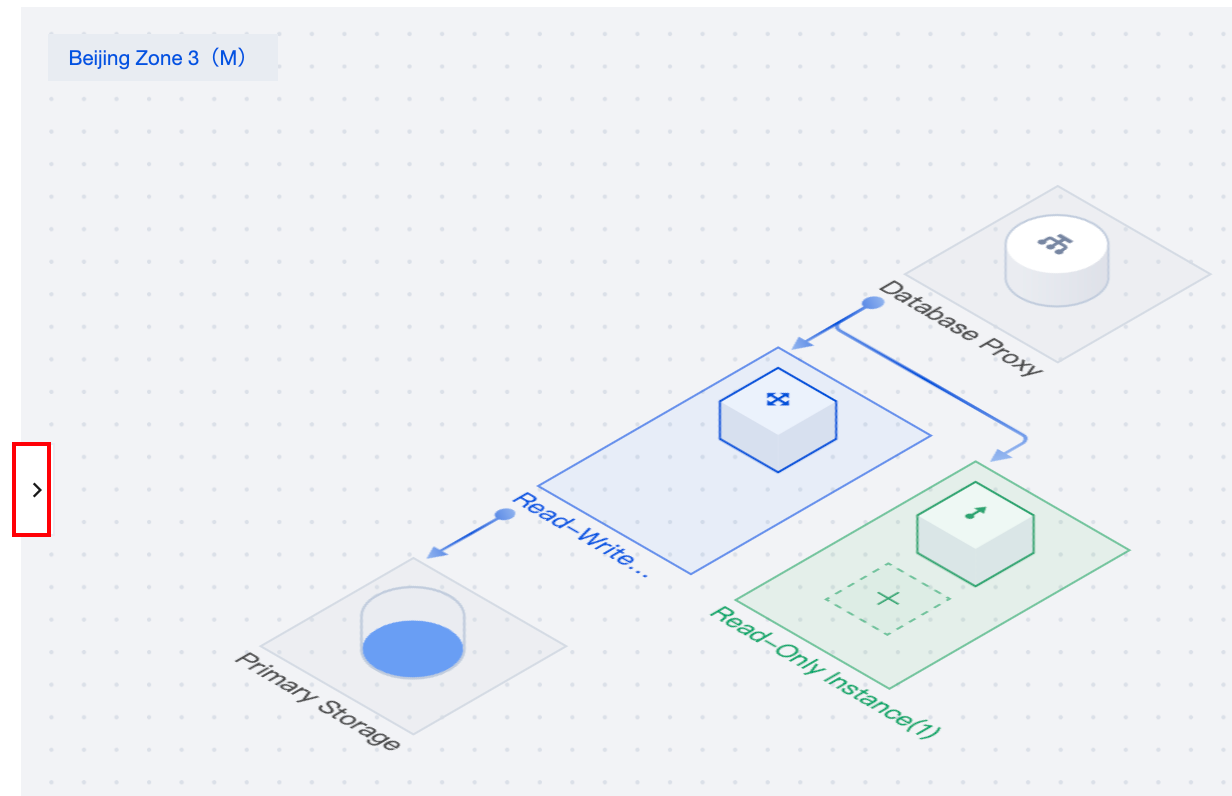
In the tabbed view, it is possible to conceal the Cluster List to facilitate a clearer preview of the corresponding cluster management page. Simply click the icon within the red box as shown below on any cluster management page. Clicking the same icon again will expand the Cluster List anew.


Help and Support

Was this page helpful?

Help us improve! Rate your documentation experience in 5 mins.

Feedback