tencent cloud

Tencent Cloud Observability Platform

Viewing Instance's Basic Information

PDF
Modo Foco
Tamanho da Fonte
Última atualização: 2024-07-31 10:44:36
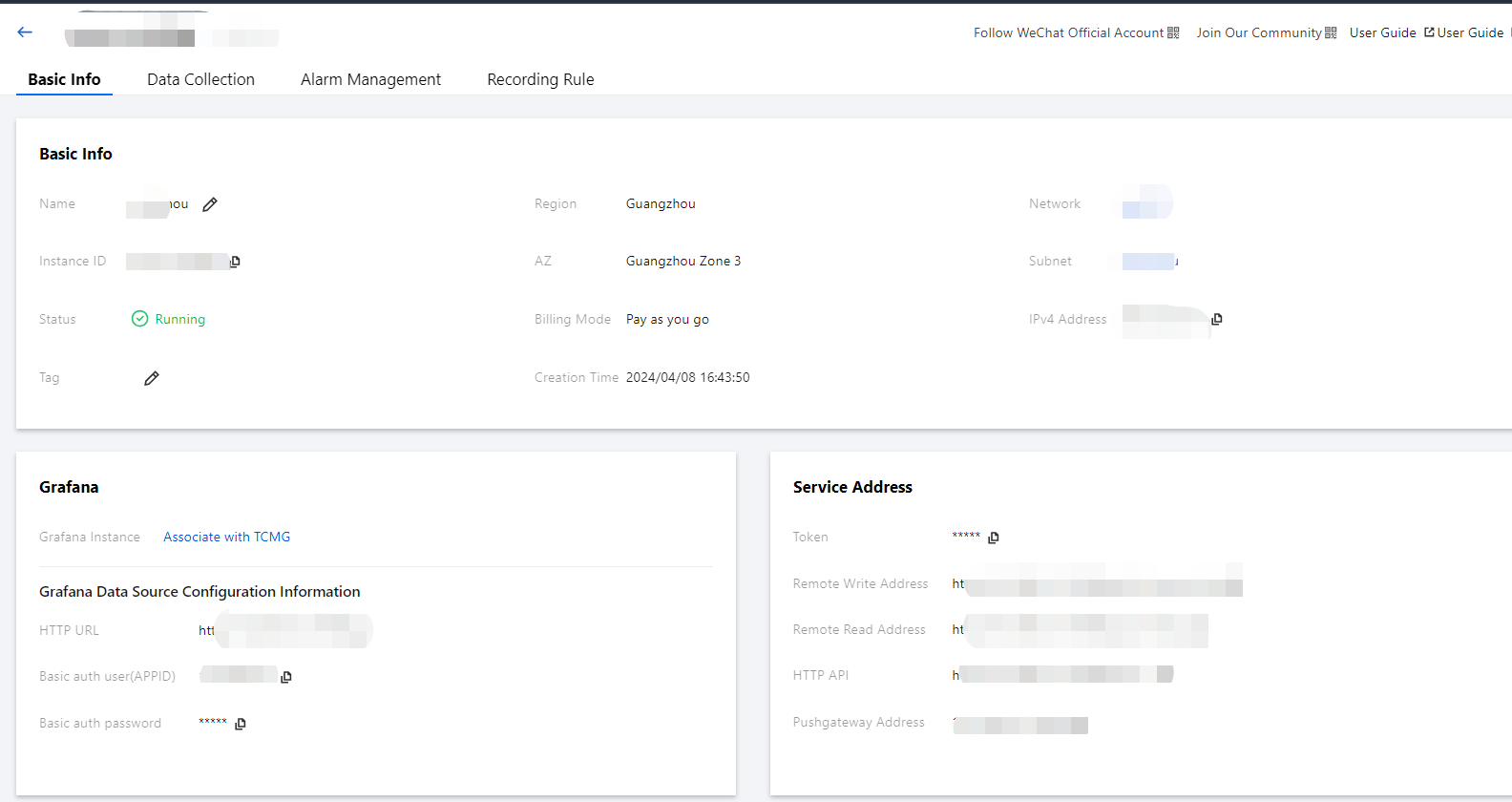
To help you view the basic information of TMP instances, TMP allows you to select a desired instance on the instance list page to enter its management page and view its basic information.

Directions

1. Log in to the TMP console.
2. In the instance list, select the TMP instance to be viewed and click its instance ID or Manage on the right.


3. You can perform the following operations on the basic information page:
Rename the instance.
Edit instance tags.
Change the Grafana Admin password.
Upgrade preset Grafana dashboards.

Ajuda e Suporte

Esta página foi útil?

comentários