This document describes how to restore an isolated TencentDB for PostgreSQL instance in the console.
Overview
If an instance is terminated by mistake, due to overdue payment, or when it expires, you can go to the recycle bin to restore it before it is eliminated.
Note:
After an instance is restored, it uses the same configurations as before.
An instance cannot be terminated, restored and terminated again in a short time.
Directions
1. Log in to the TencentDB for PostgreSQL console, locate the instance to be restored in the recycle bin list, and click Restore in the Operation column.
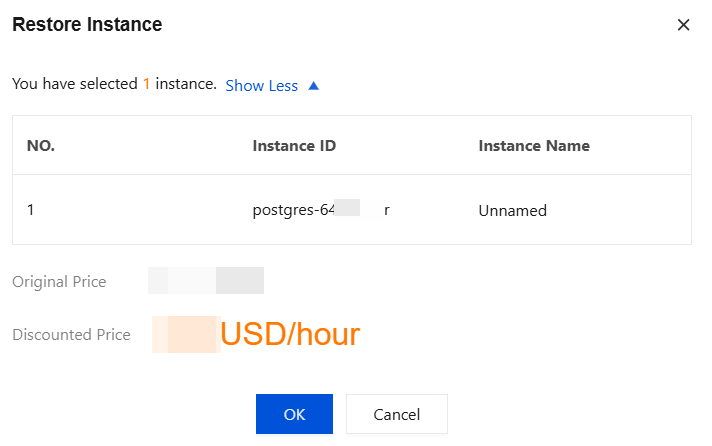
2. In the pop-up dialog box, confirm the billing information, and click OK.
3. After the restoration is completed, you can see the instance in the instance list.