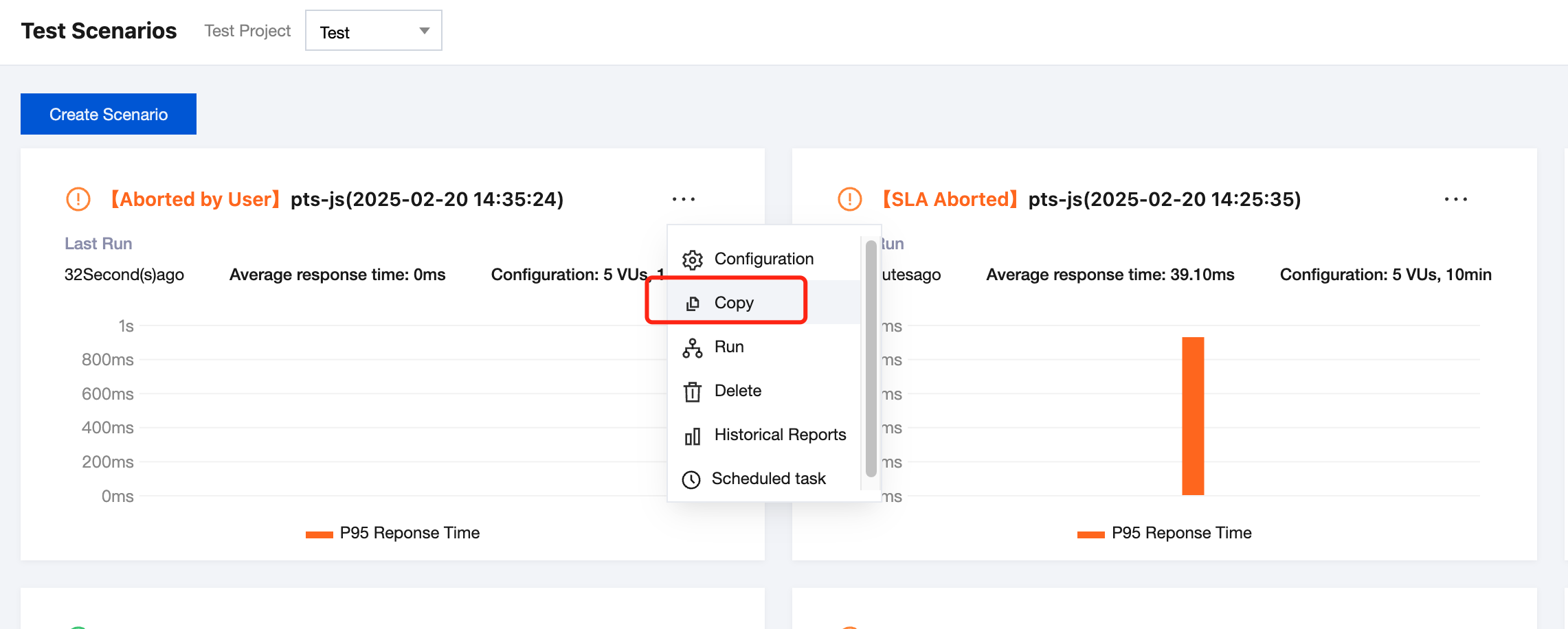
2. In the left sidebar, click PTS > Test Scenario.
3. Click the scenario name to enter the test scenario details page, click
> Copy.
4. After the execution is successful, modify the scenario name and click Confirm (the scenario name is a required field, which defaults to the same name as the original scenario), and a new scenario with exactly the same configuration as the original one can be created.