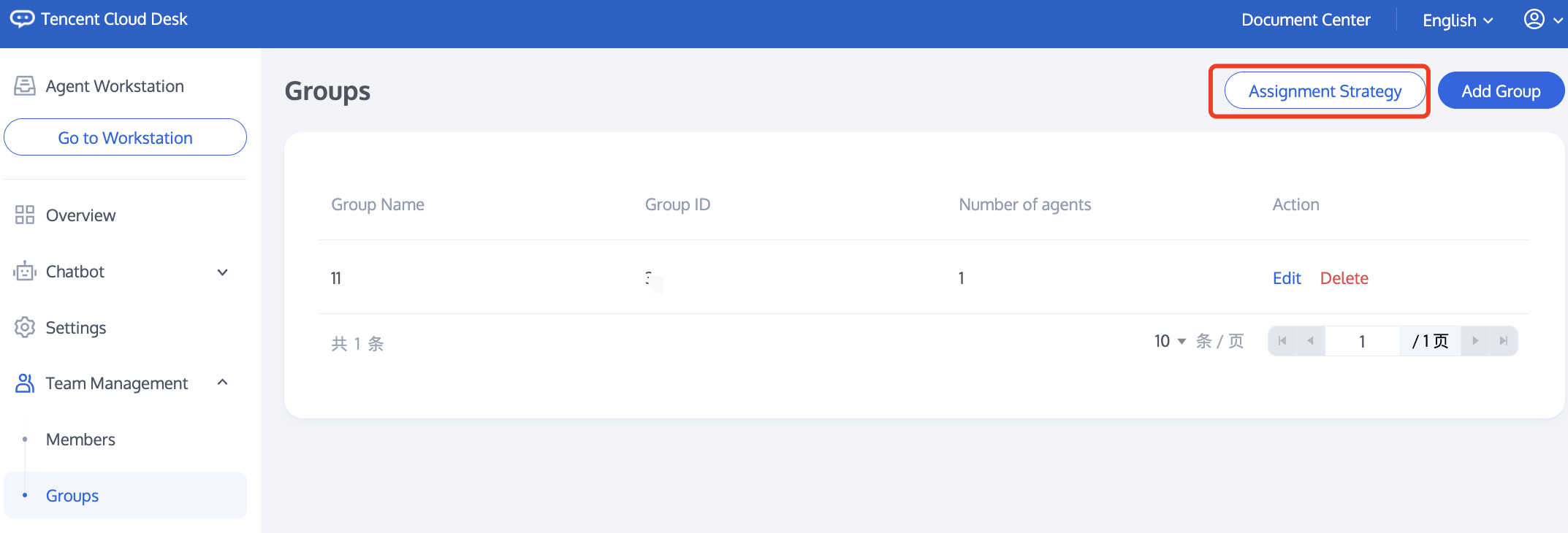
You can create and manage multiple agent groups through the team management's Group feature. You can quickly assign users to the appropriate agent group using customized assignment strategies, thereby enhancing service efficiency.
Add a Group
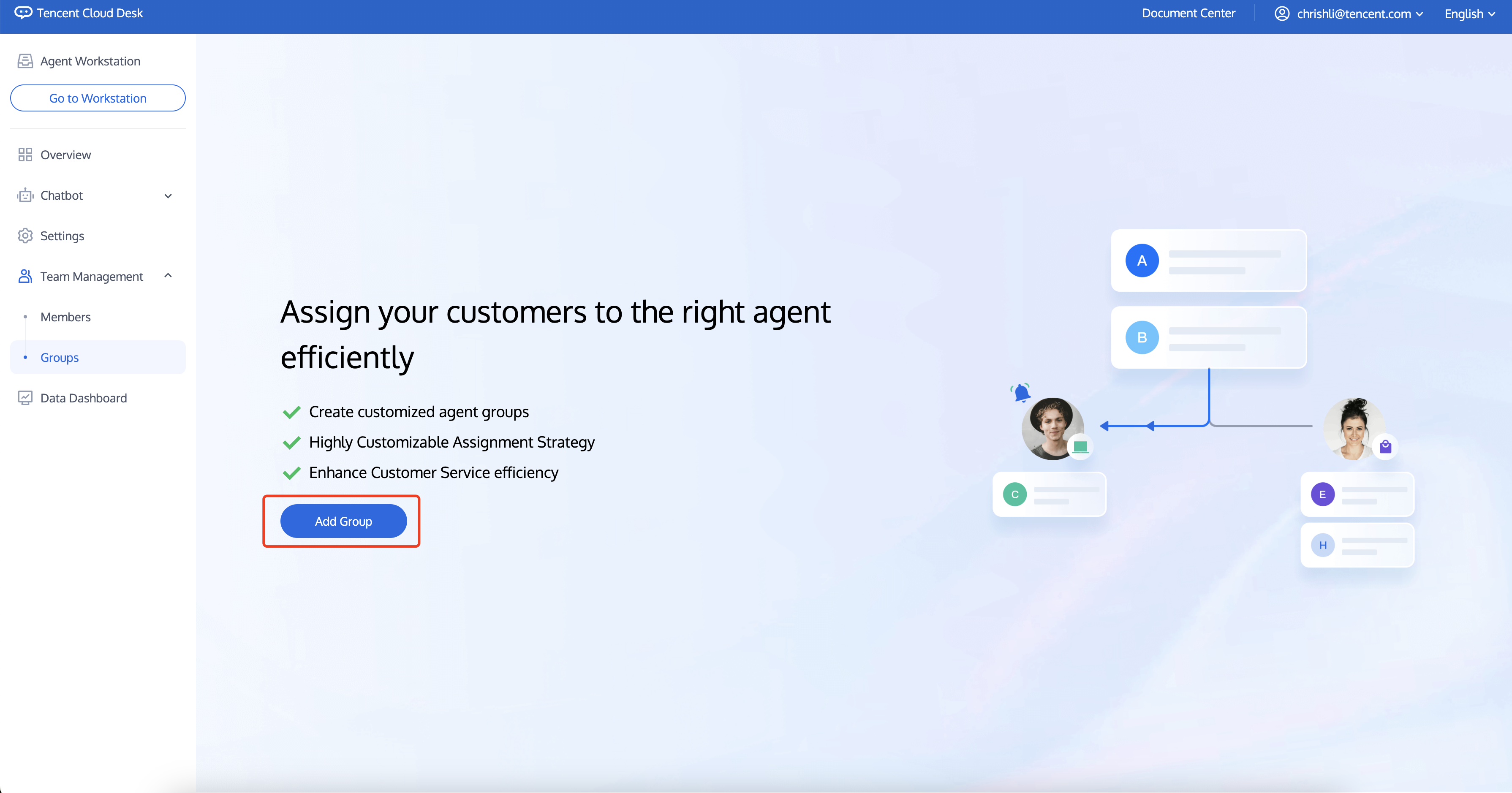
1. Access the Management Panel, click on "Team Management" in the left navigation bar to enter the Group feature, and then click "Add Group."
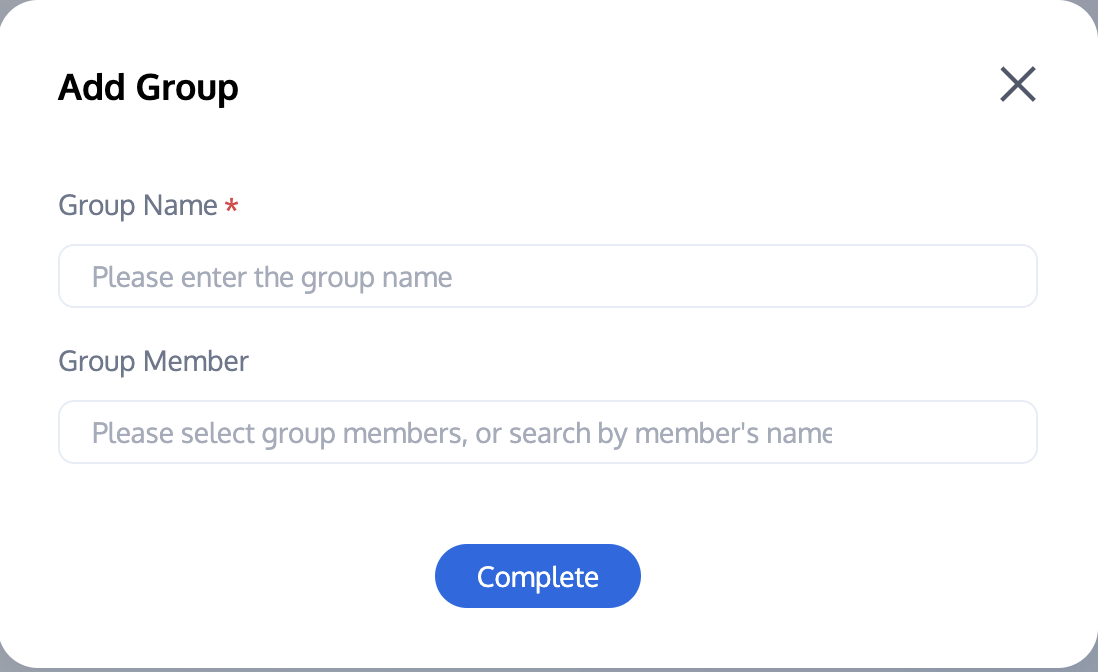
2. Enter a name for the group and select members to add.
Edit a Group
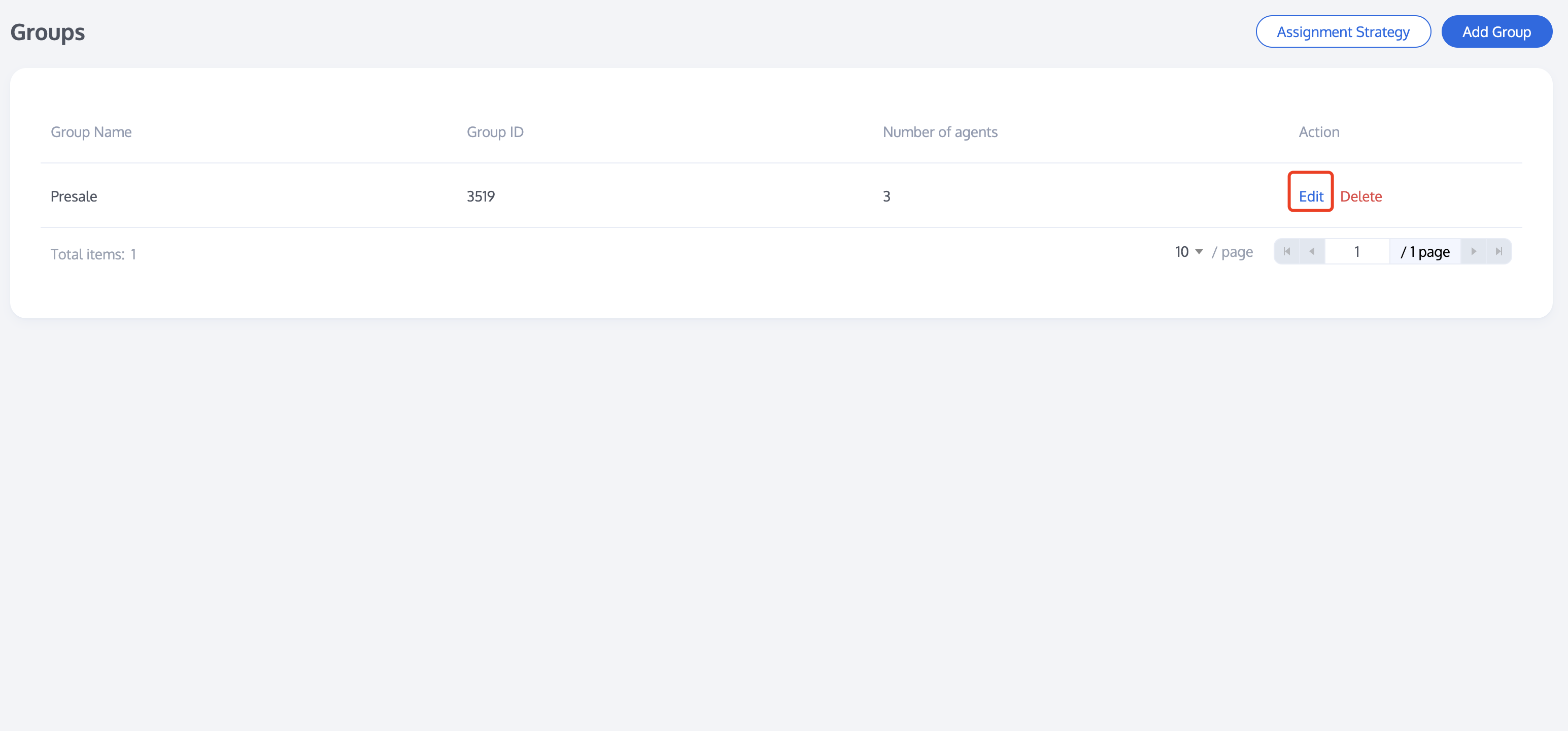
To edit a group, click "Edit" in the action column for the target group to modify the group name and its members.
Deleting a Group
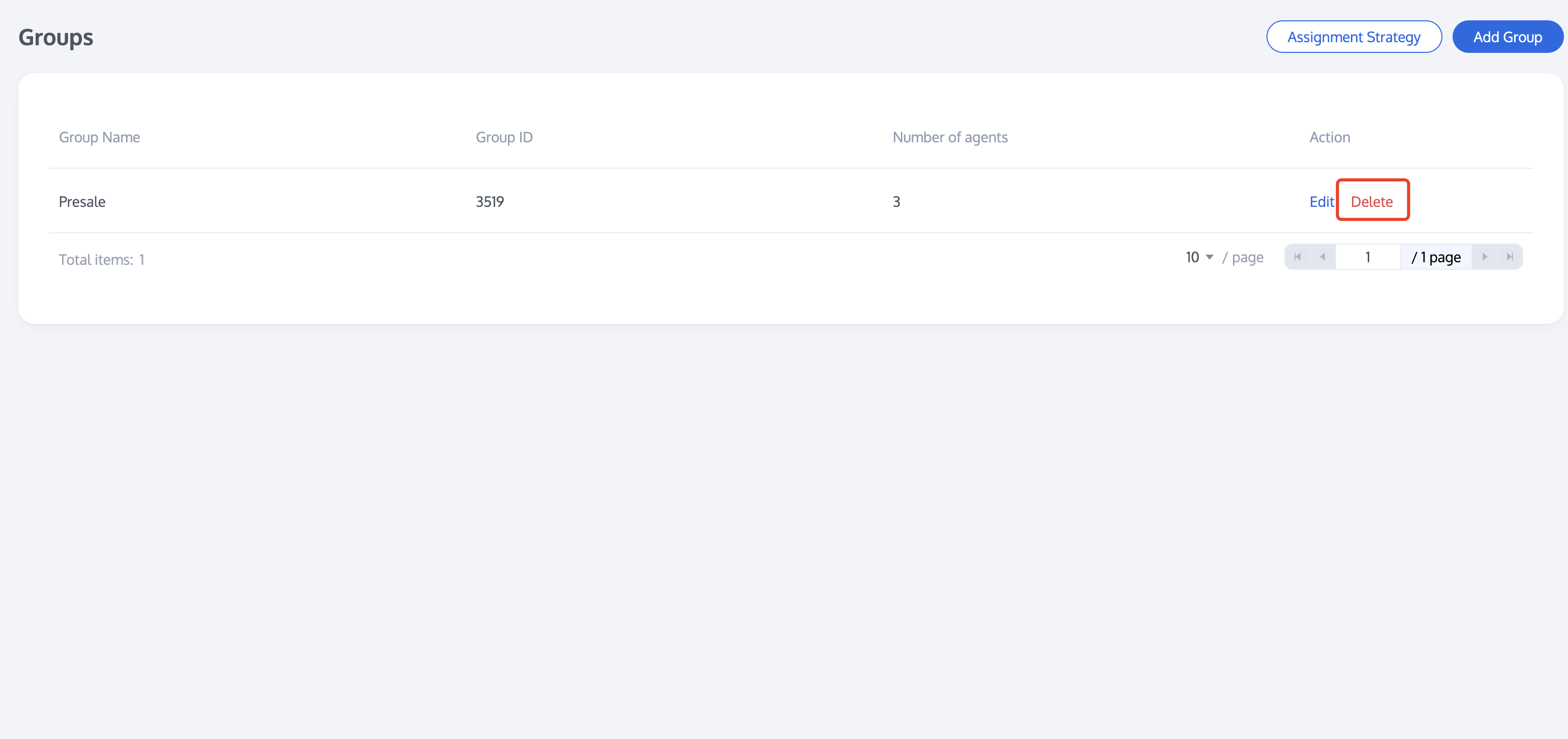
To delete a group, click "Delete" in the action column for the target group. Once deleted, all information for that group will be lost.
Group Assignment Strategy
After adding or editing a group, click on "Assignment Strategy" to configure the assignment strategy for your created groups. For settings, please refer to Assignment Strategy.