Viewing Log Details
This document describes how to view the detailed log data of a test task.
Directions
1. Log in to the CAT console.
2. Click Test Statistics on the left sidebar and select a test task.
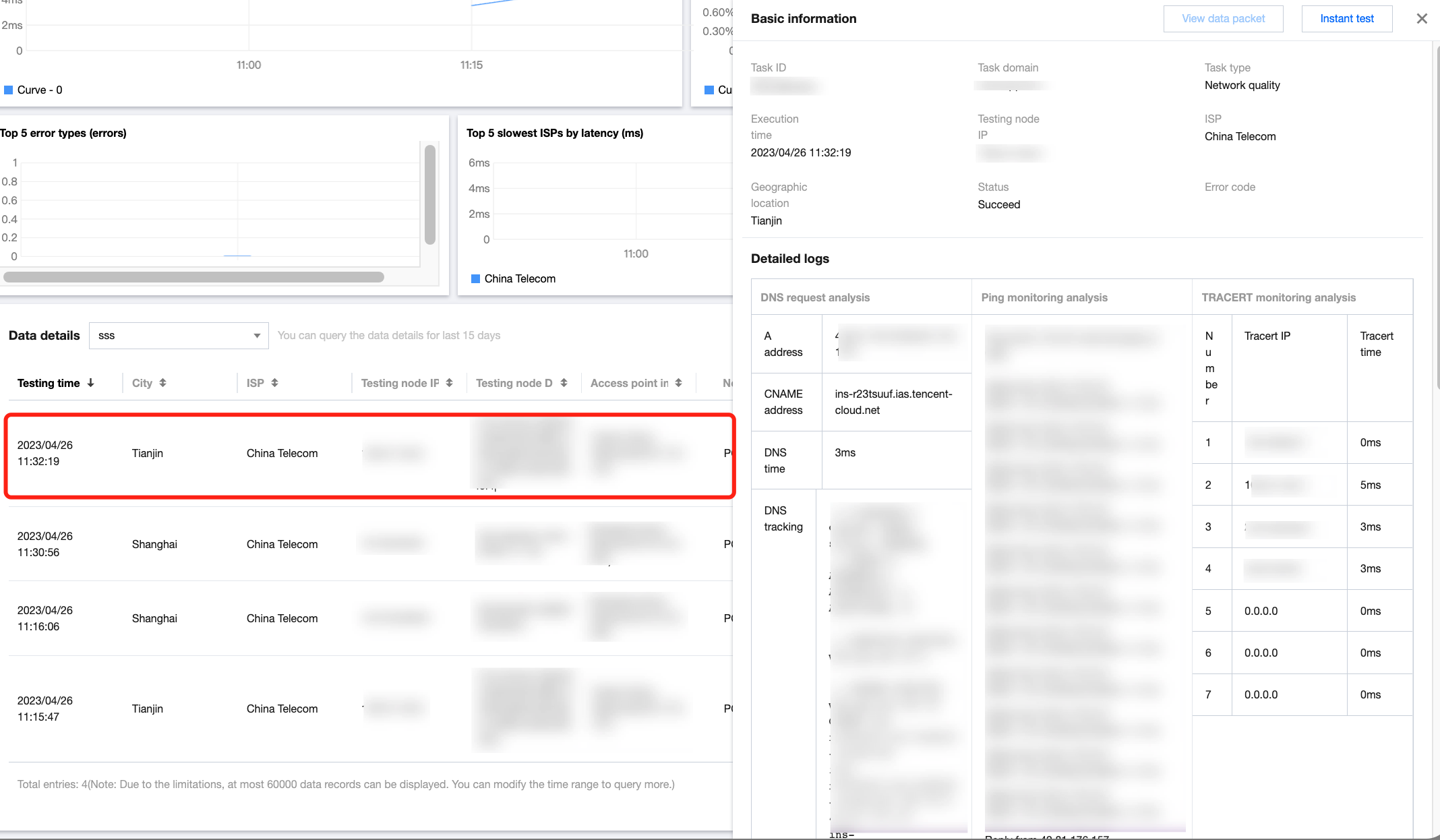
3. Scroll down to the detailed data list and click any column to view the log data of the test task.
フィードバック