Disabling/Enabling Alarm Silence Rule
This document describes how to enable or disable an alarm silence rule.
Directions
1. Log in to the TCOP console and go to the Silence Alarm page.
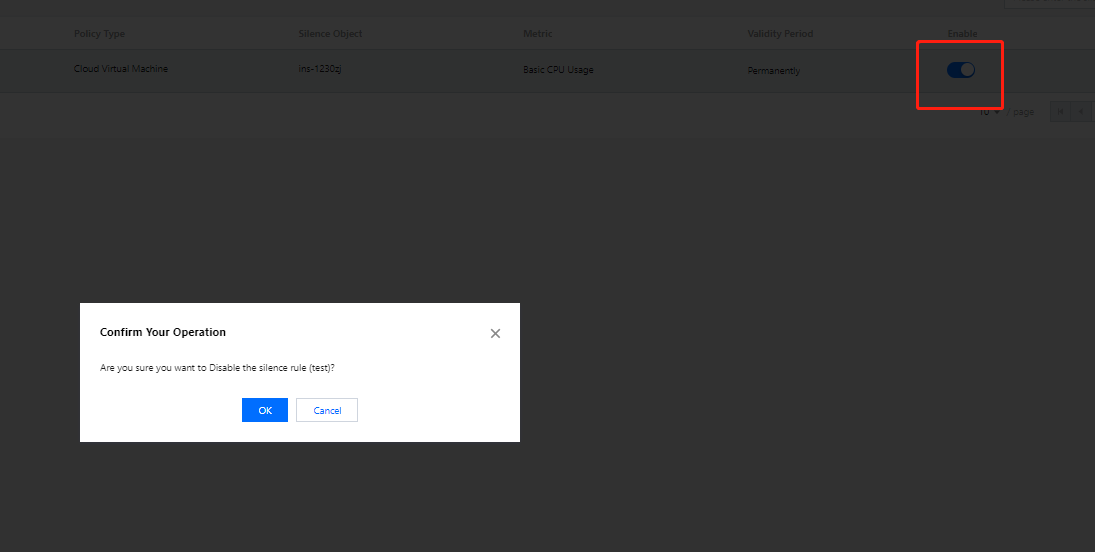
2. Select an alarm silence rule and enable or disable it in the Enable column.
3. Confirm your operation in the pop-up window.
フィードバック