Setting Instance Remarks
Download
フォーカスモード
フォントサイズ
Overview
As your business grows, you will need to manage an increasing number of devices and instances, thus it is in your great interest to properly categorize your resources. To make it simple for you to manage and identify your instances, TencentDB for SQL Server supports adding remarks to instances in the console.
Notes
Both primary and read-only instances support remarks.
Instance remarks can contain up to 200 Chinese characters, letters, digits, or underscores.
You can edit, modify, and delete instance remarks.
Directions
1. Log in to the TencentDB for SQL Server console.
2. Select the region at the top, find the target instance, and click the target instance ID or Manage in the Operation column to enter the instance management page.

3. On the Instance Details page of the instance management page, click the editing icon next to the Instance Remarks.

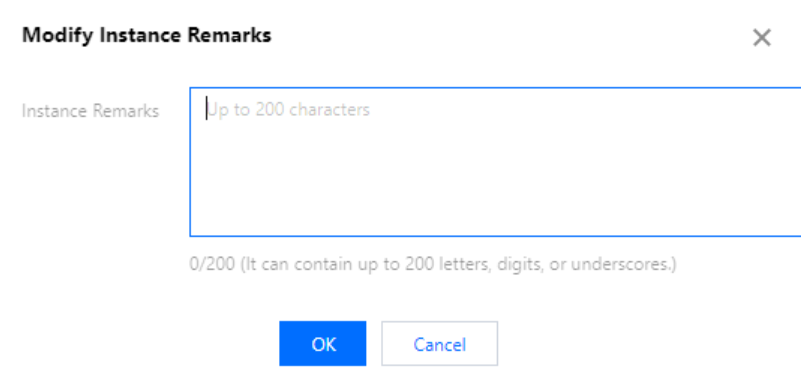
4. In the pop-up window, edit the remarks and click OK.
Related APIs
API | Description |
This API is used to modify the instance remarks. |
フィードバック