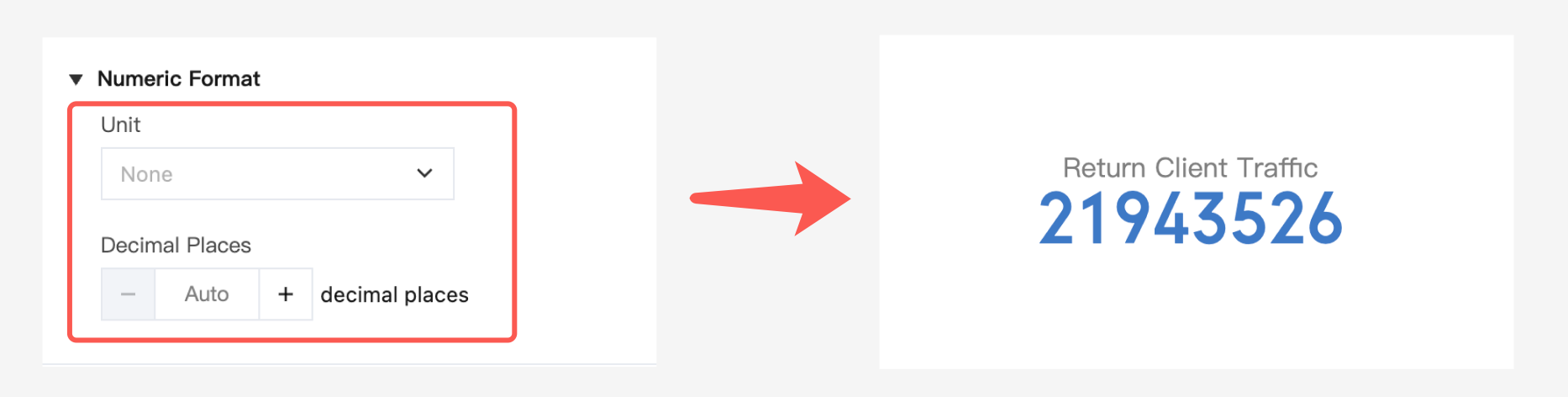
The results of SQL aggregation are unitless values by default. In the following cases, you need to use unit conversion to make the data more readable.
Selecting a unit and automatically converting it
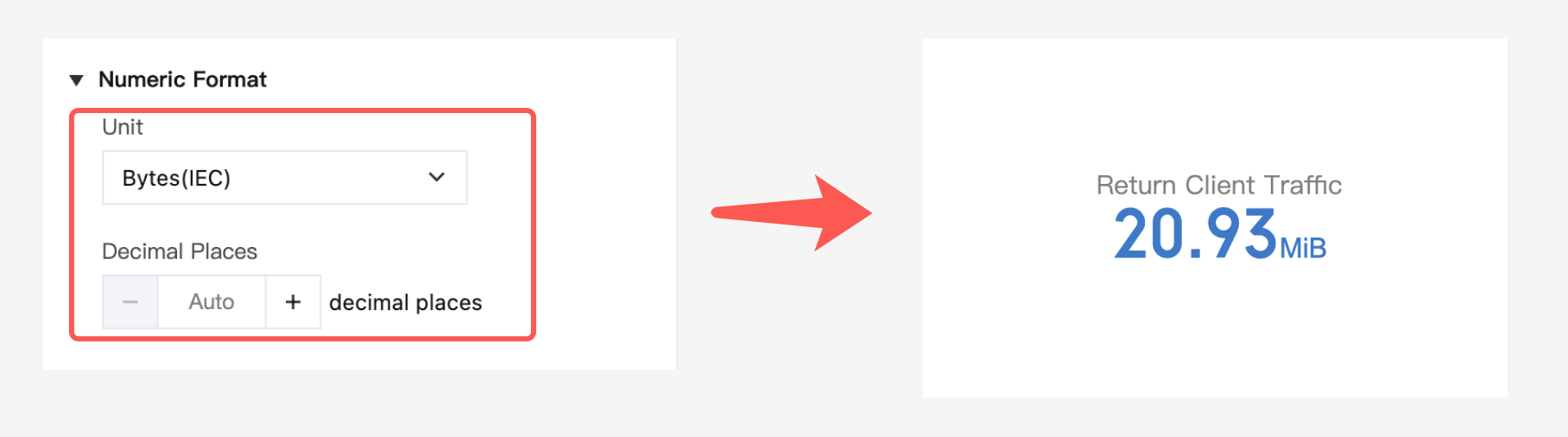
In CLS chart analysis, SQL aggregation results are unitless raw values by default, and you need to specify a basic unit, such as byte in the example. After a basic unit is selected, if a value is great enough to be converted to a value with a higher-level unit, it will be automatically converted. In this example, the value in bytes is automatically converted to a value in GiB.
Manually entering a unit
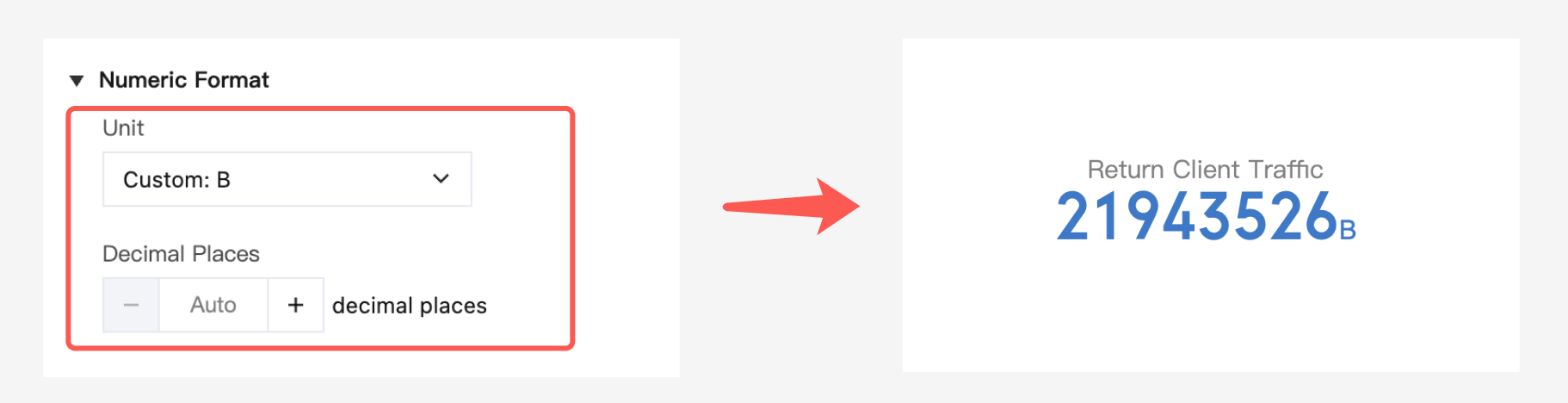
If data has a special unit that cannot be found in the unit configuration options, you can manually add a custom unit with the custom prefix. However, note that the custom unit is fixed and cannot be automatically converted. Therefore, if you want to use the raw unit in a unified manner without triggering automatic unit conversion, you can manually add a fixed unit.
Note:
Custom units are fixed and will not be converted automatically. Therefore, if you prefer not to trigger automatic unit conversions and want to consistently use the original units, you can manually enter and add a fixed unit.