If a verification task failed, you need to initiate it again after fixing the problem as prompted.
Prerequisites
You have fixed the error reported by the verification task.
Directions
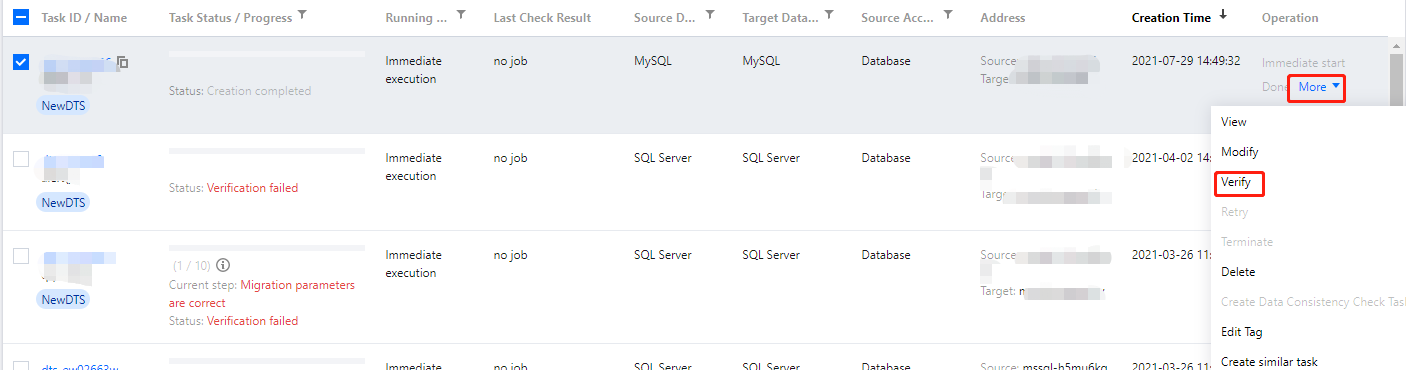
1. Log in to the DTS console, select Data Migration on the left sidebar, select the target migration task, and click More > Verify in the Operation column.
2. In the pop-up window, you can create a verification task and query the verification result.