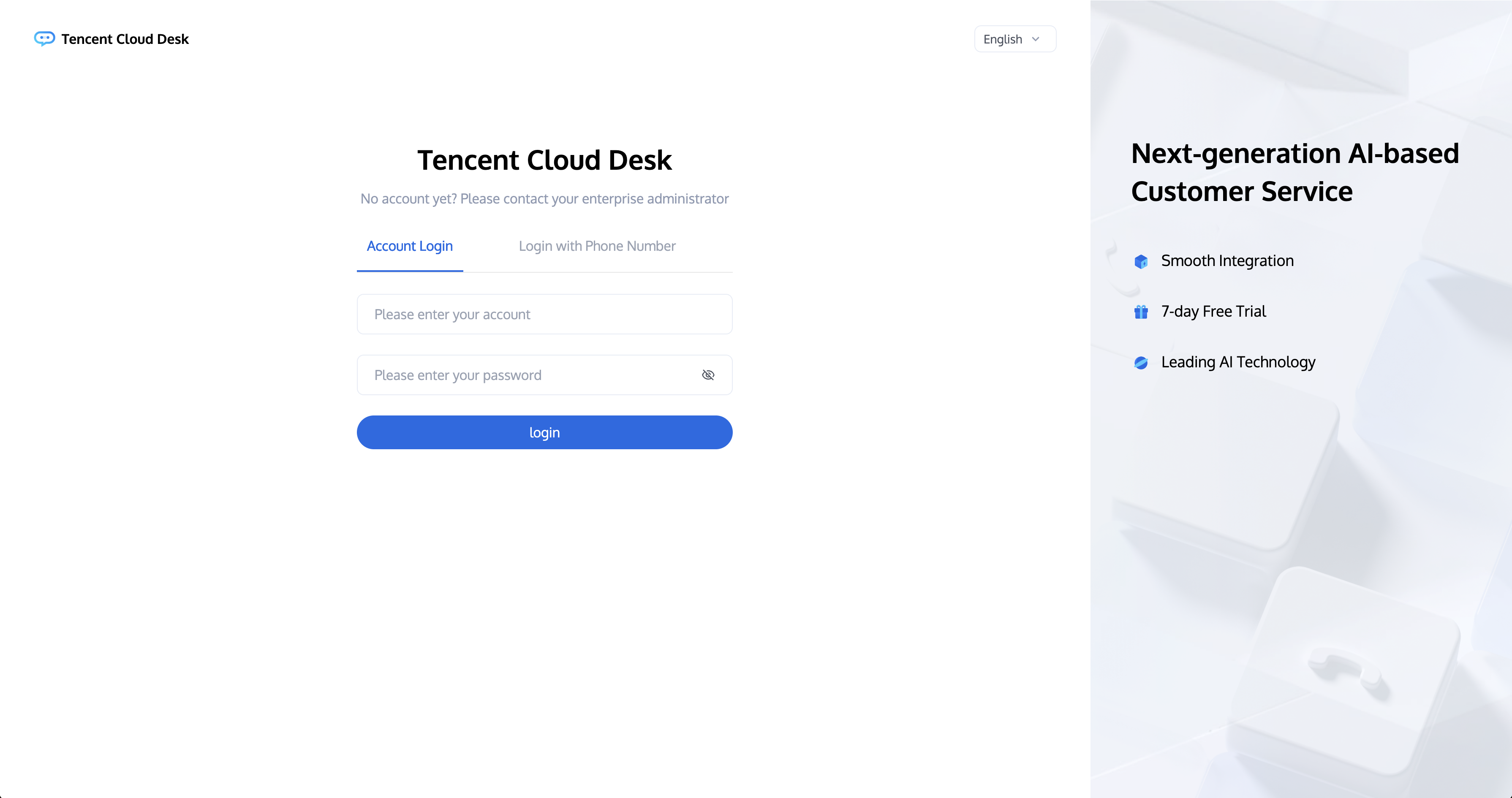
Login Account (Email): Your account is the email address you provided to the administrator or the one assigned to you by the administrator.
Password: Once the administrator has successfully created your account, the system will send an email with a random password to that email address. Please use this random password to log in for the first time.
First Time Login and Phone Number Binding
Step 1: Log in to the workstation
Directly access the workstation by entering your email address and password as shown below:
Direct access link: https://desk.tencentcloud.com
Email address: The email address you provided to the administrator.
Login password: Use the random password sent to your email after the administrator has successfully created your account.
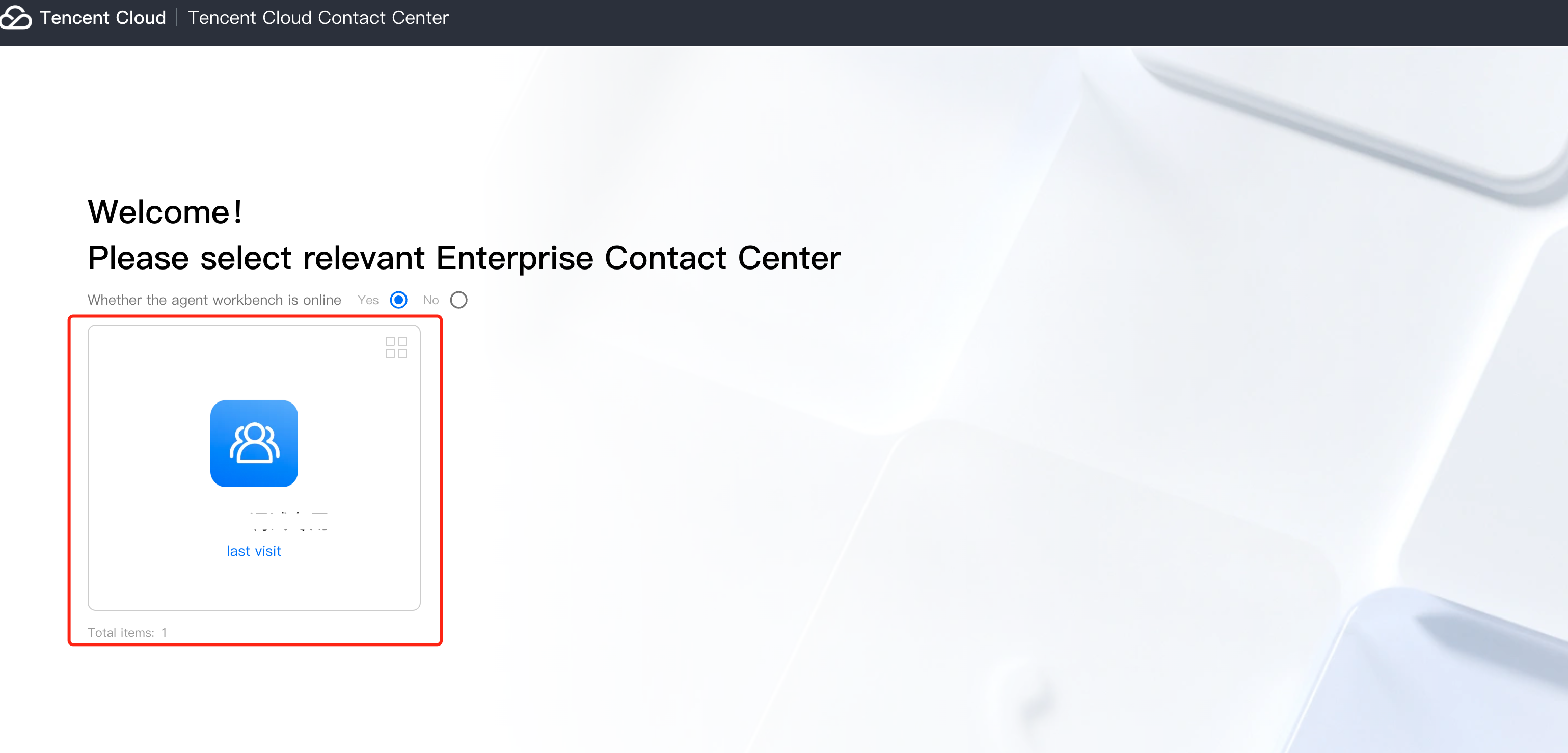
Step 2: Enter the Application
You need to authorize your microphone before going online for the first time.
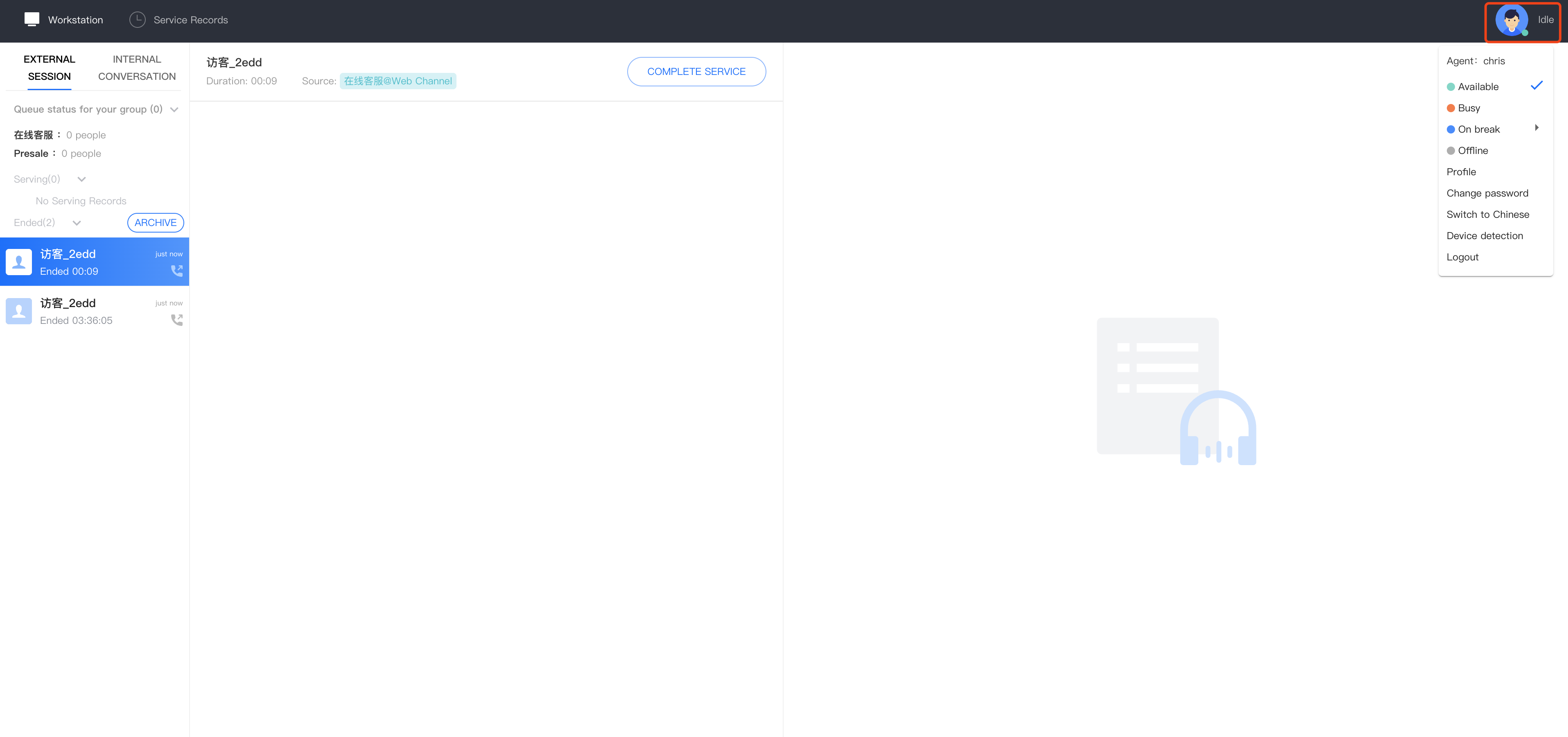
Step 3: Official Launch
You can confirm that you are online if the agent status in the upper right corner is a green dot, indicating that the agent is available and ready to assist.
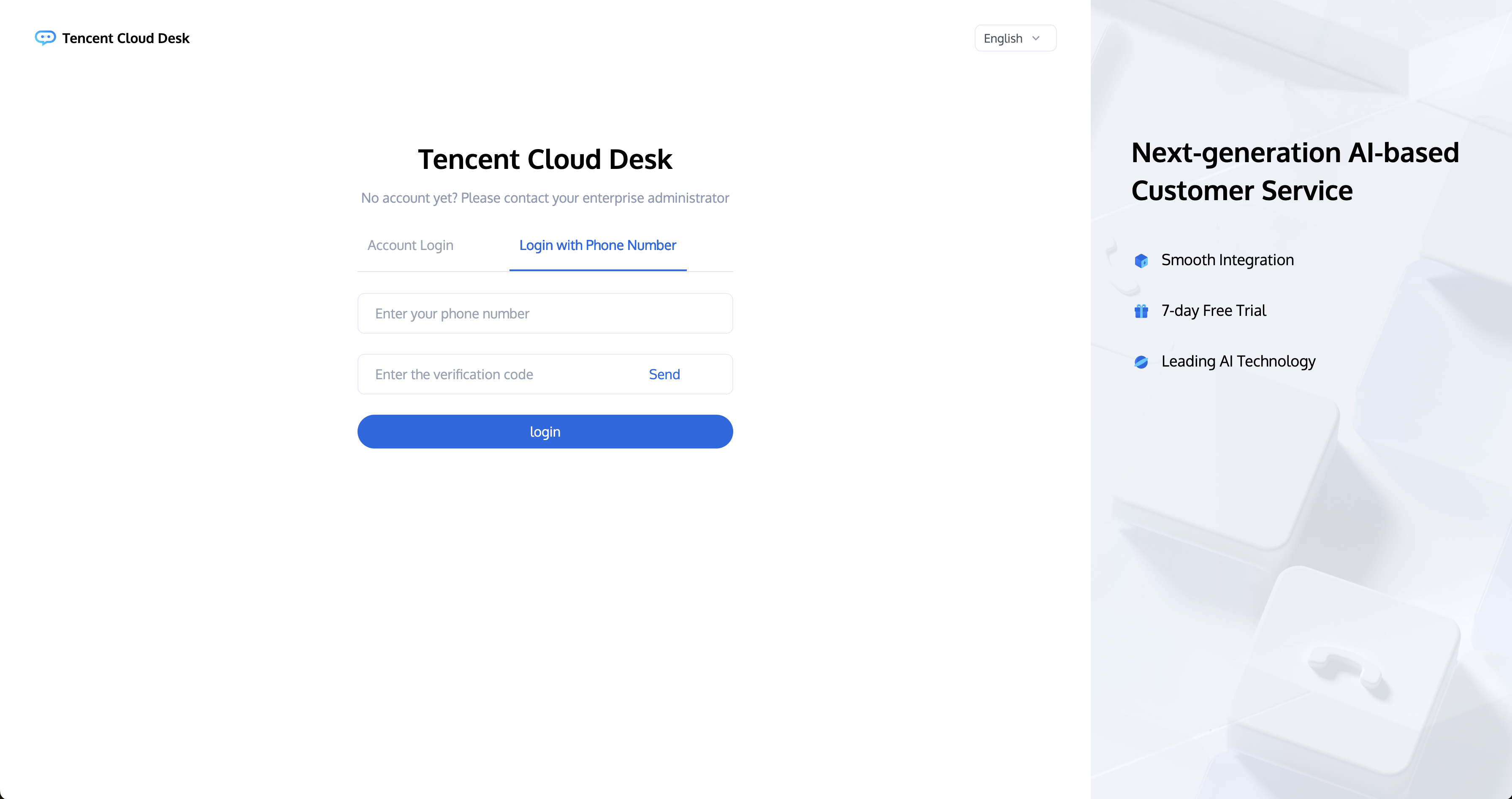
SMS Verification Code Login
Access the Workstation, click on 'Login With Phone Number,' enter your phone number, and click Send' as shown below.