Customer Identity and Access Management (CIAM) supports multiple user pools. Administrators can delete one or more user pools as needed.
Note:
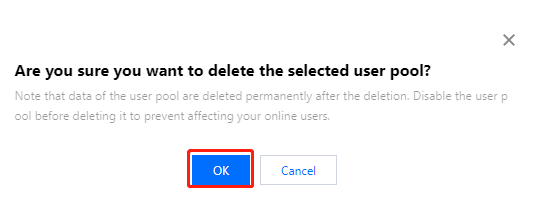
Deleting a user pool will delete all data in the user pool, including the data of users, custom attributes, user groups, applications, and authentication sources. Please proceed with caution.
Prerequisites
Close all open applications before deleting a user pool.
Steps
1. Log in to the CIAM console and select Overview in the left navigation pane.
2. On the Overview page, Click Manage user pool in the upper right corner to go to the User pool management details page.
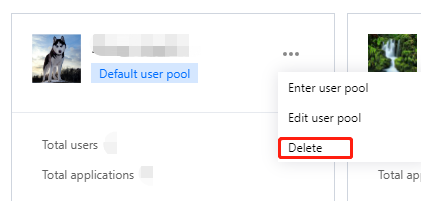
3. On the User pool management details page, click
and select Delete.
Note:
If you enabled operation protection in Security Settings in the Account Center, you have to verify your identity before deleting a user pool. After your identity is verified, you do not need to verify your identity again to delete user pools within 30 minutes.