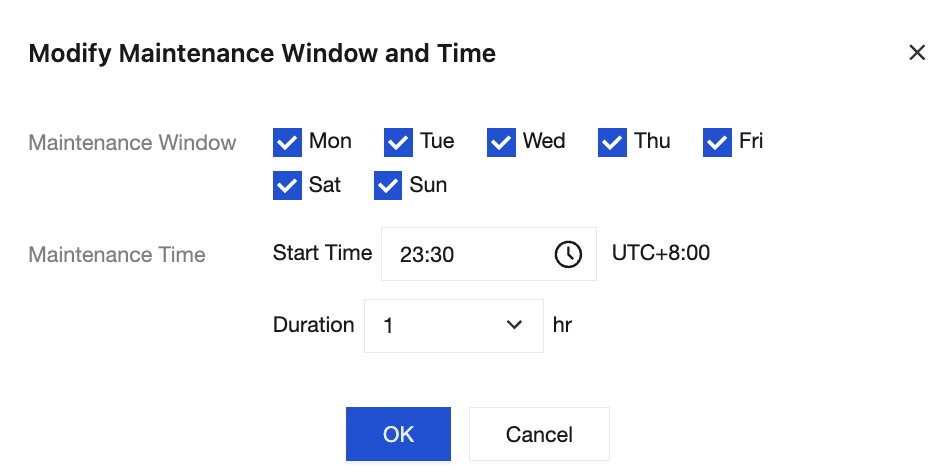
To ensure the stability of the TDMQ for CKafka (CKafka) instance, the backend system will aperiodically perform maintenance operations during the maintenance time. It is recommended that you set your own acceptable maintenance time for your business instance, preferably during off-peak hours, to minimize the impact on your business.
Constraints and Limitations
The system maintenance time is 23:30 by default. Maintenance lasts for 1 hour. Currently, only Pro Edition instances support modifying the system maintenance time. Advanced Edition and Standard Edition instances only support displaying the time and do not support modifying it.
Before performing system maintenance, CKafka will send Short Message Service (SMS) and email notifications to the contacts set in your Tencent Cloud account. Check for these notifications.
2. In the left sidebar, click Instance List, and click the ID/name of the target instance to go to the basic information page.
3. In the Basic Info module, click Edit next to the system maintenance time, and set the maintenance cycle and time based on your business requirements.