The project module of PTS is used for centralized management of testing scenarios, where a single project can encompass multiple testing scenarios. This document introduces how to create a PTS project.
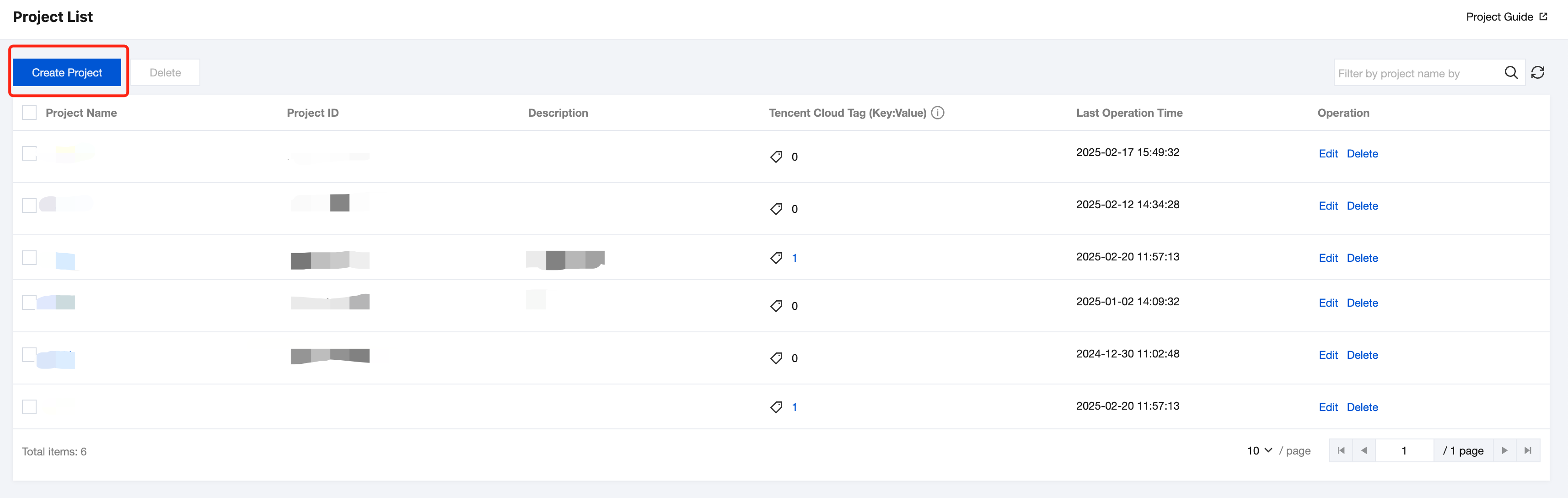
2. Click PTS > Project List > Create Project in the left sidebar to enter the Create Project page.
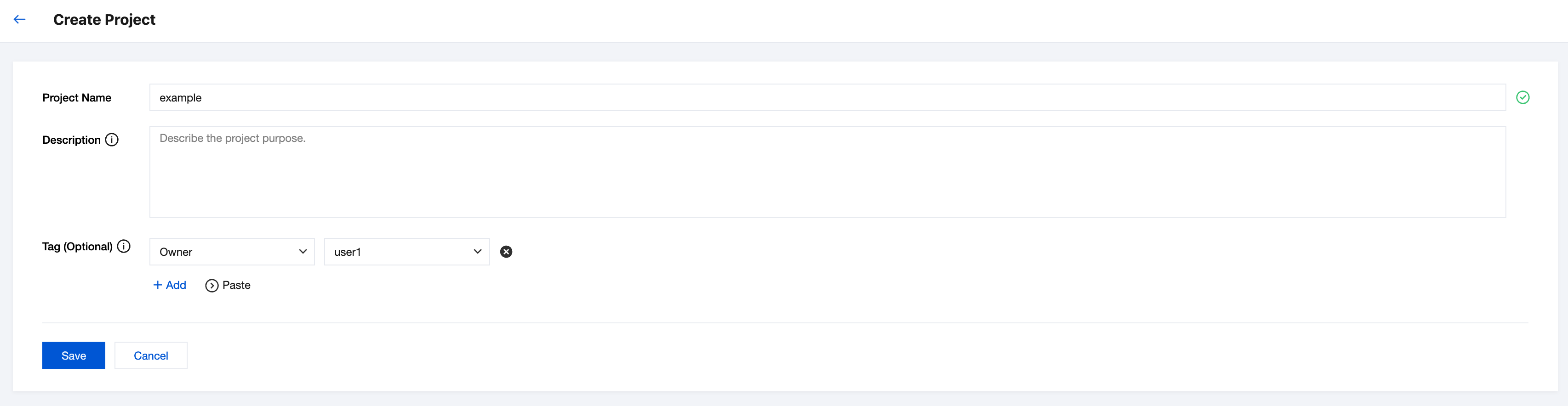
3. Fill in the project name, description, and tags, then click Save. You can also bind tags to the project for authentication. For details, see Tag Management.