Modifying Log Retention Period
Baixar
Modo Foco
Tamanho da Fonte
This document describes how to modify the log retention period after the database audit service is activated.
Directions
1. Log in to the TencentDB for MariaDB console, select Database Audit on the left sidebar, select a region at the top, and click the Audit Log tab.
2. In the top-right corner of the Audit Log tab, click Configure.
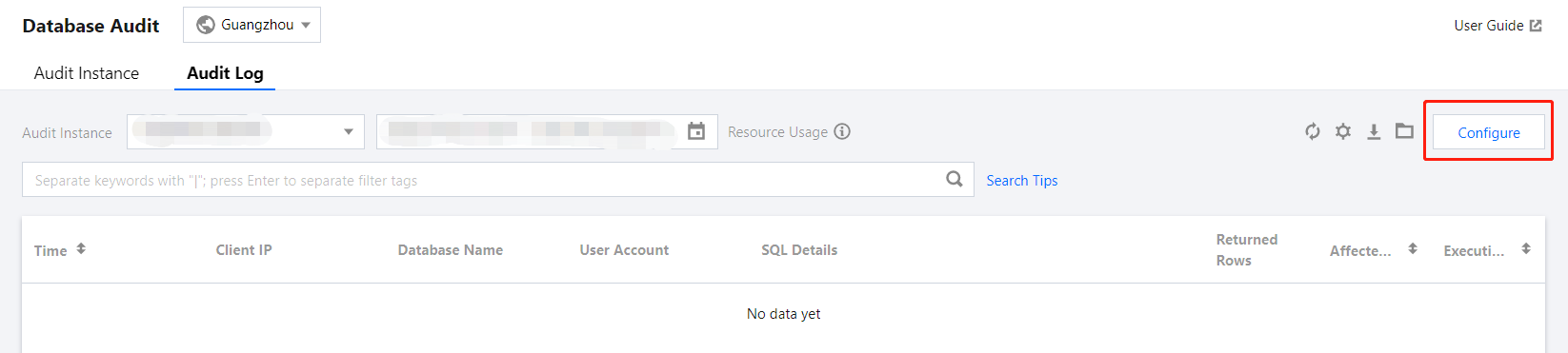
3. In the pop-up window, modify the log retention period and click Submit.
Ajuda e Suporte
Esta página foi útil?
Você também pode entrar em contato com a Equipe de vendas ou Enviar um tíquete em caso de ajuda.
comentários