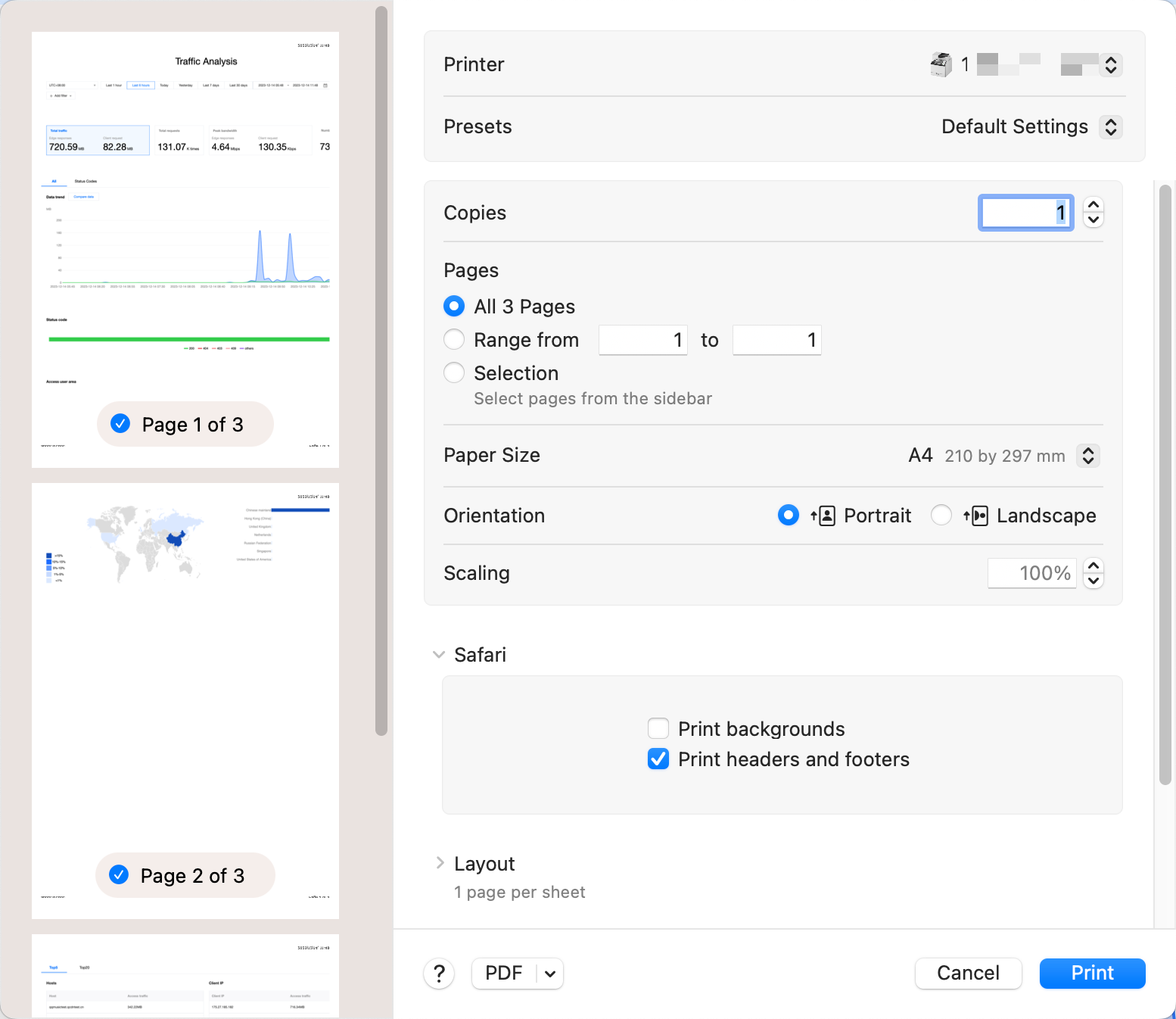
This document describes how to export statistical data and reports from the EdgeOne data analysis page. The specific steps are as follows.
Exporting Statistical Data
1. Log in to the EdgeOne Console and enter any Data Analysis page.
2. Click
to download the corresponding statistical data table. The file format is .csv and the filter conditions on the current page will be applied to the exported data.
Export Report
1. Log in to the EdgeOne Console and enter any Data Analysis page.
2. Click on the
located on the top-right corner of the filter bar. EdgeOne will then initiate the browser's print window where you may choose to print or save your report as a PDF. The filter conditions on the current page will be printed in your report at the same time.