This document describes how to modify the basic information and billing mode of a Tencent Cloud TCHouse-P cluster in the console, as well as view its performance monitoring data, real-time queries, historical queries, and event monitoring data.
Basic Information
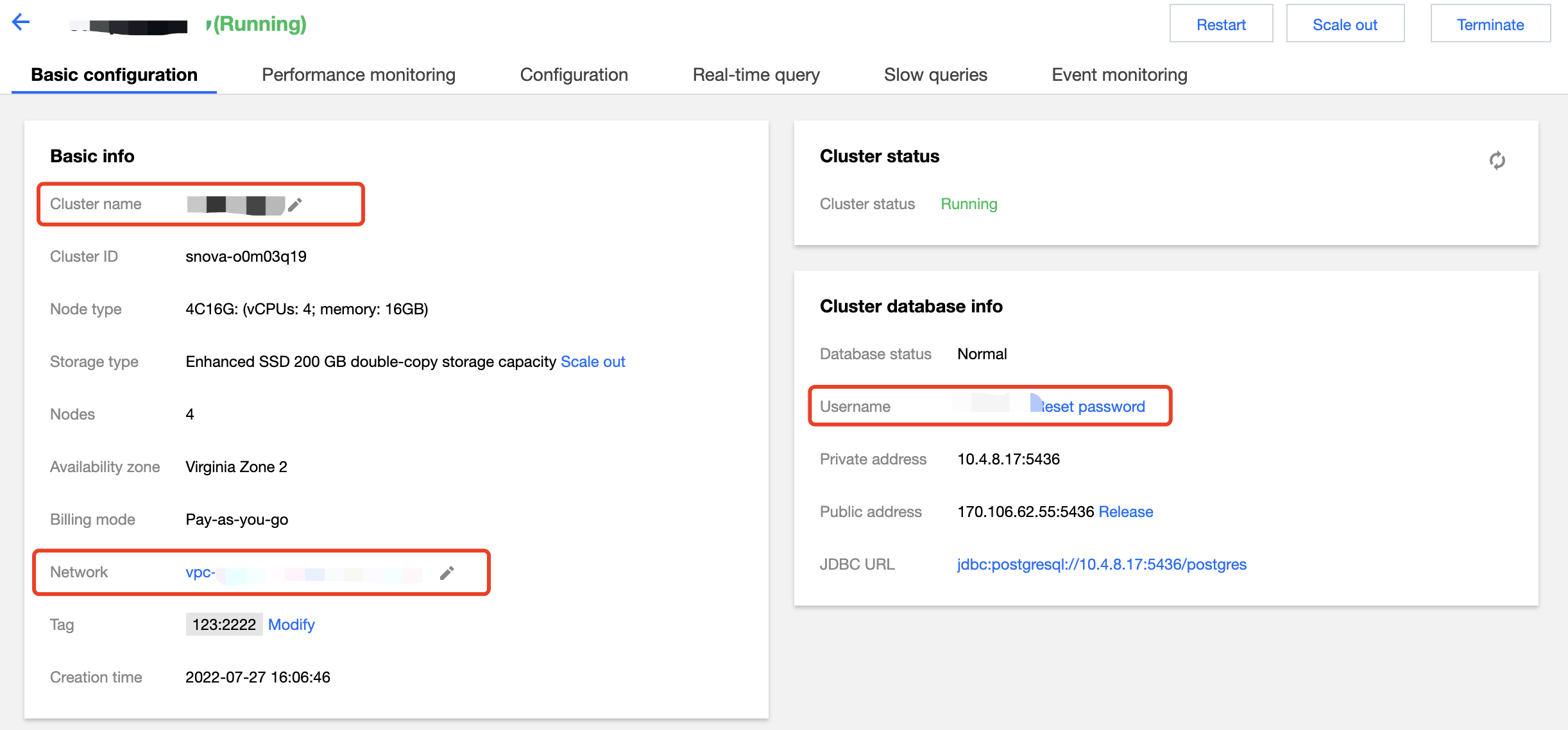
On the cluster list page, enter the Basic Configuration tab of a cluster, where you can set the cluster name, network, and admin user/password.
Note:
Changing the network address will change the cluster access connection, so you need to change the call address simultaneously.
Billing Information
On the Basic Configuration tab, you can switch from pay-as-you-go to monthly subscription billing mode for the cluster and enable Auto-Renewal as needed.
Performance Monitoring
On the Performance Monitoring tab, you can view various the metrics in node and cluster dimensions.
Real-Time Query
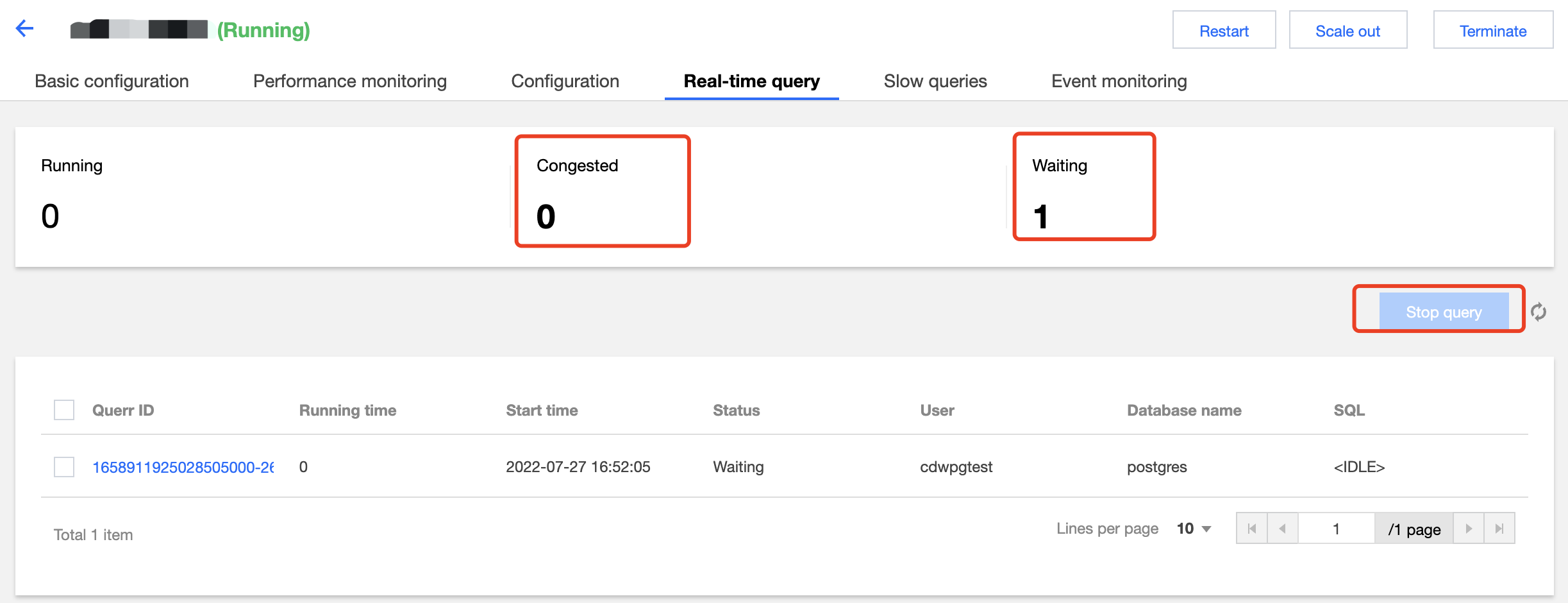
On the Real-Time Query tab, you can view ongoing queries, including running, blocked, and waiting queries.
You can click Terminate Query to terminate a query in the list.
Historical Query
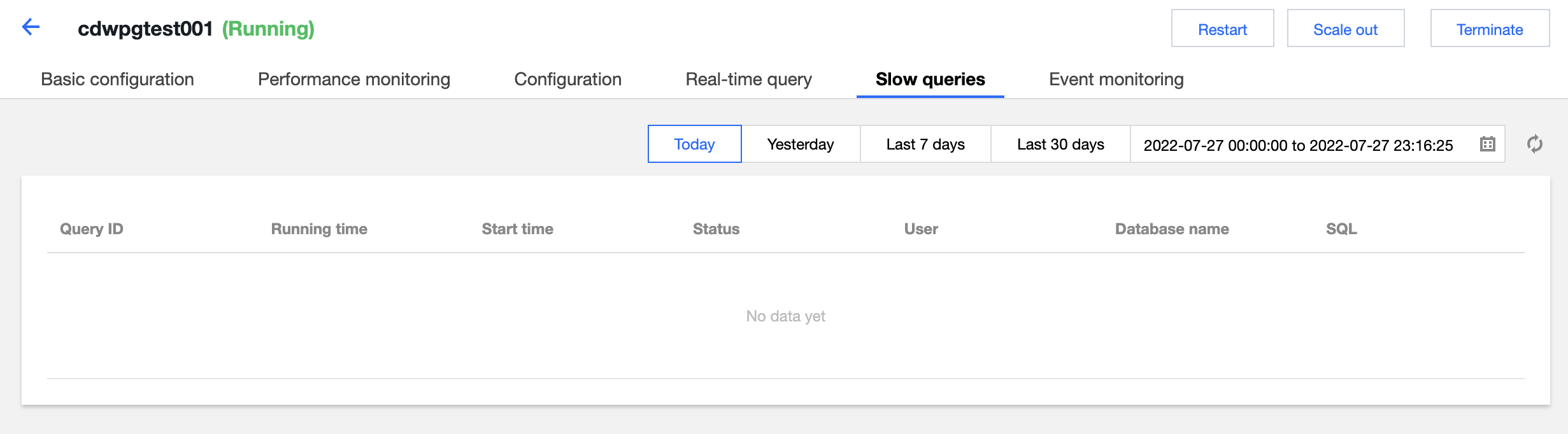
On the Historical Query tab, you can view queries that have been completed or terminated.
Event Monitoring
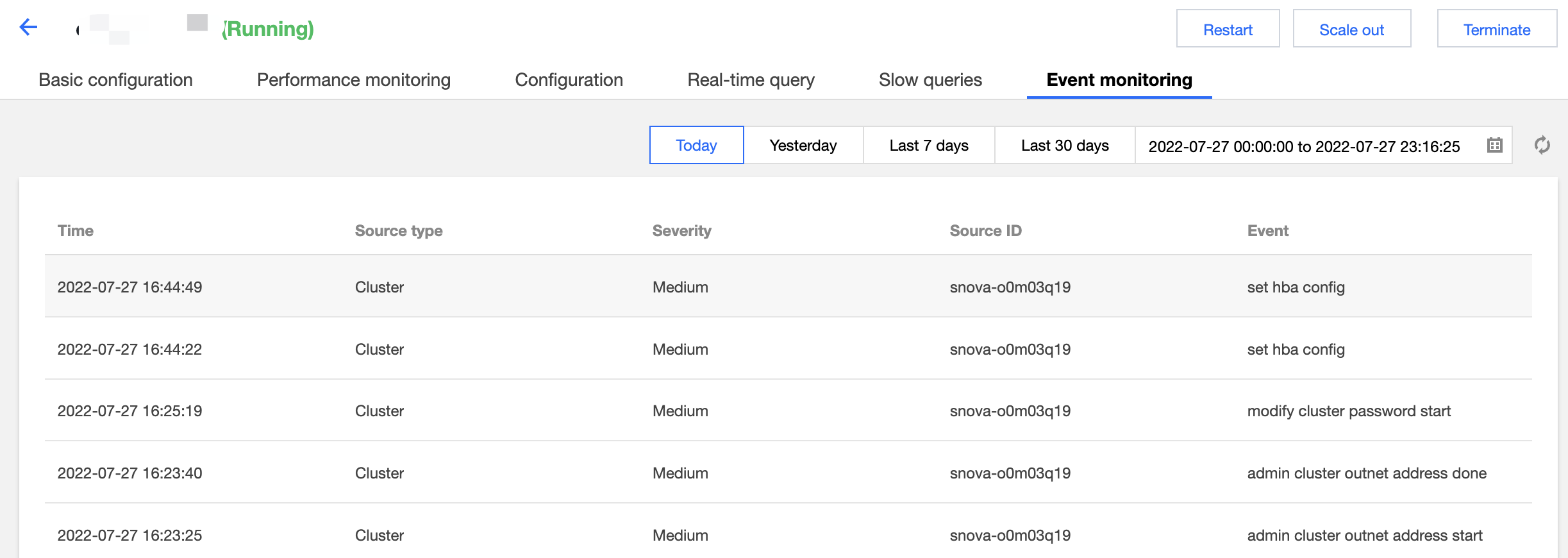
On the Event Monitoring tab, you can query sensitive operation events in the cluster.