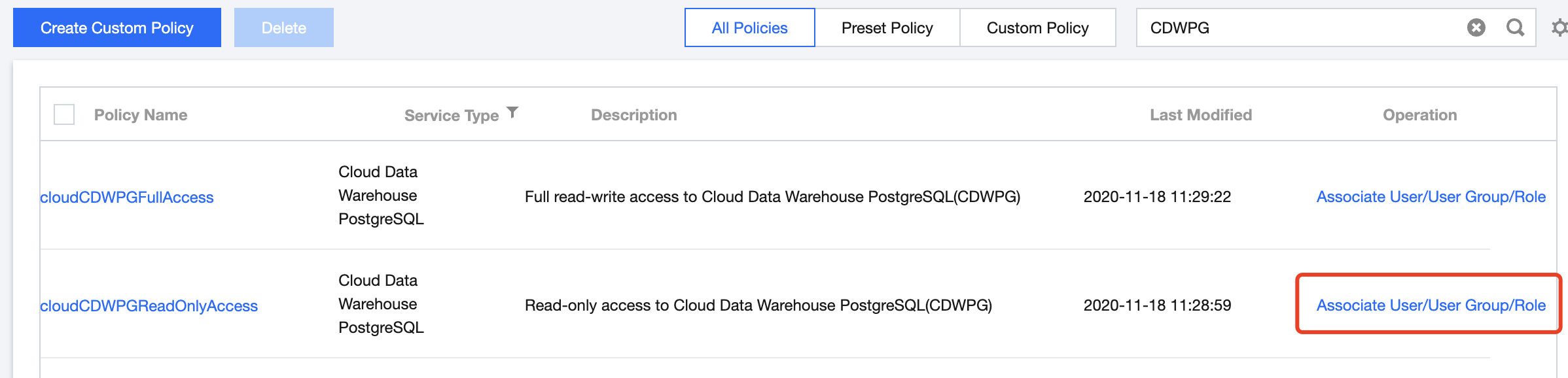
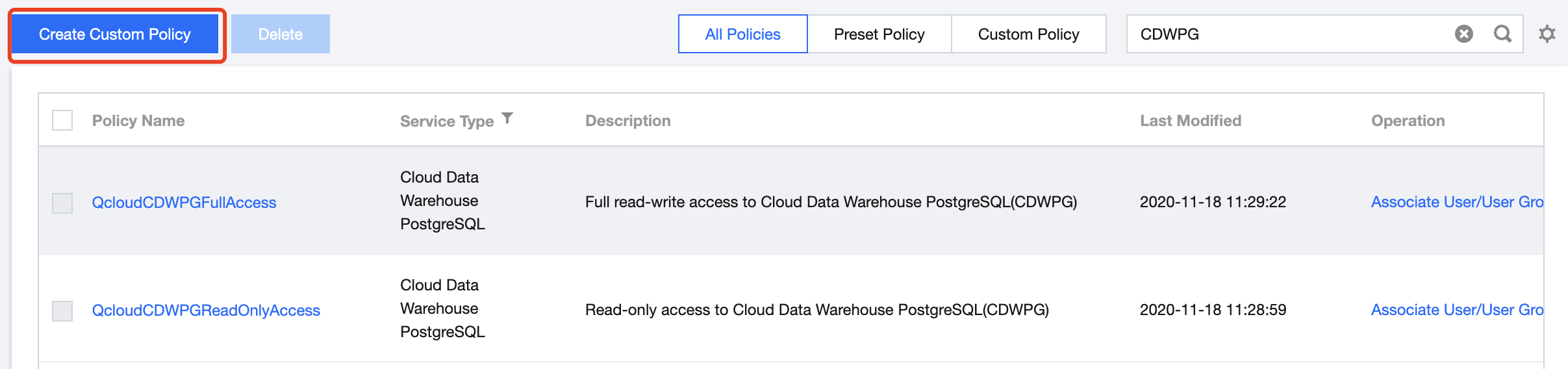
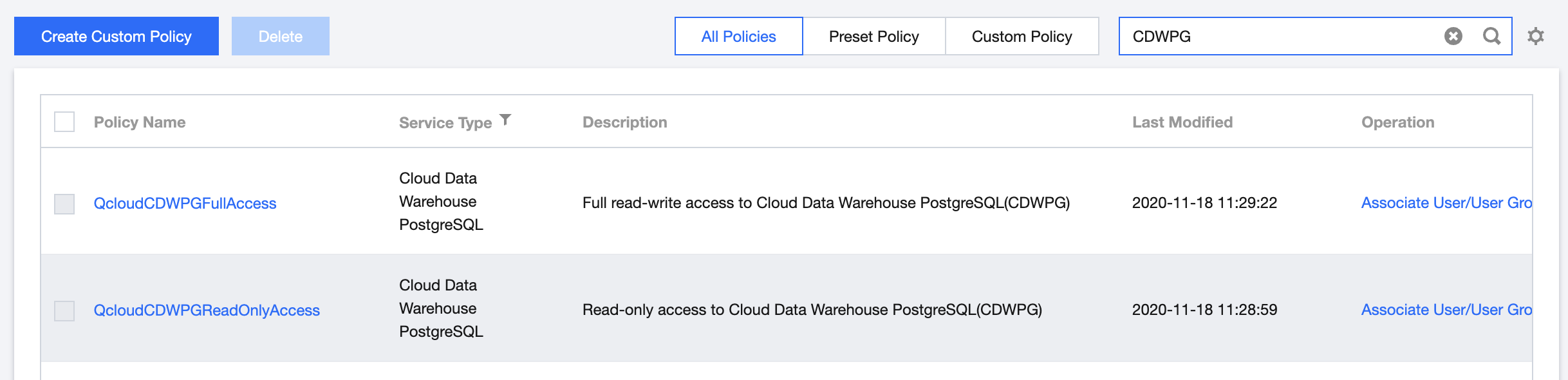
To facilitate authorizing sub-accounts, Tencent Cloud TCHouse-P provides two preset policies. Go to the CAM console, search for Tencent Cloud TCHouse-P in the top-right corner of the page, and you can see the following two policies:
Policy
Description
QcloudCDWPGFullAccess
Grants full access to Tencent Cloud TCHouse-P management
QcloudCDWPGReadOnlyAccess
Grants read-only access to Tencent Cloud TCHouse-P management
You can use the QcloudCDWPGFullAccess policy to grant a user permissions to create and manage Tencent Cloud TCHouse-P instances.
You can use the QcloudCDWPGReadOnlyAccess policy to grant a user permissions to query but not create, delete, or modify Tencent Cloud TCHouse-P clusters and resources (VPCs, security groups, and monitors).
Custom Tencent Cloud TCHouse-P Policy
If preset policies cannot meet your needs, you can click Create Custom Policy to create custom policies.
For the method of custom policy creation, see Setting Policy.
Policy Authorization
A configured policy can grant permissions by associating user groups or sub-users.
Resource Types Authorizable by Custom Policy
Resource-level permission can be used to specify which resources a user can manipulate. Tencent Cloud TCHouse-P supports certain resource-level permissions. This means that for Tencent Cloud TCHouse-P operations that support resource-level permission, you can control the time when a user is allowed to perform operations or to use specified resources. The following table describes the types of resources that can be authorized in CAM.
Resource Type
Resource Description Method in Authorization Policy
The following table describes the Tencent Cloud TCHouse-P API operations that currently support resource-level permissions. When setting a policy, you can enter the API operation name in the action field to control the individual API. You can also use \\* as a wildcard to set the action.
List of APIs supporting resource-level authorization
API Operation
Resource Path
ModifyClusterSize
Modifies the number of cluster nodes
DescribeClusters
Gets cluster details
DescribeRealtimeQuery
Gets real-time query details of a cluster
DescribeHistoryQuery
Gets historical query details of a cluster
AbortQuery
Aborts a cluster query
DescribeRealtimeQueries
Gets the list of real-time queries in a cluster
DescribeGpStatus
Gets the cluster database status
RebootCluster
Restarts a cluster
DescribeClusterStatus
Gets the cluster status
ModifyClusterSubnet
Modifies the cluster subnet
DescribeHistoryQueries
Gets the list of historical queries in a cluster
DeleteCluster
Deletes a cluster
ModifyClusterUserPassword
Resets the cluster password
ModifyClusterBasic
Renames a cluster
DescribeClustersStatistics
Gets the number of clusters
DescribeVpcLinks
Gets the VPC access link of a cluster
CreateVpcLink
Creates a VPC access link
DeleteVpcLink
Deletes a VPC access link
ExpandClusterSize
Scales a cluster
DescribeHbaConfigList
Gets the access address allowlist of a cluster
SetHbaConfigList
Modifies the access address allowlist of a cluster
DescribeClusterResourceQueueList
Queries the resource queue list of a database cluster
DescribeClustersLimit
Queries the resource limit configuration of a database cluster
HandlerResourceQueue
Manipulates a database resource queue
AdminClusterOutnetAddres
Manages the public IP
DescribeClustersNodesInfo
Gets the node information of a cluster
List of APIs not supporting resource-level authorization
For Tencent Cloud TCHouse-P API operations that don't support resource-level authorization, you can still authorize a user to perform them, but you must specify * as the resource element in the policy statement.
API Operation
API Description
DescribeNodeConfigInfo
Gets the node model specification information
DescribeEvents
Gets the information of all cluster events
CreateCluster
Creates a cluster
DescribeDbStatus
Gets the database status
DescribeZones
Gets AZs available for purchase
DescribeSegNodeMaxCount
Queries the maximum number of compute nodes
DescribeClusterExtend
Gets all Ops information of a cluster
DescribeResidual
Gets the resource status in a region
DescribeSpecResidual
Checks whether specific specifications are sold out