StreamLive allows you to import/export a channel configuration file and clone an existing channel.
Exporting a channel
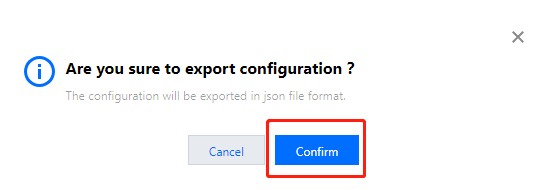
The Channel Management page shows the channels created and their state. Click Export in the Operation column to export a JSON file of the channel’s configuration.
Importing a channel
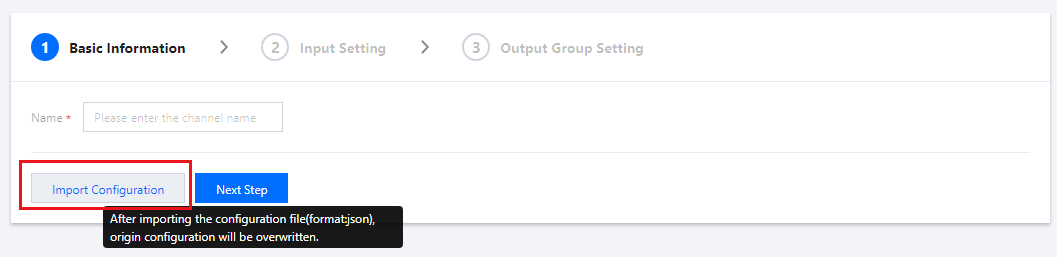
On the Channel Management page, click Create Channel and then click Import Configuration. Select the JSON file to import. You can then edit the imported channel and save the configuration.
The import feature allows you to quickly configure a channel. The console will auto-fill the information in Basic Information and Output Group Setting according to the JSON file you select, but will ignore the Input Setting information of the file. You still need to select the inputs to bind.
Note:
If you import a configuration file when editing a channel, the existing configurations will be overwritten.
Cloning a channel
Channel cloning is essentially a quick channel exporting and importing process. On the Channel Management page, click Clone in the Operation column. You will enter the configuration page of the new channel.
StreamLive will complete the channel configurations (except Input Setting) automatically according to the cloned channel. Complete the rest of the configurations and submit them.