Step 5: Configure the Mobile Client
Download
Modo Foco
Tamanho da Fonte
Now, you need to configure the SSL VPN client certificate on the mobile client.
Directions
1.
Download
the SSL VPN client verification file assigned by Tencent Cloud. See Downloading SSL VPN Client Configuration.Note:
The download SSL VPN client certificate can only be used for one local client.
2. Download OpenVPN and install it on the mobile device.
1. Download OpenVPN Connect from the official website and install it.
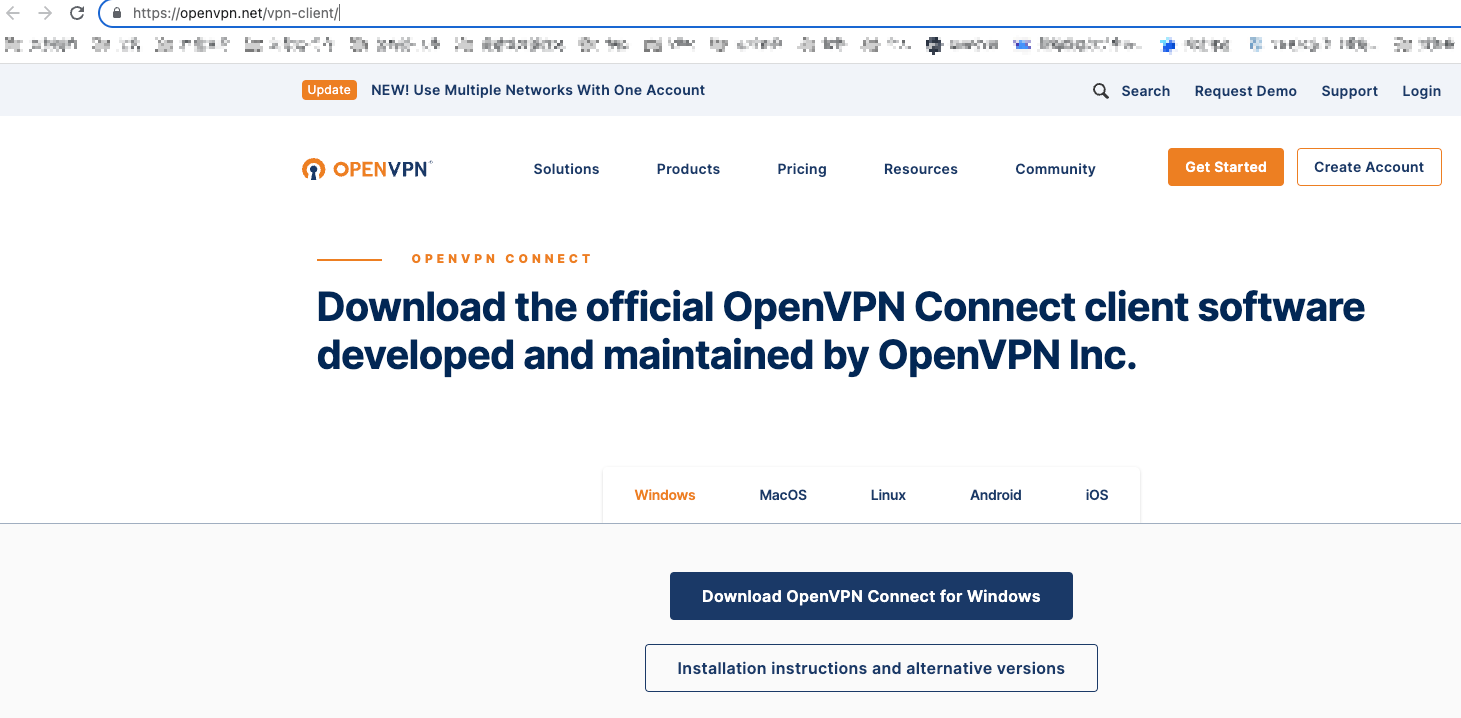
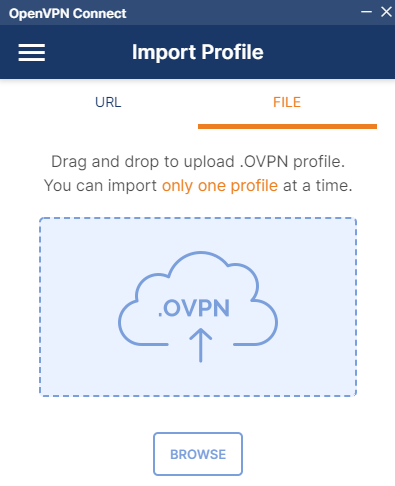
2. Go to Import Profile > FILE to upload the SSL VPN client configuration file (.ovpn file) downloaded in Step 1.
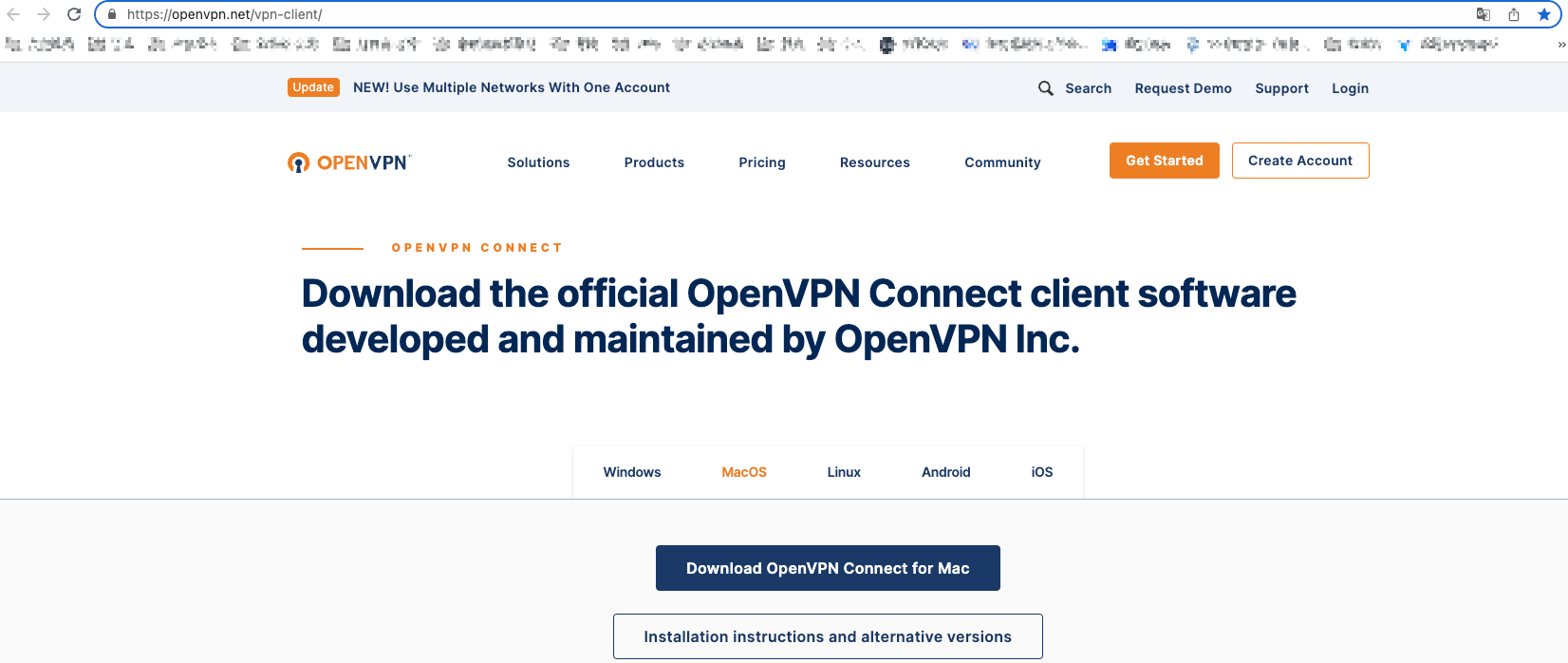
1. Download OpenVPN Connect from the official website and install it.
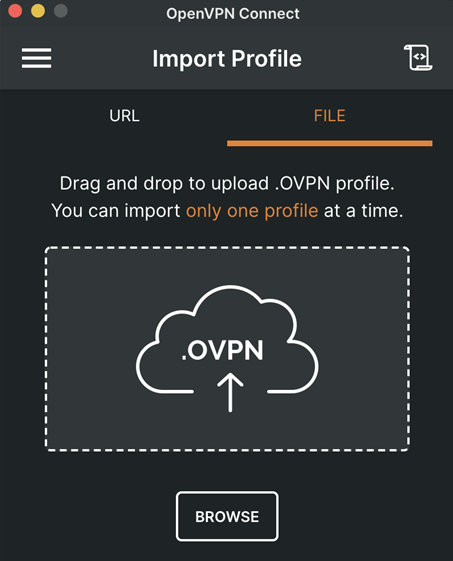
2. Go to Import Profile > FILE to upload the SSL VPN client configuration file (.ovpn file) downloaded in Step 1.
1. Open the command line window.
2. Run the following command to install OpenVPN Connect.
CentOS distribution
yum install -y openvpn
Ubuntu distribution
sudo apt-get install openvpn
3. Unzip the SSL VPN client certificate from the package downloaded in Step 1 and copy it to the
/etc/openvpn/conf/ directory.
Enter the /etc/openvpn/conf/ directory and run the following command to establish a VPN connection.openvpn --config /etc/openvpn/conf/SSLVpnClientConfiguration.ovpn --daemon
Ajuda e Suporte
Esta página foi útil?
Você também pode entrar em contato com a Equipe de vendas ou Enviar um tíquete em caso de ajuda.
comentários