2. Click VPN Connection > Customer Gateway in the left directory to enter the admin page.
3. Choose a region, for example, Guangzhou, and click +Create.
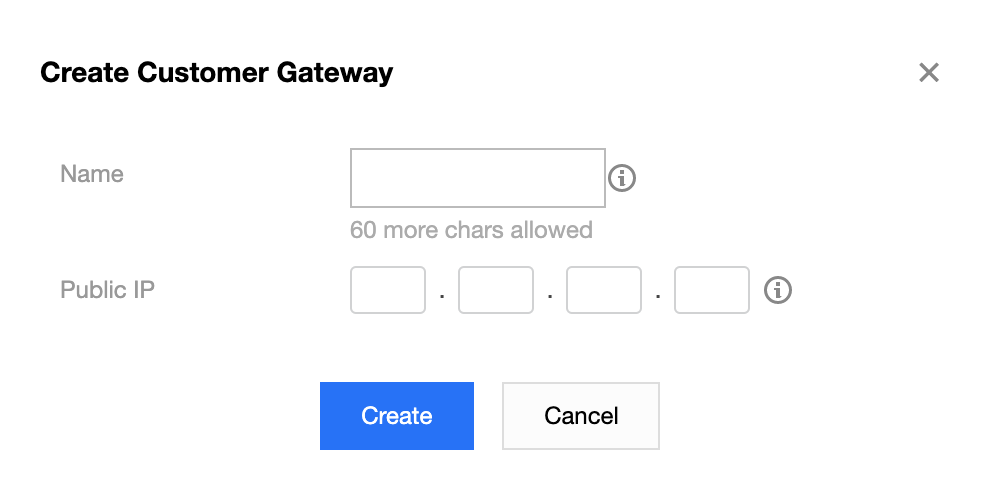
4. Enter a name for the customer gateway (for example, TomVPNUserGw), the labels and the public IP address (for example, 202.108.22.5) of the IDC’s VPN gateway.
Note:
The labels are alternatively configured, please retain the default settings.