tencent cloud

Tencent Cloud Organization

  • Product Introduction
  • Purchase Guide
  • Operation Guide
    • Console Overview
    • Organization Settings
    • Department Management
    • Member Account Management
    • Member Finance Management
    • Member Access Management
    • Resource Management
    • Member Audit
    • Identity Center Management
  • API Documentation
    • History
    • Introduction
    • API Category
    • Making API Requests
    • Organization Settings APIs
    • Department and Member Management APIs
    • ListOrganizationIdentity
    • Unified Member Login APIs
    • Organization Service Management APIs
    • Organization Management Policy APIs
    • Resource Sharing APIs
    • Identity Center Management APIs
    • Identity Center User Management APIs
    • Identity Center User Group Management APIs
    • Identity Center Management SCIM Synchronization APIs
    • Identity Center Single Sign-On Management APIs
    • Identity Center Permission Configuration Management APIs
    • Identity Center Multi-Account Authorization Management APIs
    • Identity Center Sub-User Synchronization Management APIs
    • Data Types
    • Error Codes
    • TCO API 2018-12-25
  • Related Agreement
  • FAQs
  • Glossary

Log in using TCCLI

PDF
Modo Foco
Tamanho da Fonte
Última atualização: 2025-08-19 17:56:07
The identity center has been integrated with the Tencent Cloud Command Line Interface (TCCLI). Users can log in to the identity center user portal using a browser or log in through TCCLI. After logging in, select the account and permission to access cloud resources via TCCLI commands. This article introduces the steps for identity center users to log in using TCCLI.

Prerequisites

1. TCCLI is installed. For details, see Installing TCCLI.
2. Access address of the identity center login portal obtained, method:
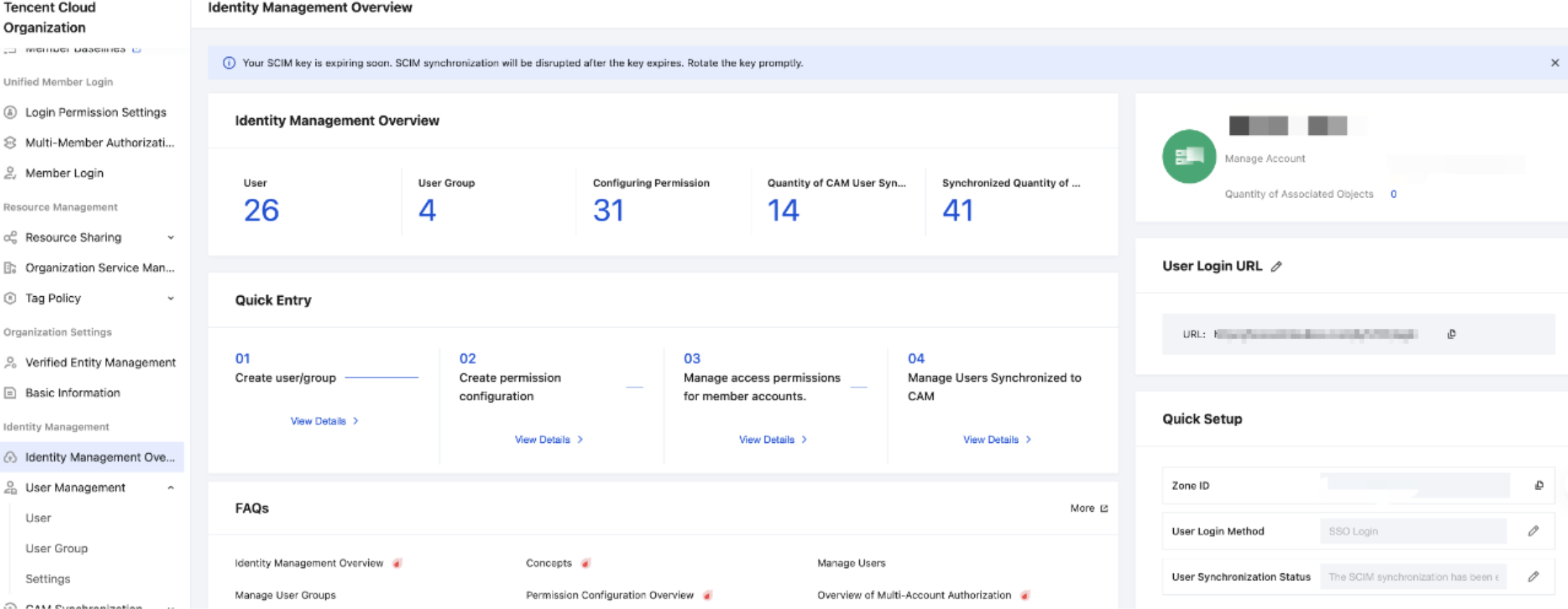
2.1 Identity Center Administrator goes to TCO > Identity Center.
2.2 On the left sidebar, click Identity Center Overview.
2.3 On the right side of the overview page, view or copy User Login URL.

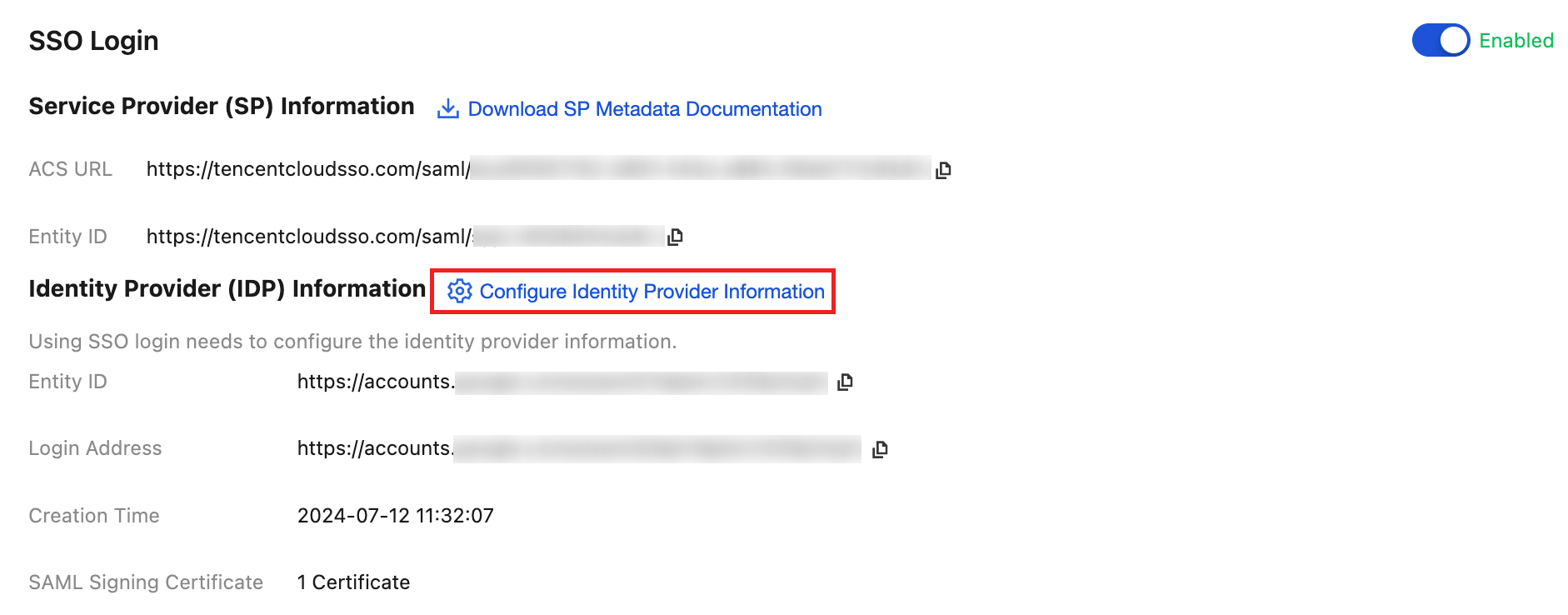
3. SSO login is enabled, and identity provider (IdP) info is configured. For the setting method, see Manage SSO Login.
Note:
To log in with TCCLI, enable SSO login in settings. Username and password login is not supported.


Operation Steps

1. Run the following commands in the terminal to start configuring login information.
tccli sso login
2. Run the following commands in the terminal, enter the user login URL, TCCLI will automatically open the identity center SSO login page through the default browser.
tccli sso configure --url https://tencentcloudssointl.com/*****/login
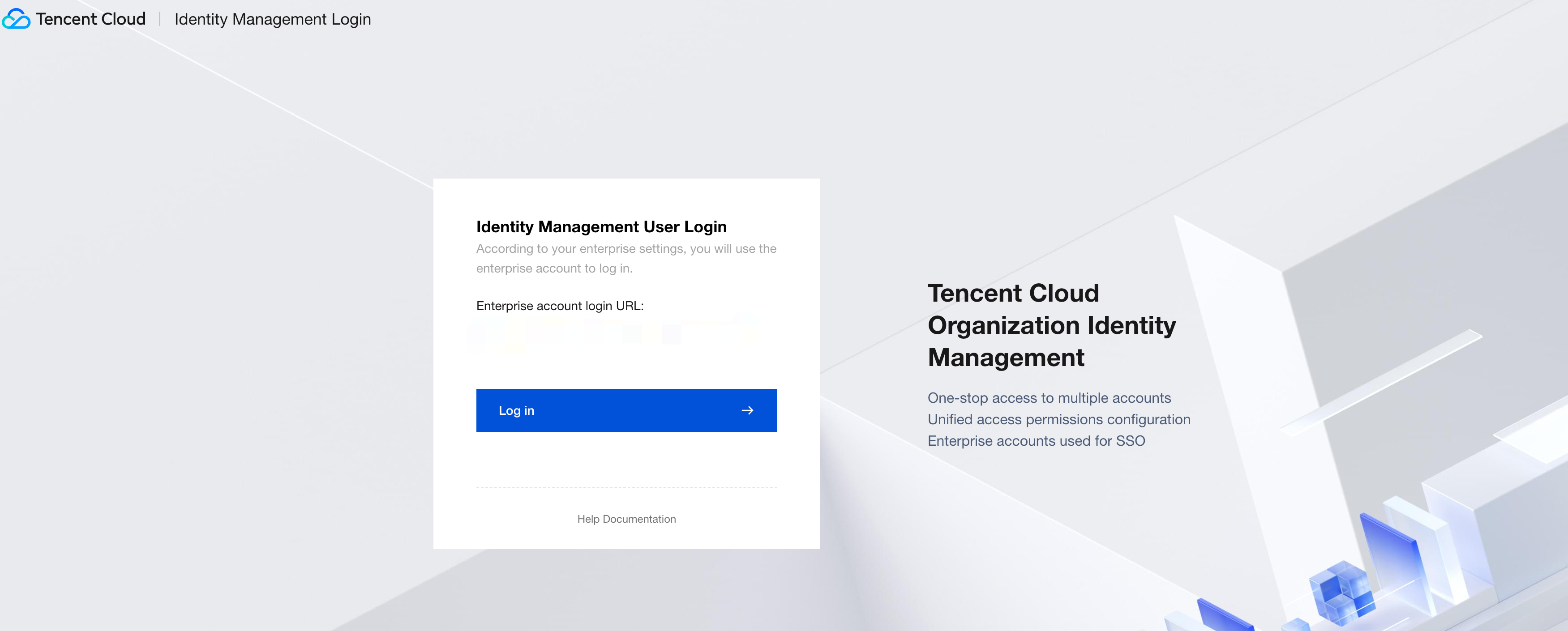
3. The browser automatically opens the SSO login page, click Log In on the SSO page.

3.1 The system will automatically redirect to the corporate IdP login page.
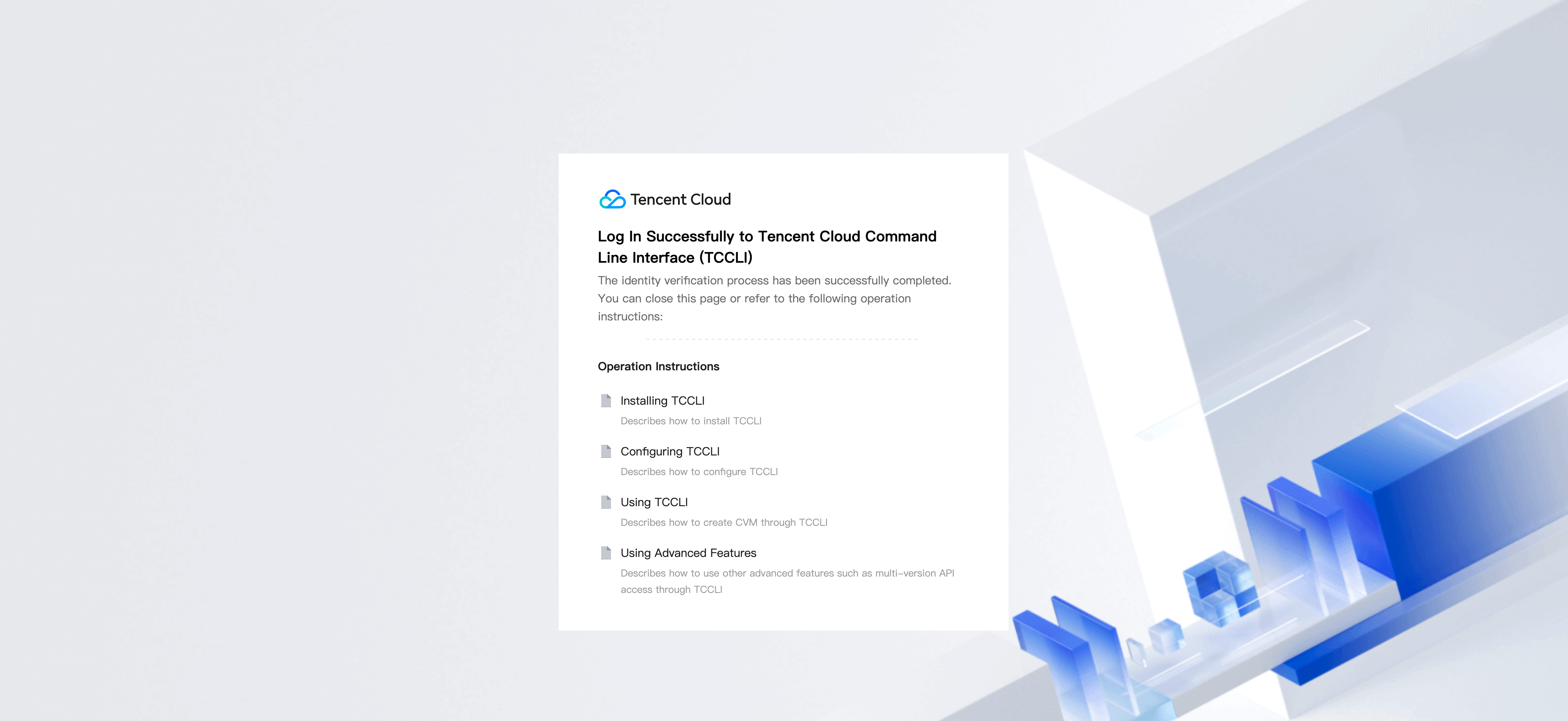
3.2 After successfully logging in with the corporate IdP username and password, you will enter the successful login page.


4. After the browser completes login, return to the terminal, select the Tencent Cloud account and permission you need to log in to from the TCCLI account list.
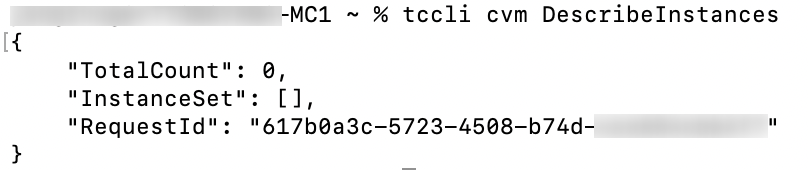
5. Run the following commands in the terminal to verify TCCLI availability.
tccli cvm DescribeInstances
Request success example:

6. To log out, run the following commands in the terminal.
tccli sso logout

Ajuda e Suporte

Esta página foi útil?

comentários