Step 2: Add Virtual Private Cloud (VPC) Network
다운로드
포커스 모드
폰트 크기
Scenarios
After the instance is created, you need to add a Virtual Private Cloud (VPC) network route for the instance. This document describes the procedures for adding a VPC network route to an existing instance through the CKafka console.
Prerequisites
Operation Steps
1. On the CKafka console's instance list page, click the "ID/Name" of the pre-created instance to go to the basic information page.
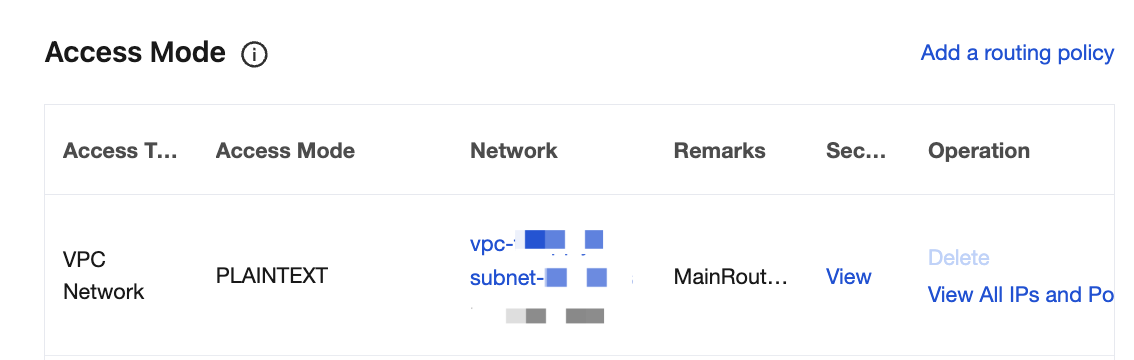
2. On the instance details page, select the Access Mode module and click Add a routing policy in the upper-right corner to add a new Virtual Private Cloud (VPC) network route.
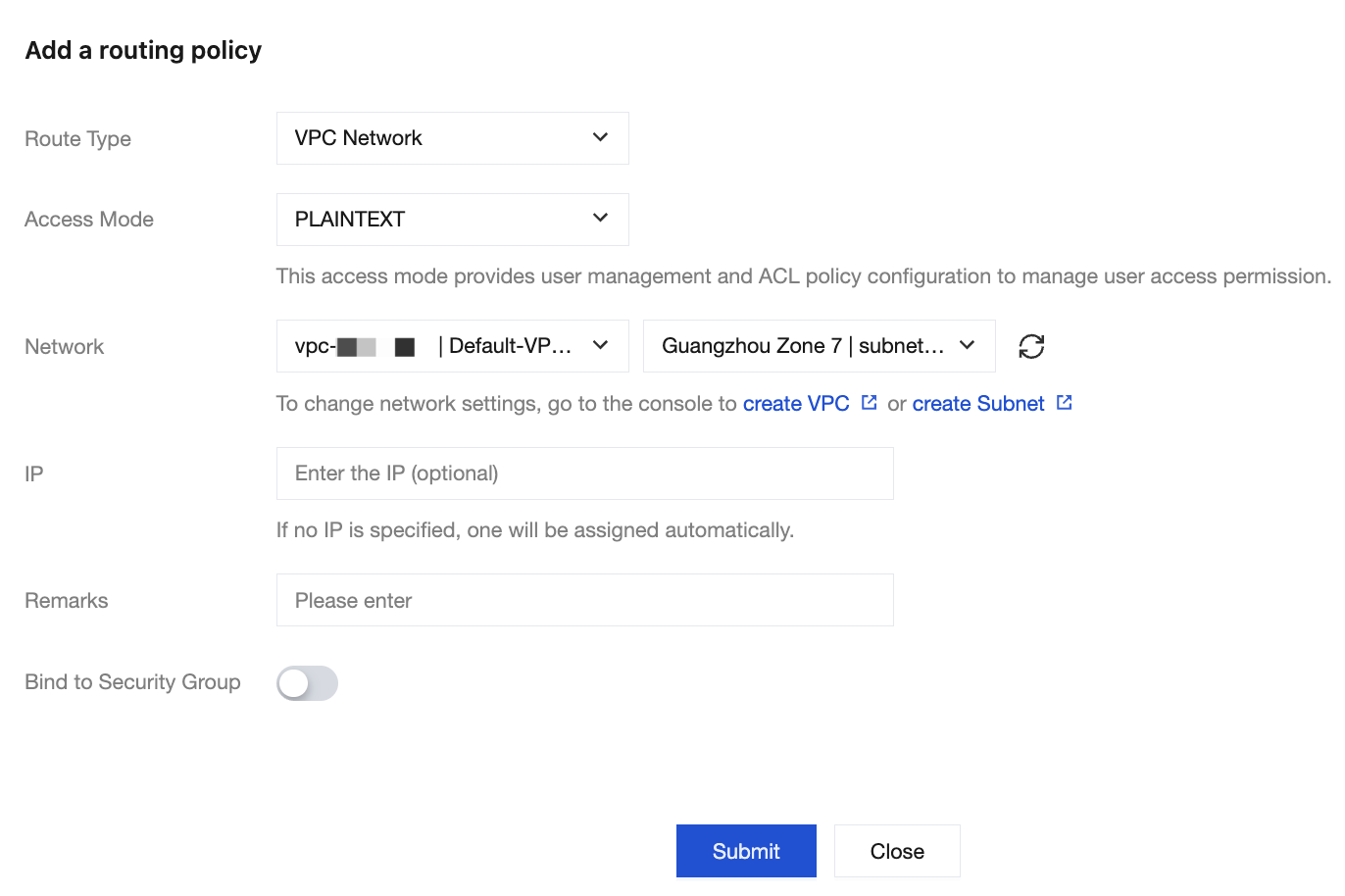
After adding, you will obtain the domain name and port for Virtual Private Cloud (VPC) network access.
피드백