Step 3. Test Function
다운로드
포커스 모드
폰트 크기
1. Download the text file in the test sample and extract
test.txt.2. Switch to the COS Console, select the created bucket
srcmr, and click Upload File.3. In the pop-up "Upload File" window, select the downloaded 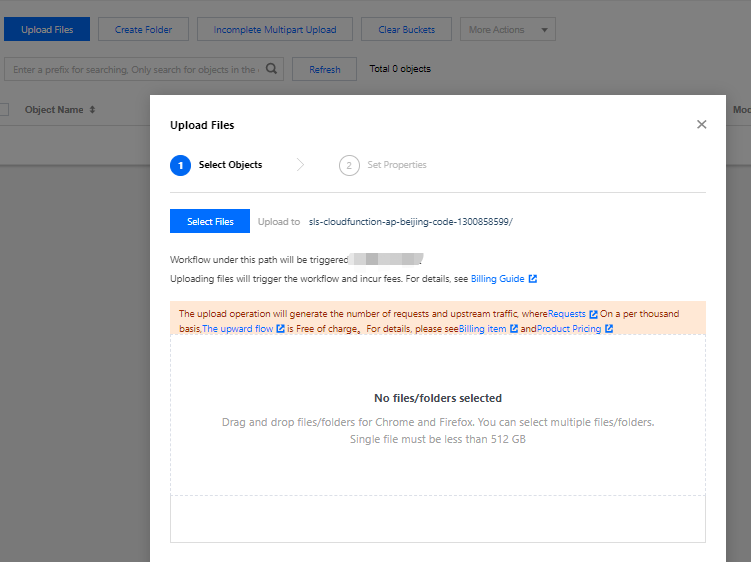
test.txt file and click Upload as shown below:
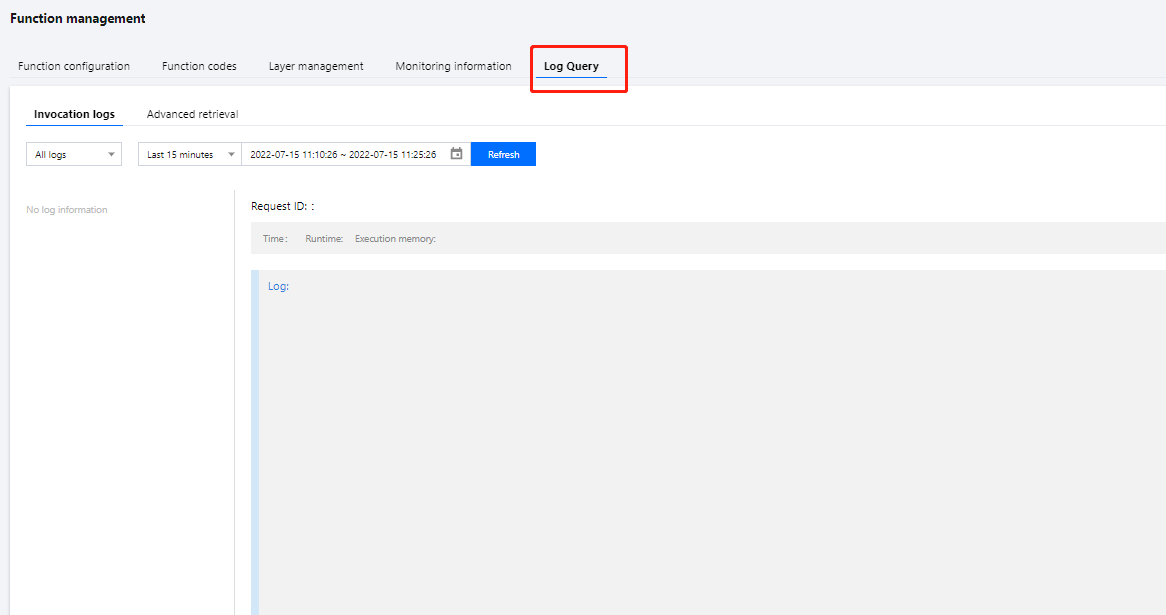
4. Switch to the SCF Console to view the execution result. You can see the printed log information in Logs as shown below:
5. Switch to the COS Console, select the created bucket 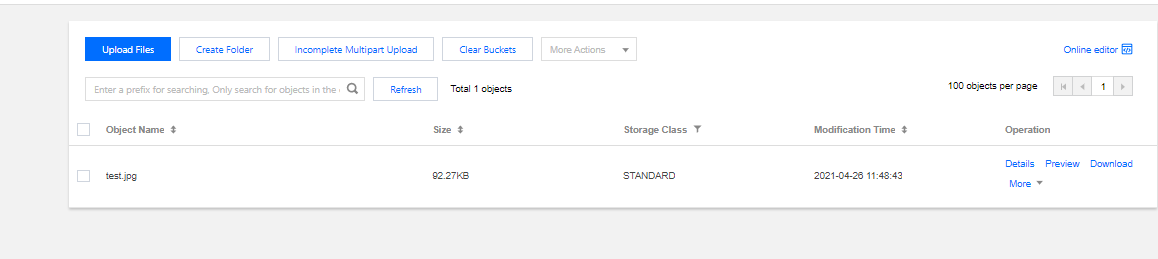
destmr, and view the generated file as shown below:
피드백