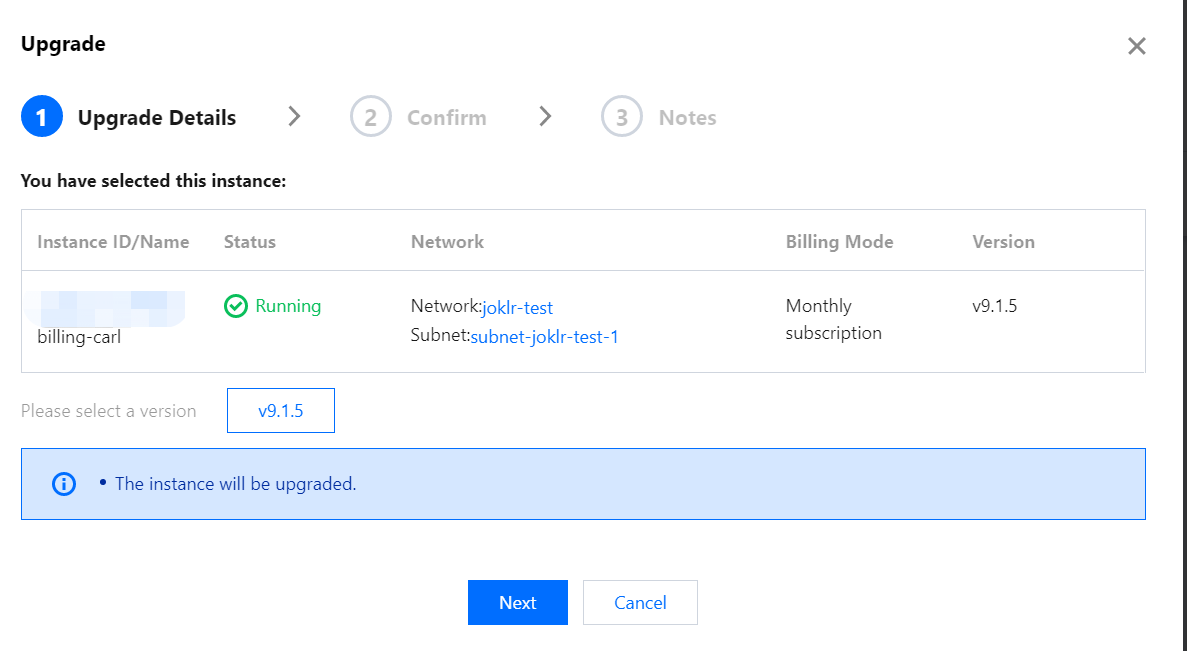
2. In the instance list, select the Grafana instance to be upgraded and click More > Instance Status > Upgrade on the right.
3. In the pop-up window, select the target version to upgrade to.
4. After all steps are completed, the instance will be upgraded and rebooted.
Notes
1. Open-Source Grafana can be upgraded only from one version to the next version, and for instance upgrade across more than two versions, you can upgrade the instance multiple times.
2. When an instance is upgraded, its data will be backed up on the backend. If the upgrade fails, the instance will be automatically restored to the status before the upgrade.