Conversion from regular backups to scheduled backups
다운로드
포커스 모드
폰트 크기
In the data backups under the same instance, the retention period for periodic backups is greater than or equal to that of regular backups. Therefore, TencentDB for SQL Server supports converting regular backups under the same instance to periodic backups. This enhances management capabilities for historical regular backup files and modifies their backup types and retention policies. This document describes how to convert regular backups to periodic backups via the console.
Supported for Conversion Backup Types and Descriptions
In the automatic backup settings, if periodic backup retention is enabled, then the regular backups under this instance can be converted to periodic backups.
In the automatic backup settings, if only regular backup retention is enabled and periodic backup retention is not enabled, then the regular backups under this instance do not support conversion to periodic backups.
Manual backups cannot be converted to periodic backups.
Console Field Descriptions
The operation of converting regular backups to periodic backups is displayed in the console as changing the backup method from "Automatic - Regular" to "Automatic - Periodic".
Operation Steps
Note:
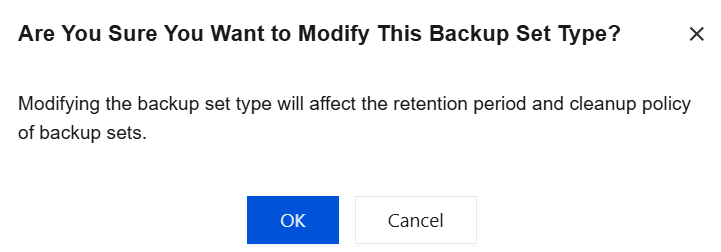
After a regular backup is converted to a periodic backup, it will affect the retention period of this backup and the backup cleanup policy.
1. Log in to the SQL Server console.
2. Select a region at the top, locate the target instance, and click the instance ID or Operation > Manage to go to the Instance Management page.
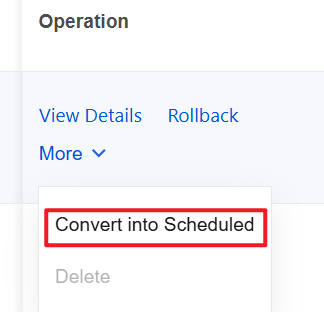
3. On the instance management page, choose Backup Management > Data Backup, locate the target backup file, and in its Operation column, click More > Convert into Scheduled.
4. In the pop-up window, click OK.
피드백