After the cluster is created, GooseFS supports associating with the remaining subnets under the cluster's VPC. The following will introduce the process of associating with a new subnet.
2. In the left navigation, select GooseFS > Instance List to enter the GooseFS Cluster List Page.
3. Select the GooseFS cluster you need to manage, and choose the Basic Information page from the sidebar.
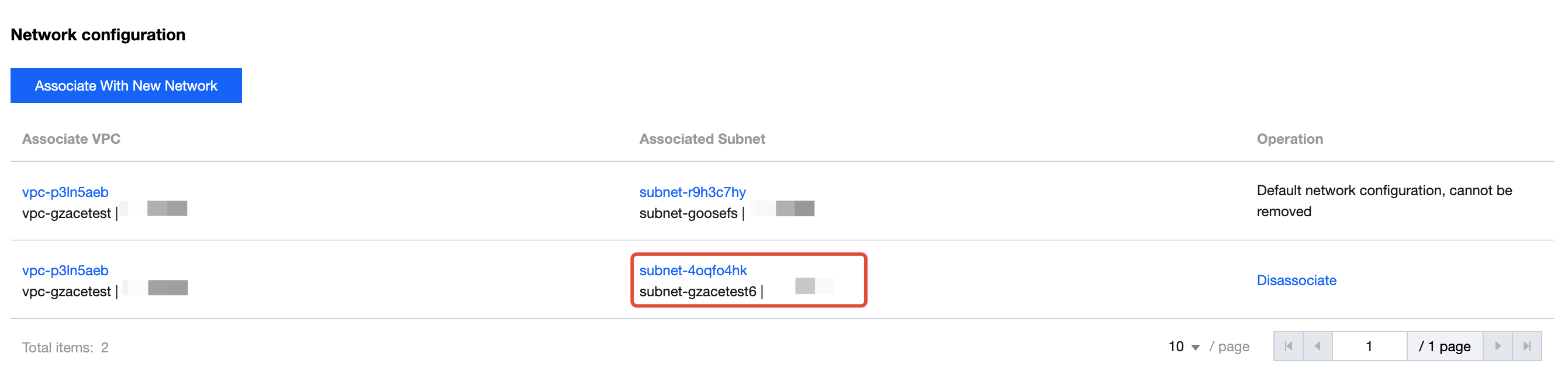
4. In the Basic Information > Network Configuration module, the default network configuration is the VPC and subnet associated when creating a cluster.
The network configuration module supports adding subnets and disassociating operations.
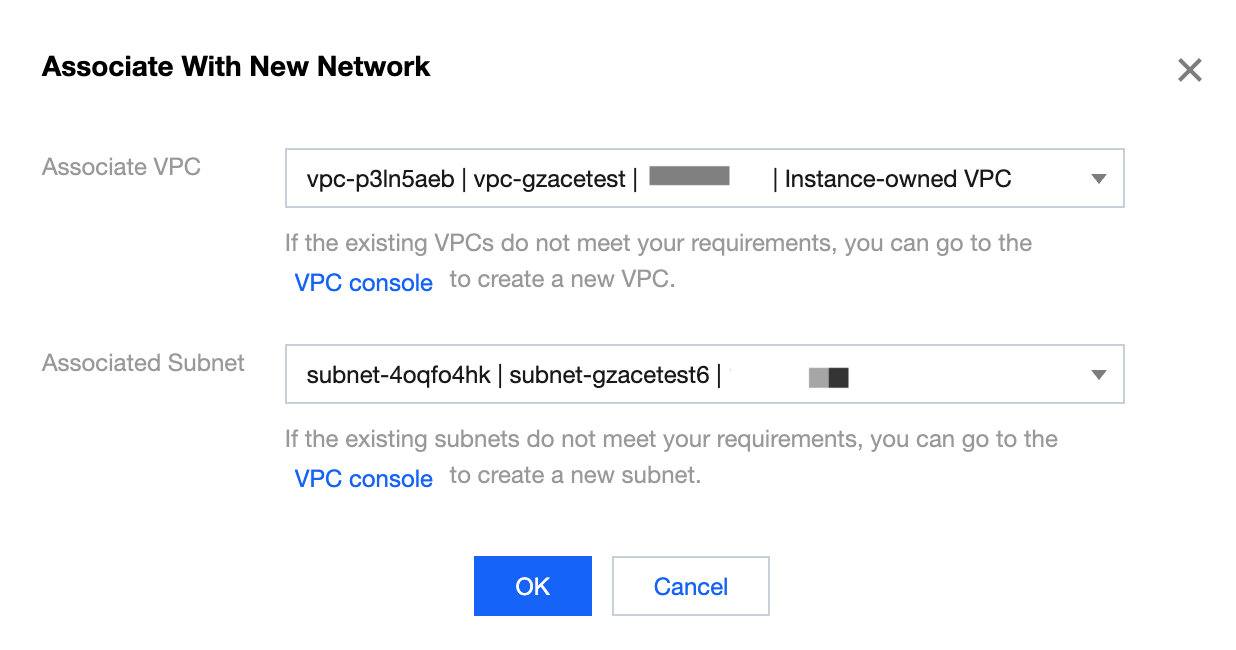
Add subnet: Click Associate With New Network, select Associate Subnet, and associate other subnets under the Default VPC.
After associating with a new network, the newly associated subnet can be viewed in the network configuration list.
Remove association: Click Operation in the subnet list Disassociation, then click Confirm after disassociation to remove subnet association.
Note:
The associated subnet selected when creating a cluster is the default network configuration and cannot be unbound.