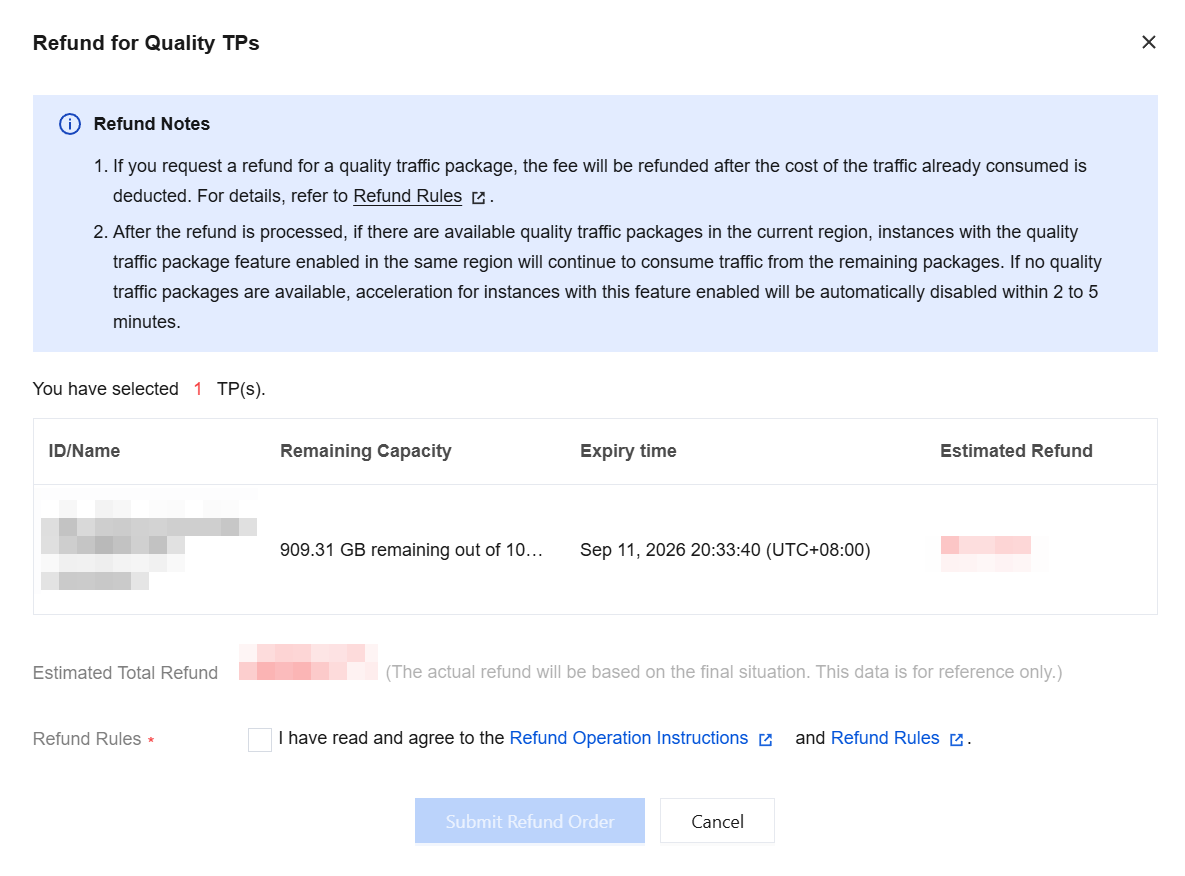
Quality traffic packages can be returned. After being returned, resources that are consuming traffic will be offset from other available quality traffic packages in the same region. If no such a package is available, fees are generated based on the rules and pricing of the original billing mode.
Prerequisites
Only quality traffic packages whose status is Valid (not expired) can be returned. You can view them in the quality traffic package list. For details about the return rules, see Refund.
2. Return quality traffic packages individually or in batches.
Return a single quality traffic package.
2.1.1 Find the quality traffic package you want to return. Then, click Return in the Operation column on the right.
2.1.2 In the displayed Return Quality Traffic Package dialog box, carefully review the return instructions and verify information. Then, click Submit Refund Order to go to the refund page and confirm the refund.
Return quality traffic packages in batches.
2.1.1 On the quality traffic package list page, select multiple quality traffic packages that you want to return.
2.1.2 Click Return above the list.
2.1.3 In the display Refund for Quality TPs dialog box, carefully review the return instructions and verify information. Then, click Submit Refund Order to go to the refund page and confirm the refund.