tencent cloud

Viewing Monitoring Data

Download
포커스 모드
폰트 크기
마지막 업데이트 시간: 2026-08-04 18:10:58
AI 번역
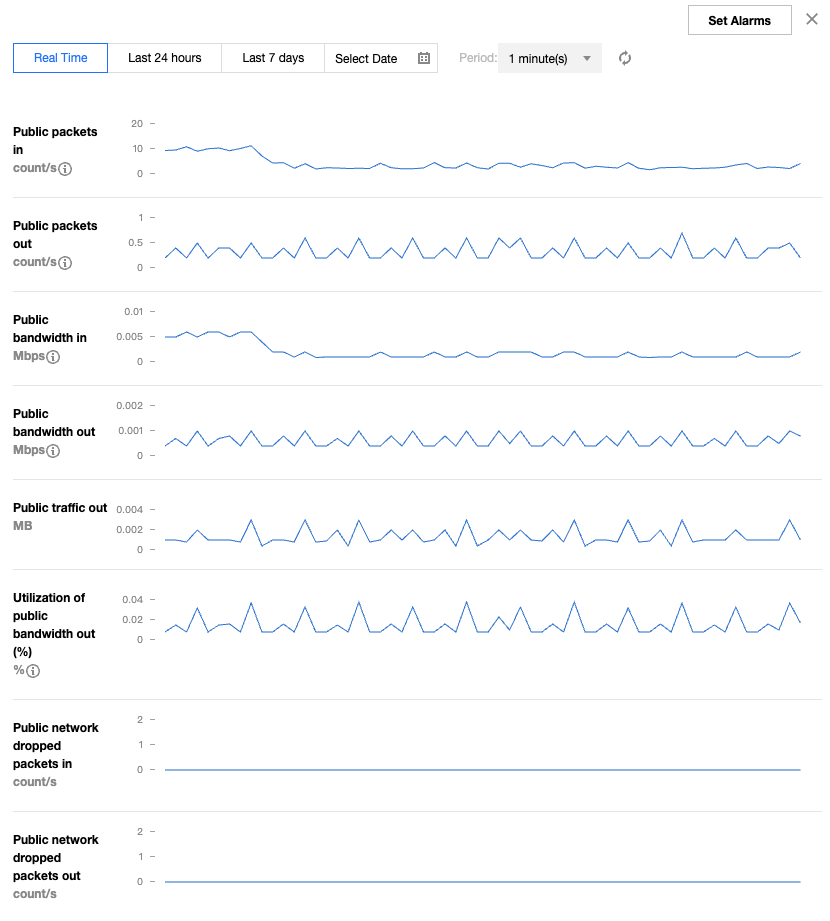
The monitoring feature for Elastic IP (EIP) can help you use the related monitoring metrics (such as the size of public network incoming packets) to monitor traffic fluctuations in real time, detect exceptions in the fluctuations promptly, adjust the peak bandwidth of EIPs, and avoid access delays caused by bandwidth throttling.

Directions

1. Log in to the public IP address console.
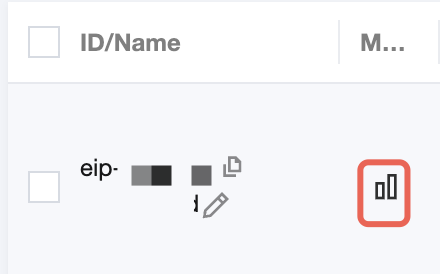
2. At the top of the public IP address page, select the region of the EIP you want to view. In the list, click

in the row of the corresponding EIP.

3. View the monitoring data on the right of the page.
Note:
If you need to use the Public Network Inbound Bandwidth Utilization metrics, submit a ticket.


Following Steps

If you need to adjust the peak bandwidth, see Adjusting the Bandwidth.


도움말 및 지원

문제 해결에 도움이 되었나요?

피드백