Audit logs provide a detailed record of the key operations of users on the platform. Administrators can view a record, review an operation, and analyze high-risk actions at any time. This topic describes how to view user operation logs in the Account Risk Control Platform console.
Steps
1. Log in to the CIAM console and select Audit management -> User operation logs in the left navigation pane.
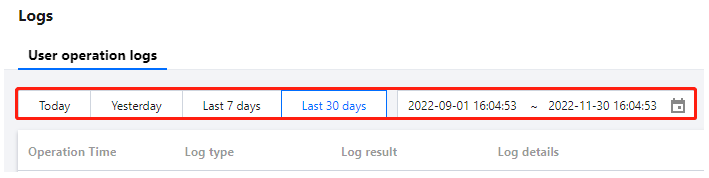
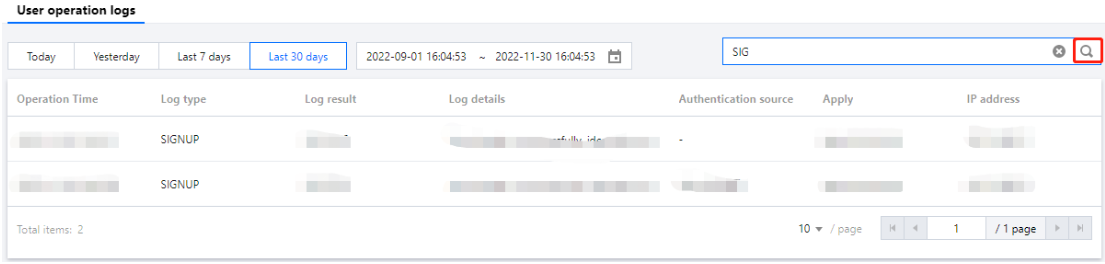
2. On the User operation logs page, you can view user operation logs by switching time periods or using the search box.
You can select Today, Yesterday, Last 7 days, or Last 30 days to view the logs.
Enter a log type, log result, authentication source, or application in the search box, and then click