2. On the General authentication source page, select the email OTP authentication source to edit and click Edit.
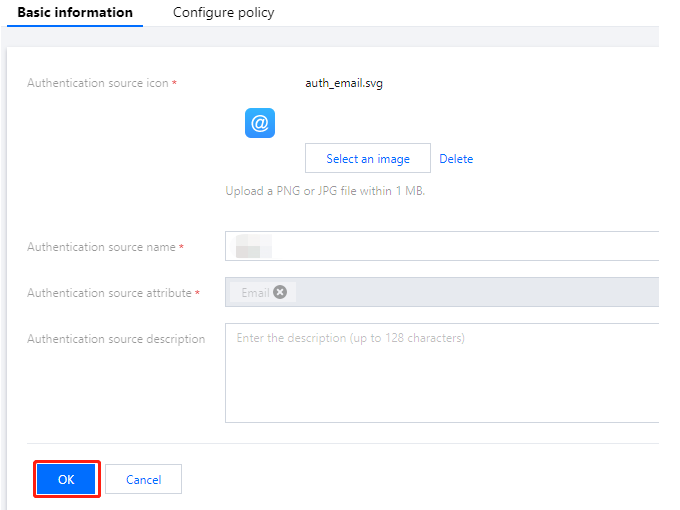
3. On the Basic information tab, modify the basic information as needed and click OK to modify the basic information.
4. Click the Email policy tab.
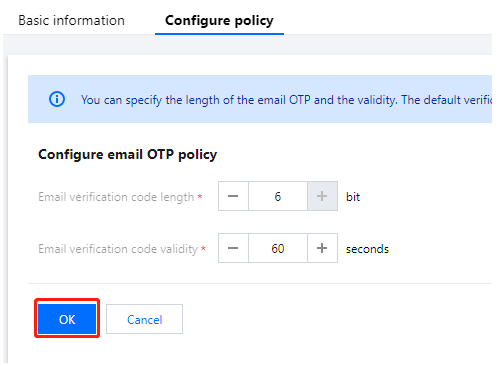
5. On the Email policy tab, modify the email verification code length and email verification code validity, and then click OK to modify the email policy.
Note:
Email verification code length: The length of email OTPs sent to users. The valid range of values is 1-128 bit.
Email verification code validity: The validity period of email OTPs. The valid range of values is 1-300 seconds.