During the training process, you can conduct a quick test on the trained model to initially check its effect.
Prerequisites
You have created the task through Task-based Modeling and completed the checkpoint output.
Operation Steps
1. Log in to the Platform and choose Training Workshop > Task-based Modeling in the left sidebar to go to the task list page. 2. On the task page, click the task name to go to the task details page.
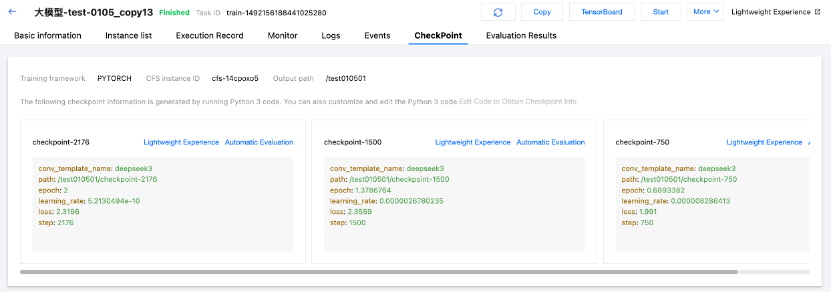
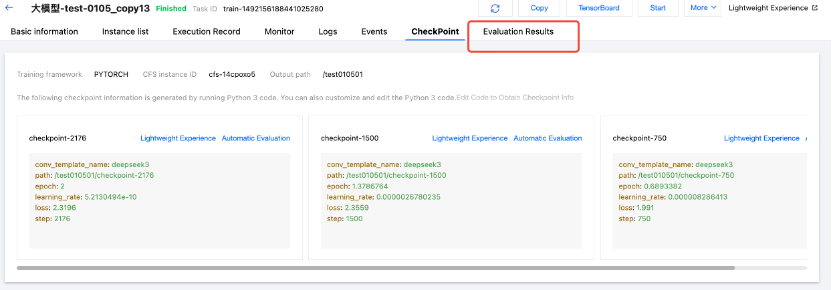
3. Click the CheckPoint tab and select the checkpoint card on which you want to conduct a quick test to preview the model effect.
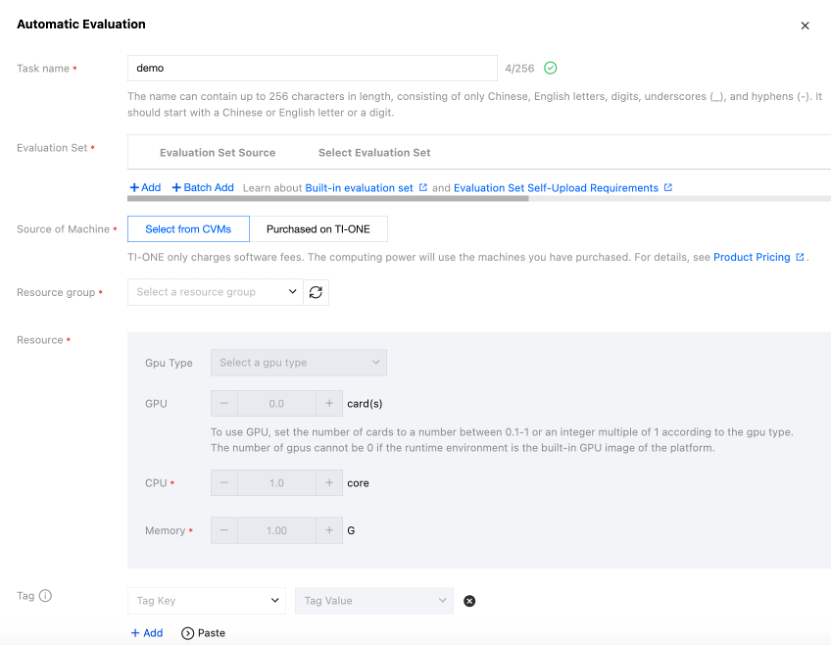
4. Click Quick Test. In the pop-up window, select the required resources from the resource group used during training. 5. After the quick test goes through the creating, starting, and ready states, you can click Quick Test. In the pop-up window, check the model effect.
6. In the pop-up window, you can send questions and chat with the model to experience the model effect.