SDK Quick Access
다운로드
포커스 모드
폰트 크기
Overview
This document will guide you on how to quickly integrate the SDK (iOS and Android) and generate the initial configuration code with one click.
Operation Steps
1. Log in to the HTTPDNS Console Development Configuration page, on the Development Configuration page, click Build configuration. As shown below:

2. In the pop-up integration into SDK window, select the related information to quickly integrate the SDK into the application. As shown below:
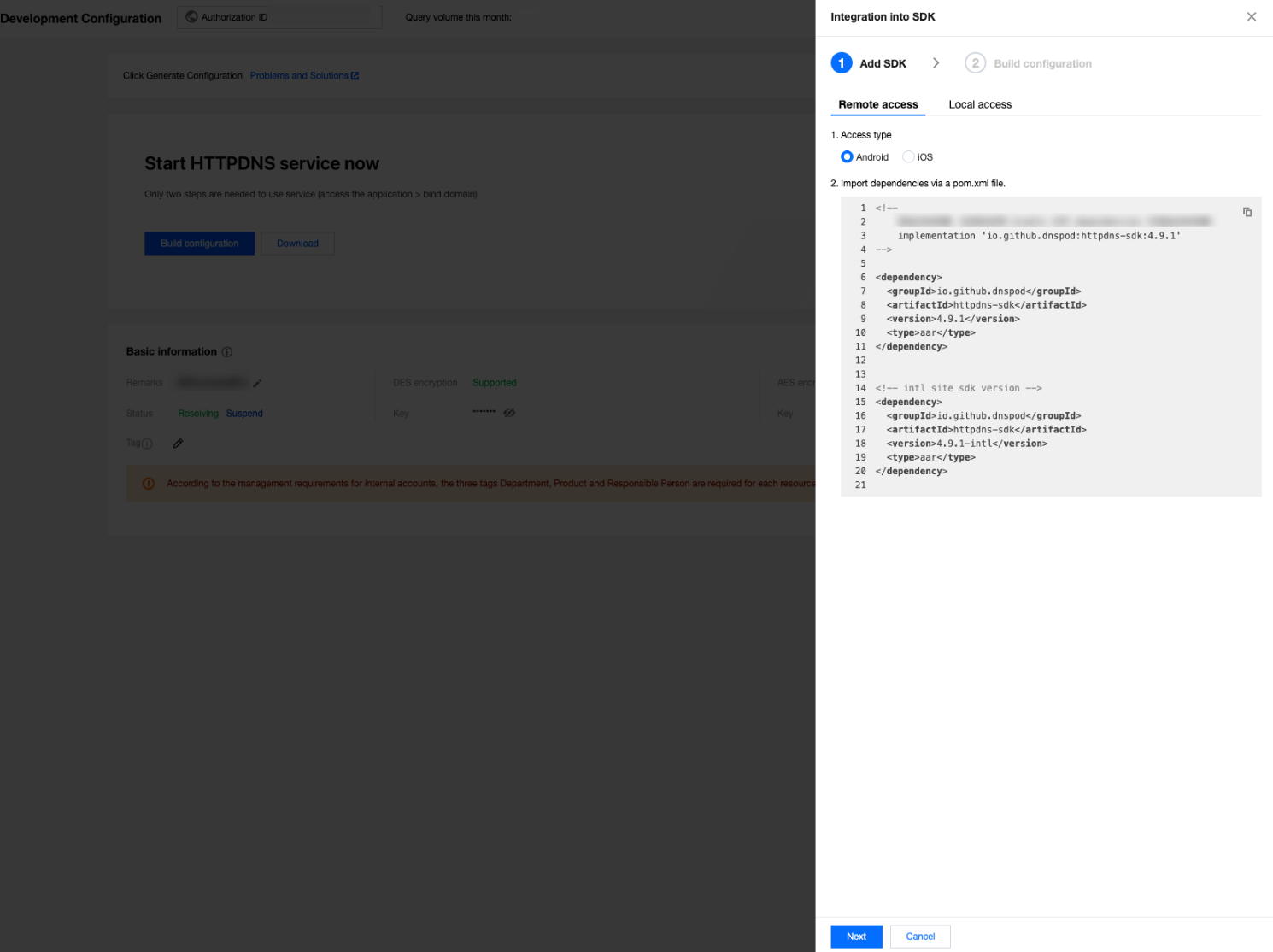
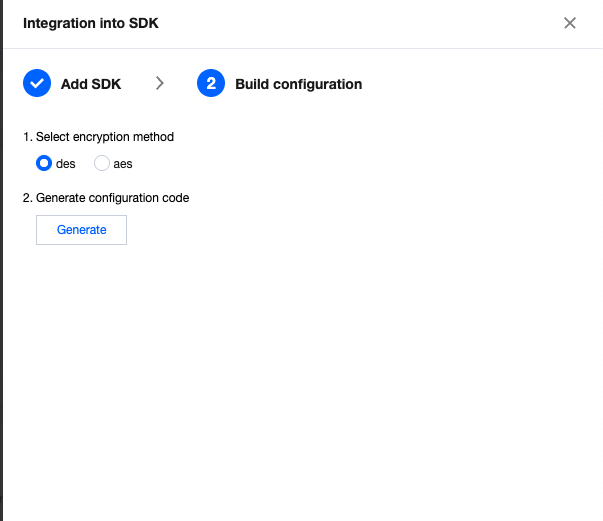
3. Click Next, enter the generation configuration, select encryption method, and click Generate. During the process, authentication may be required. You can perform online identity verification via methods such as mobile phone scan code. As shown below:
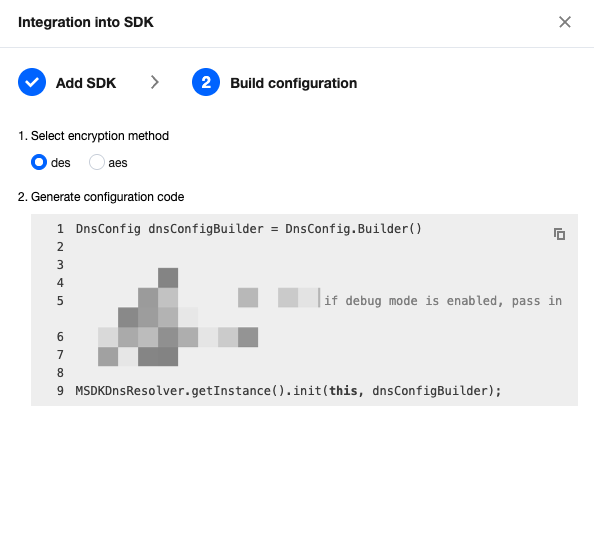
4. After completing the authentication process, the configuration message will be generated, as shown below:
5. Click Finish. Add the primary domain to successfully generate configuration items. For subsequent integration and SDK parsing operations, see the related SDK documentation under More Operations.
More Operations
피드백