Adding a Domain
다운로드
포커스 모드
폰트 크기
Overview
This document describes how to add a domain to be resolved in HTTPDNS.
Prerequisites
Directions
1. Log in to the HTTPDNS console.
2. Click Domain Management on the left sidebar and click Add primary domain.

3. In the Add primary domain pop-up window, enter the domain to be resolved.
Note:
You only need to add a primary domain, such as
tencent.com. After it is added, DNS will also take effect for its subdomains.You can add up to 200 domains.
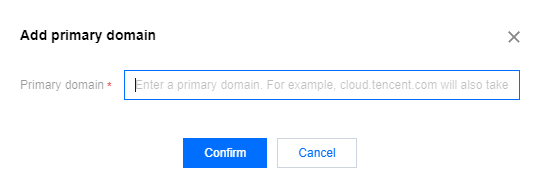
4. Click Confirm.
Note:
After adding a domain successfully, you can view its DNS query details on the details page. For more information, see Viewing a Domain.
If you want to connect a domain not by adding it in the console, you can contact customer service for assistance.
피드백