Sending a Message Using the Console
다운로드
포커스 모드
폰트 크기
After creating a topic in the TDMQ for Apache Pulsar console, you can send a specified message to the topic for message sending testing. Then, view the records of recently sent messages on the message query page to verify whether the business logic functions properly.
Prerequisites
Operation Steps
1. Log in to the TDMQ for Apache Pulsar console.
2. In the left sidebar, choose Topic. After selecting the region, cluster, and namespace, locate the topic to which you need to send a message, and click Send Message in the operation column.
3. Enter the message content in the pop-up dialog box. The message size cannot exceed 64 KB.
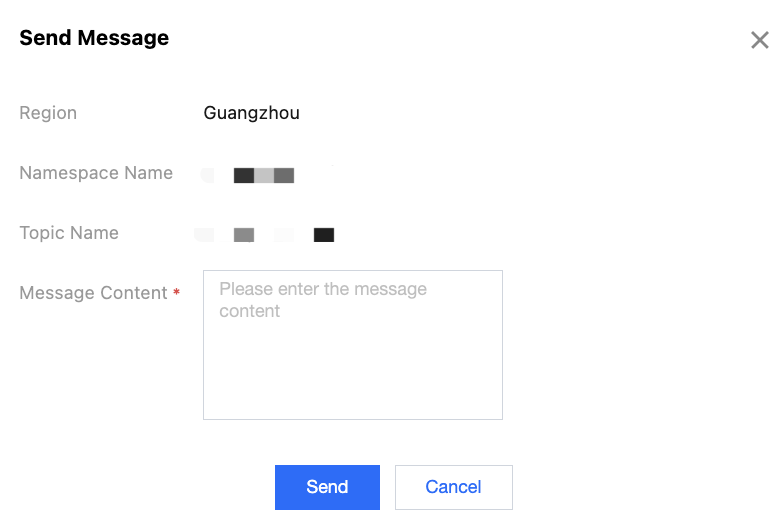
4. Click Send to send the message. Once sent, the message can be consumed by any subscriber under the topic.
피드백