You can use the Tencent Cloud console's Billing Center section to check your account's available balance, transaction history, expenses incurred by the use of TDSQL-C for MySQL, and replenish your account funds as needed.
The document describes how to query expense details associated with the use of the TDSQL-C for MySQL via the console.
2. Click on Billing Center under the Billing tab in the top-right navigation bar to open the billing center overview page.
Note:
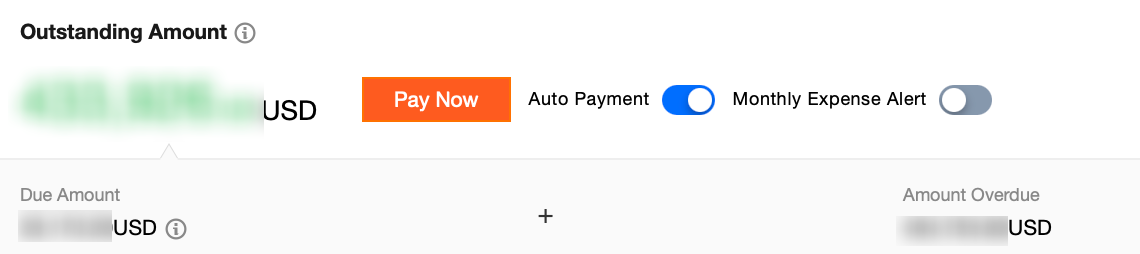
On the billing center overview page, you can check the available balance, outstanding balance, and frozen amount within your account, and replenish your account funds.
3. On the left navigation bar, select Bills > View bills.
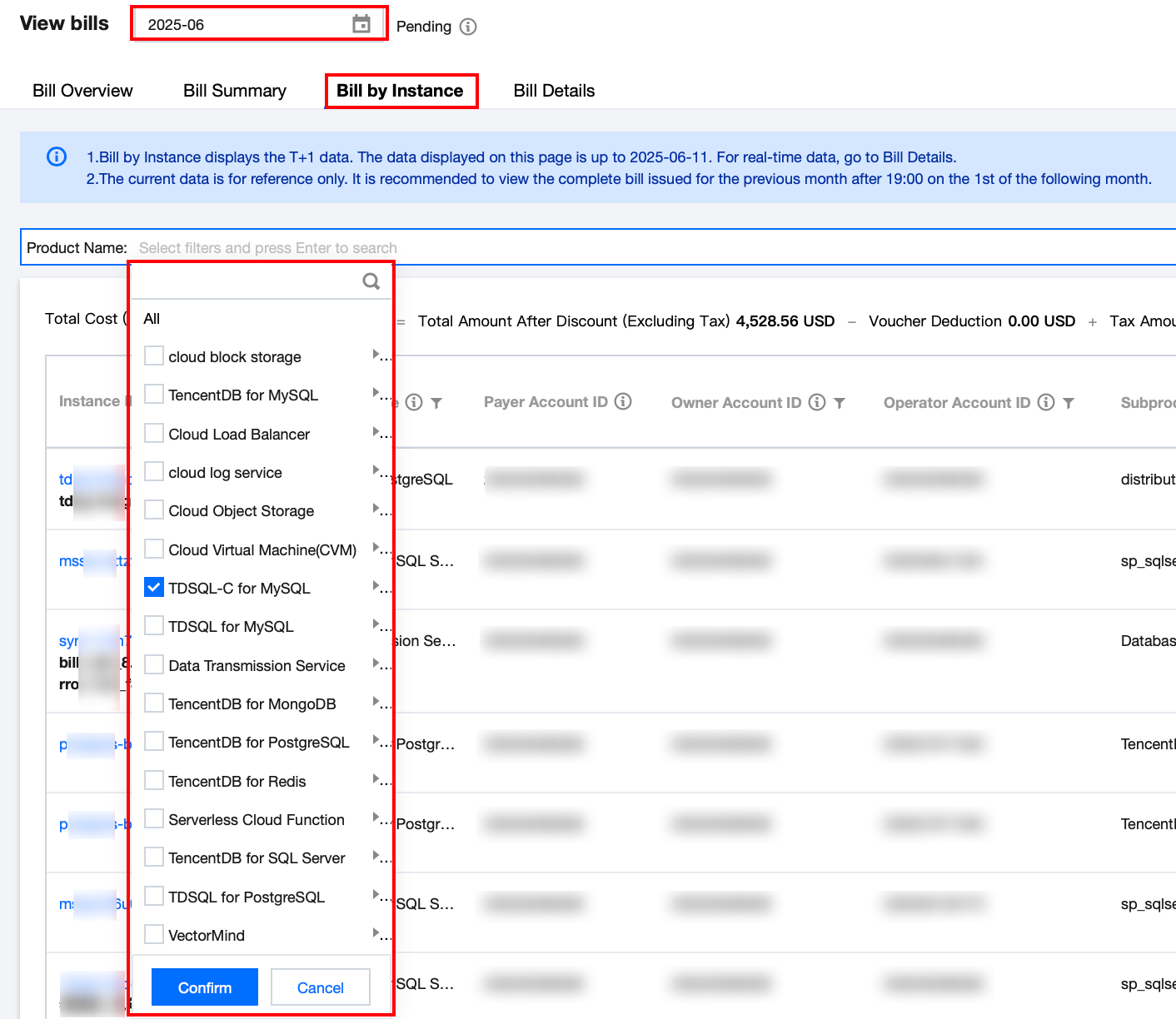
4. On the billing view page, select the query time (month) at the top, choose Bill by Instance, and then in the search box, select Product Name, filter and find TDSQL-C for MySQL, click confirm, and you can view the product's bill for the selected month in the list below.
Note:
To check specific details pertaining to an individual resource's bill, click on Details under the corresponding Operation column.
To procure a local copy of your bill details, simply click the