Switching Cluster Page View in Console
다운로드
포커스 모드
폰트 크기
Overview
In the TDSQL-C for MySQL console, the cluster list page supports tab and list views. You can switch between them as instructed below.
When there are no more than ten clusters, the tab view displays clearer cluster information and instance data than the list view.
Directions
1. Log in to the TDSQL-C for MySQL console, and toggle on the button in front of List View in the top right of the cluster list.
Before toggling on:

After toggling on:

2. After it is toggled on successfully, the tab view is as follows.
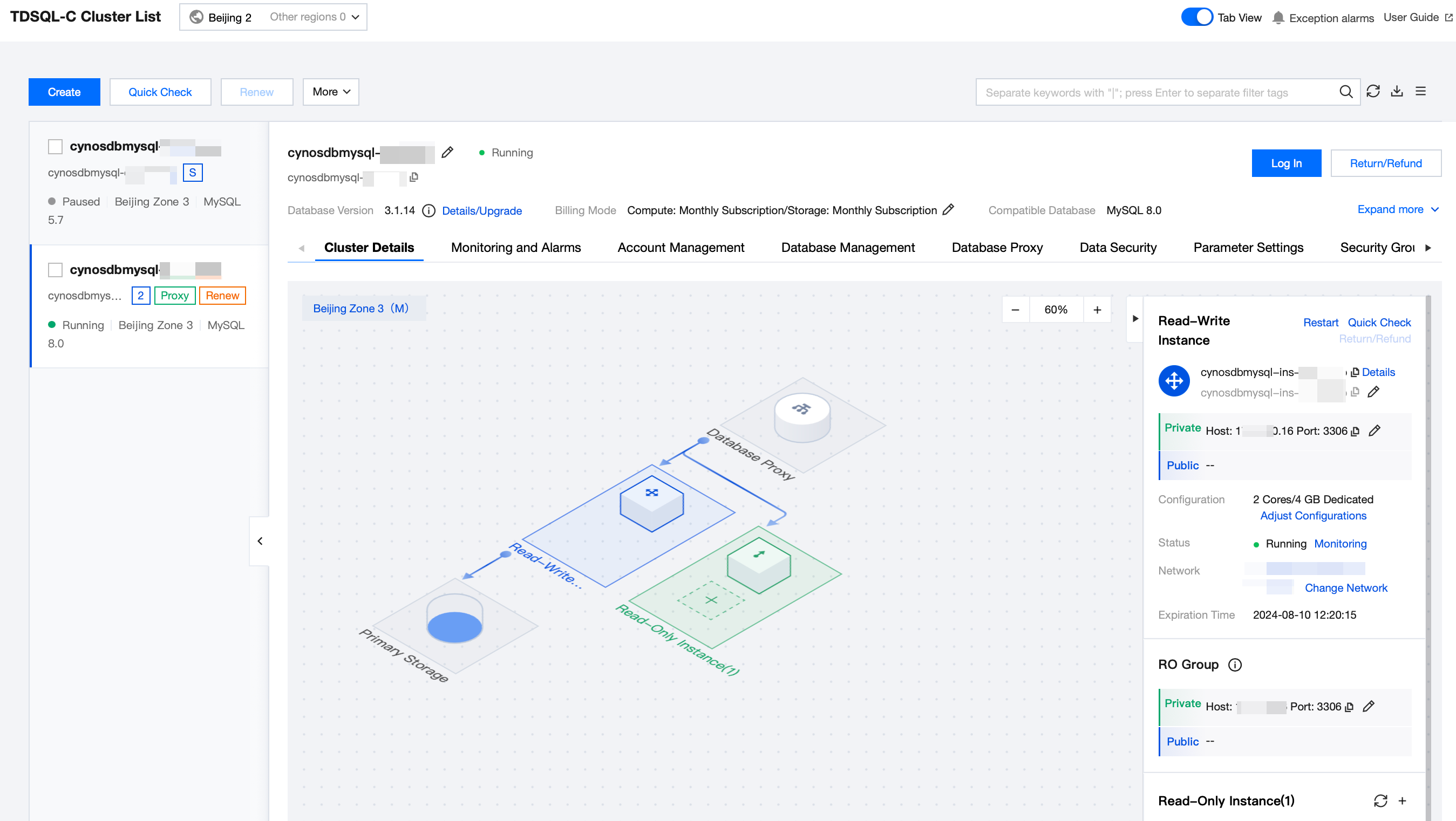
3. Click the target cluster in the cluster list on the left to enter the cluster management page.
4. On the Cluster Management page, you can upgrade the database version of the cluster, log in to the cluster, terminate the cluster, request a refund, adjust project, change network, modify deployment mode, edit tags, set renewal and billing mode.
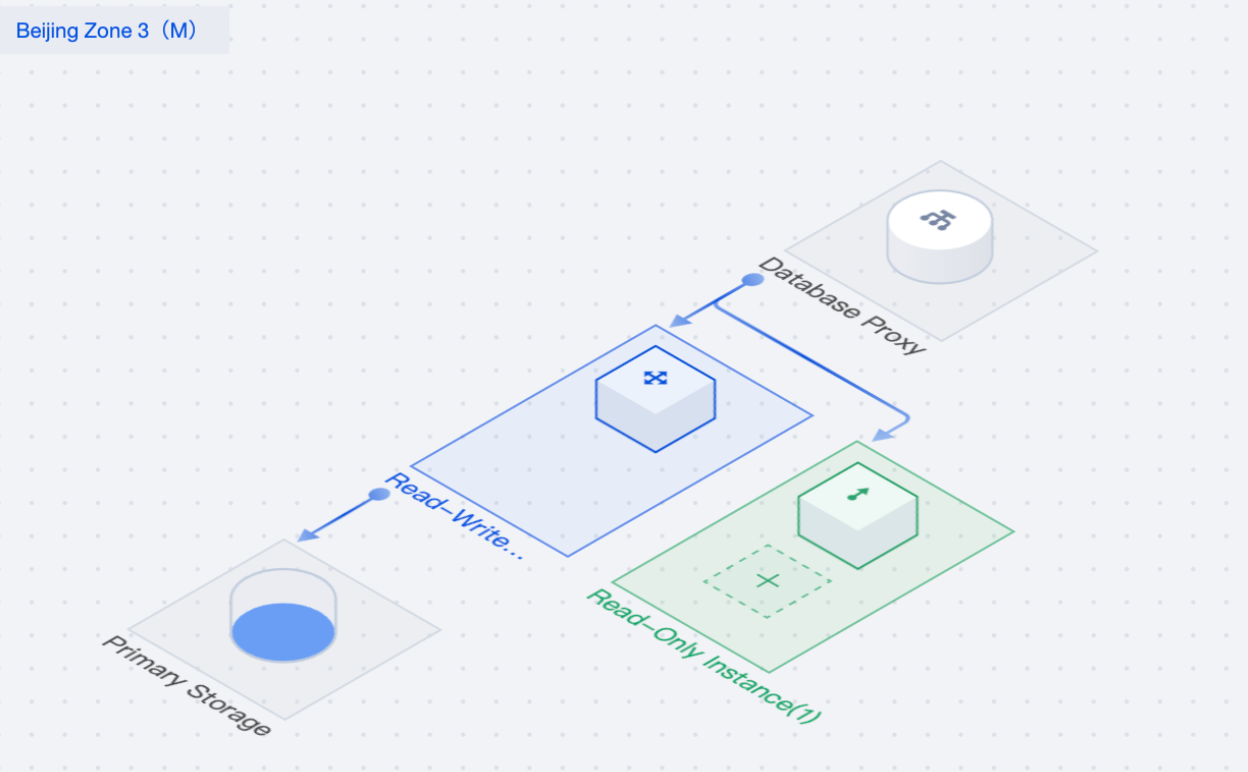
5. On the Cluster Details page, you can learn about the cluster architecture and storage details of TDSQL-C for MySQL and perform related operations on the instance. For more information, see Instance Management Overview.
6. If you need to switch the list view, you can toggle off the button in front of Tab View in the top right of the console.
Before toggling off:

After toggling off:

Hiding Cluster List
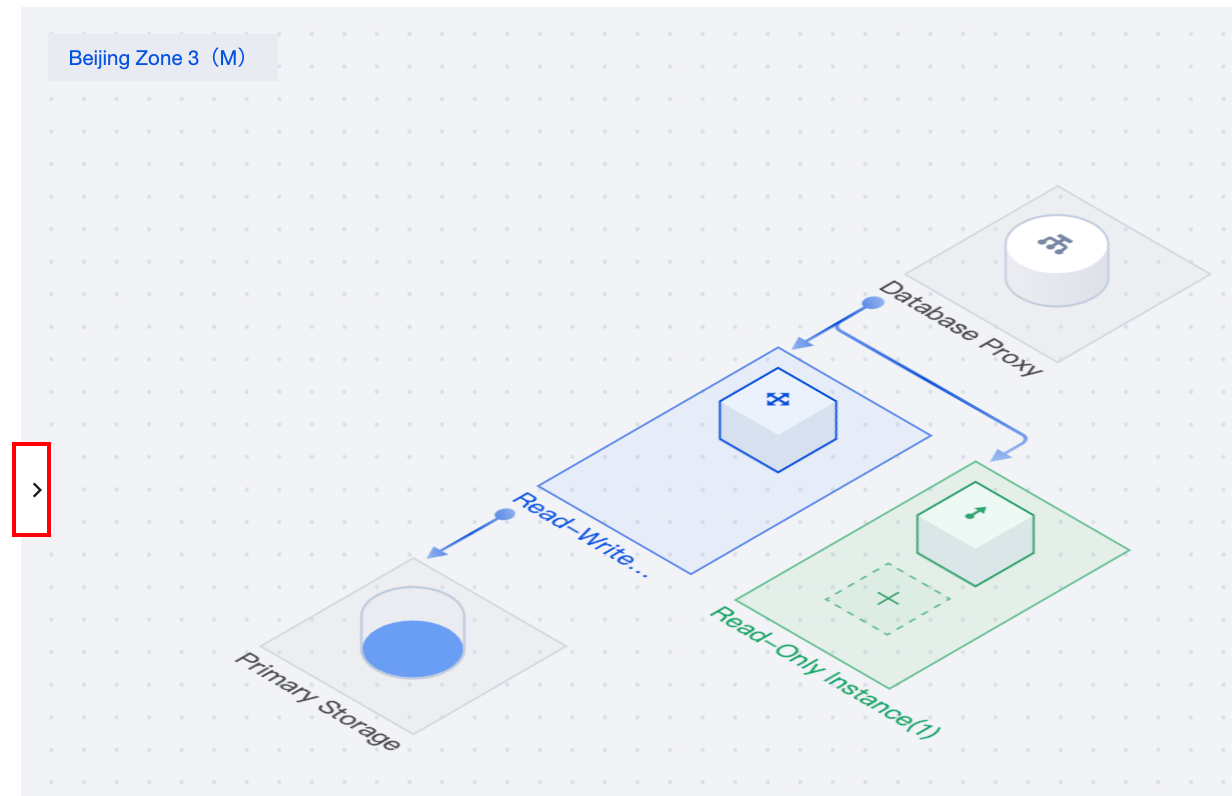
In the tabbed view, it is possible to conceal the Cluster List to facilitate a clearer preview of the corresponding cluster management page. Simply click the icon within the red box as shown below on any cluster management page. Clicking the same icon again will expand the Cluster List anew.
피드백