tencent cloud

文档Private DNS

Activating Private DNS

下载
聚焦模式
字号
最后更新时间: 2024-12-31 16:10:18

Overview

Private DNS is a pay-as-you-go service. To use it, you need to confirm the agreement and activate it first. This document describes how to activate and try out the Private DNS service.

Activating Private DNS

1. Log in to the Private DNS console.
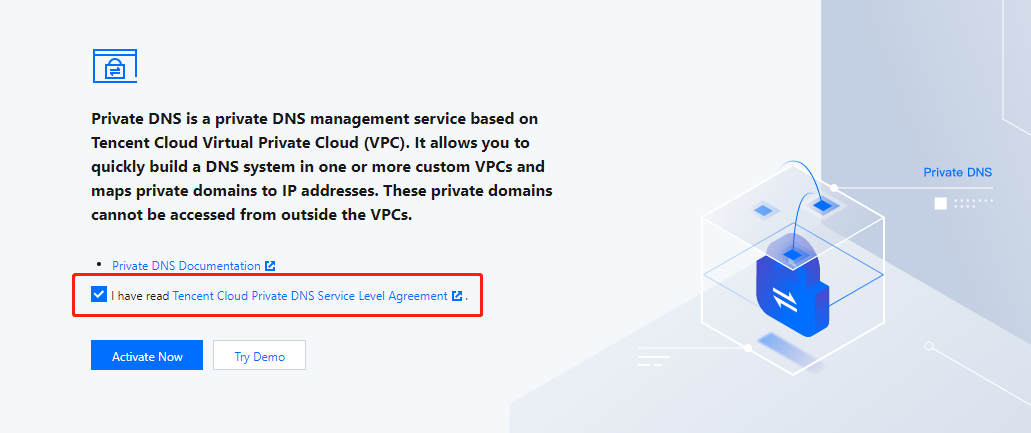
2. On the Private DNS overview page, read the Private DNS Service Level Agreement and select I have read Tencent Cloud Private DNS Service Level Agreement as shown below:

3. Click Activate Now.
Note:
Key account customers can enjoy exclusive services. Please contact your sales rep or architect to activate the service.
Trying out Private DNS

1. Log in to the Private DNS console to enter the Overview page.
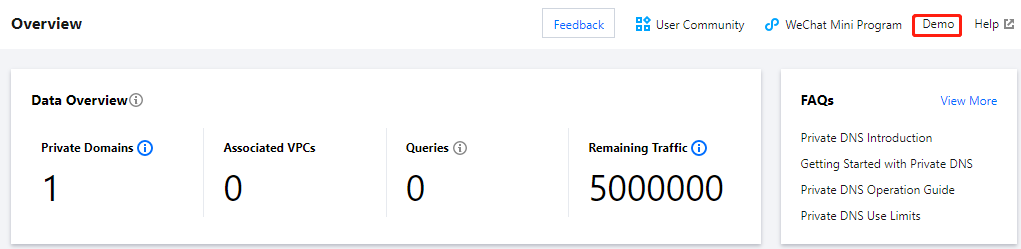
2. After the Private DNS service is successfully activated, click Demo in the top-right corner to try it out as shown below:


Exiting Demo

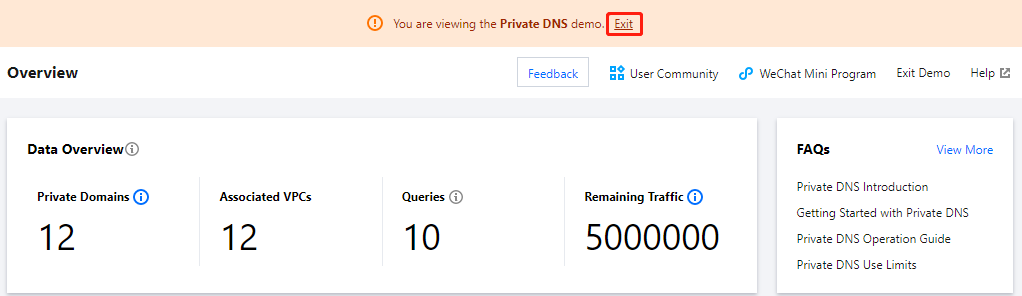
If you need to exit the demo, click Exit as shown below:
Note:
The demo only provides simulated data display and feature preview, while related features cannot be used.


帮助和支持

本页内容是否解决了您的问题?

填写满意度调查问卷,共创更好文档体验。

文档反馈