Database Proxy Overview
Download
フォーカスモード
フォントサイズ
This document introduces the database proxy feature of TencentDB for PostgreSQL.
Feature Overview
Database proxy is a network proxy service located between the cloud database service and the application service. It proxies all requests from the application service to the database. You can connect to the database proxy access address and use its features to simplify connection management for TencentDB for PostgreSQL instances.
You can use the database proxy feature if the primary instance experiences high load due to excessive connections or if read/write splitting is required. The database proxy access address is independent of the original database access address. All requests sent to the database proxy address are forwarded through the proxy cluster to the primary/secondary nodes of the database, where read/write splitting is performed. Read requests are forwarded to read-only instances to reduce the load on the primary database. The database proxy feature offers high availability, high performance, and ease of Ops.
Billing Overview
The database proxy of TencentDB for PostgreSQL uses the pay-as-you-go billing mode. The billing item is CU. The pricing of the database proxy varies by region, as shown in the following table.
Note:
CU refers to the minimum billing specification of the database proxy, which is the price of a proxy specification with 2 cores and 4000 MB of memory. Currently, database proxy nodes offer three specifications: 2 cores/4000 MB, 4 cores/8000 MB, and 8 cores/16000 MB, corresponding to 1 CU, 2 CU, and 4 CU respectively.
Region | Price (USD/CU/Hour) |
Guangzhou, Nanjing, Shanghai, Beijing, Chengdu, Chongqing, Tianjin, and Shenzhen | 0.06865672 |
Hong Kong (China) | 0.11492537 |
Riyadh | 0.13529412 |
Tokyo, Seoul, Sao Paulo, Singapore, Bangkok, Virginia, Silicon Valley, Jakarta, and Frankfurt | 0.11791045 |
Shenzhen Finance, Shanghai Finance, and Beijing Finance | 0.11641791 |
Use Cases
For businesses dominated by a large number of short connections, performance is insufficient.
When a business uses multiple read-only instances and performs read/write splitting manually on the application side, the maintenance cost and risk are high.
Excessive connections cause high instance load.
Scenarios where a large number of requests within a transaction cause high load on the primary instance.
Different businesses require load distribution through access addresses.
Cross-AZ access requires nearby access to reduce access latency.
Database Proxy Features
High stability: It is deployed in a cluster architecture, and multiple nodes ensure smooth failover.
Strong isolation: The database proxy uses dedicated resources to provide proxy services for the current instance. The proxy resources are independent and not shared.
Ultra-high performance: Each proxy can handle up to approximately 100,000 requests per second.
Convenient and fast scale-out: Dynamic extension of multiple proxy nodes is supported, with a current maximum of 4 proxy nodes.
Hot reload: During primary instance failovers, configuration adjustments, or the addition or removal of read-only instances, the database proxy can dynamically hot reload configurations, preventing network interruptions or restarts.
Connection pooling: Effectively resolves high instance load caused by excessive connections or frequent new connections from short-connection businesses.
Must-Knows
Currently, only one database proxy access address can be created.
The database proxy itself does not have a maximum connection limit. The connection limit is primarily determined by the maximum number of connections of the backend database instances, and the minimum value of the maximum connections of the primary and read-only instances can affect business performance.
Database Proxy Features
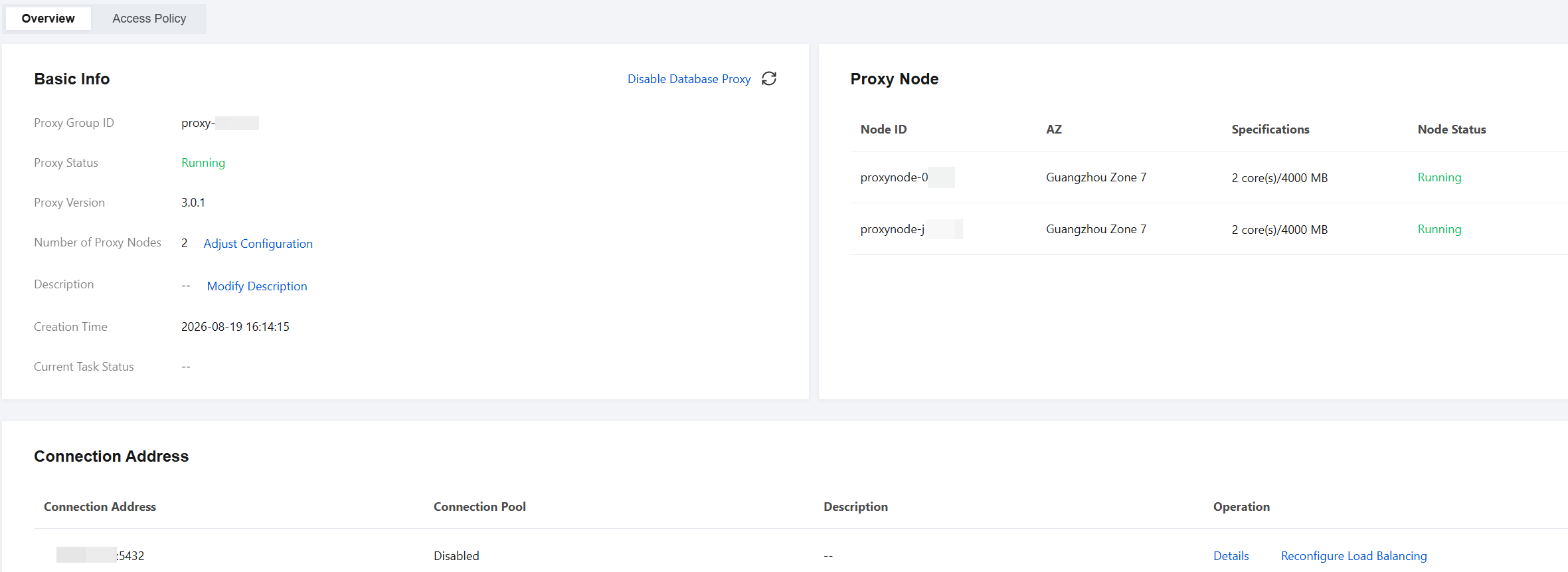
Database Proxy Documentation Overview
Directory | Description | Documentation Link | |
Database Proxy Overview | | Introduces database proxy features, billing, and more | This document |
Database Proxy Kernel Features | Kernel Minor Version Release Notes | Describes the released version update history of the database proxy | |
Managing Database Proxy | Enabling Database Proxy | Describes how to enable the database proxy for an instance through the console. | |
| View Access Policy | Describes how to view the access policy of the database proxy connection address through the console. | |
| Adjusting the Database Proxy Configuration | Describes how to adjust the proxy specifications, AZs, and node quantity of the database proxy. | |
| Rebalancing the Load | Describes how to distribute connections by rebalancing the load. | |
| Disabling the Database Proxy | Describes how to disable the database proxy through the console. | |
Connection Pool Feature | Connection Pool Overview | Describes the connection pool feature and instructions of the database proxy. | |
| Enabling and Disabling the Connection Pool Feature | Describes the instructions and operations for enabling and disabling the connection pool feature. | |
フィードバック