Workspace
ダウンロード
フォーカスモード
フォントサイズ
Entry
Click Admin in the top navigation bar to go to the Workspace page. On this page, you can view and maintain the basic information of the current workspace.
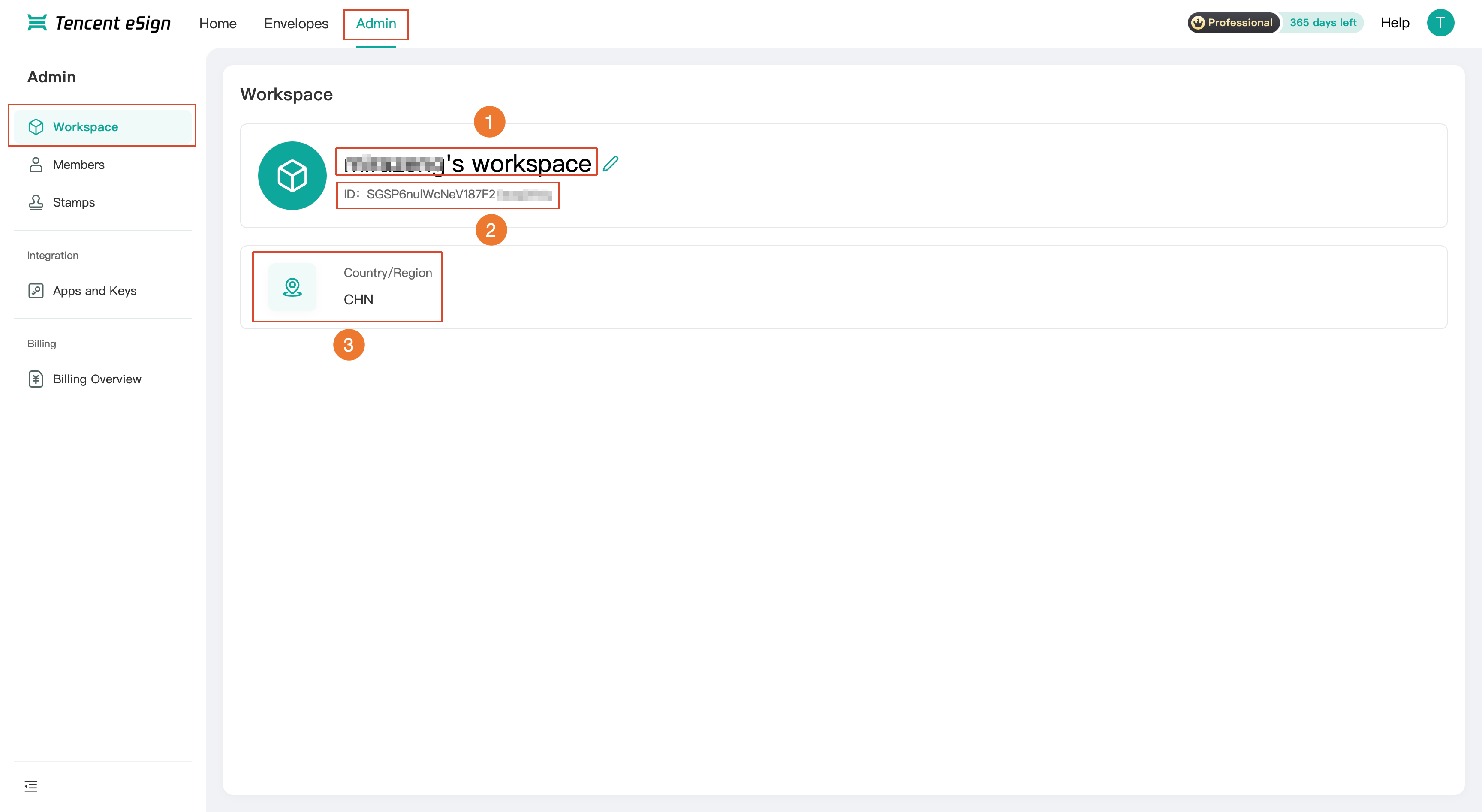
Workspace Information
No. | Information Item | Description |
1 | Workspace Name | The name of the current workspace, which can be edited. |
2 | ID | The unique identifier of the workspace in the system. |
3 | Country / Region | The country and region to which the workspace belongs. |
Modifying a Workspace Name
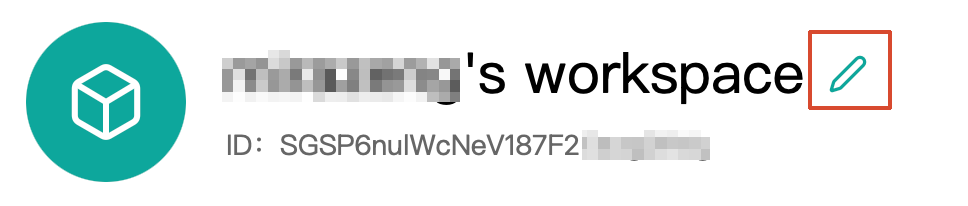
Click the edit icon next to the workspace name to modify and save the workspace name.
フィードバック