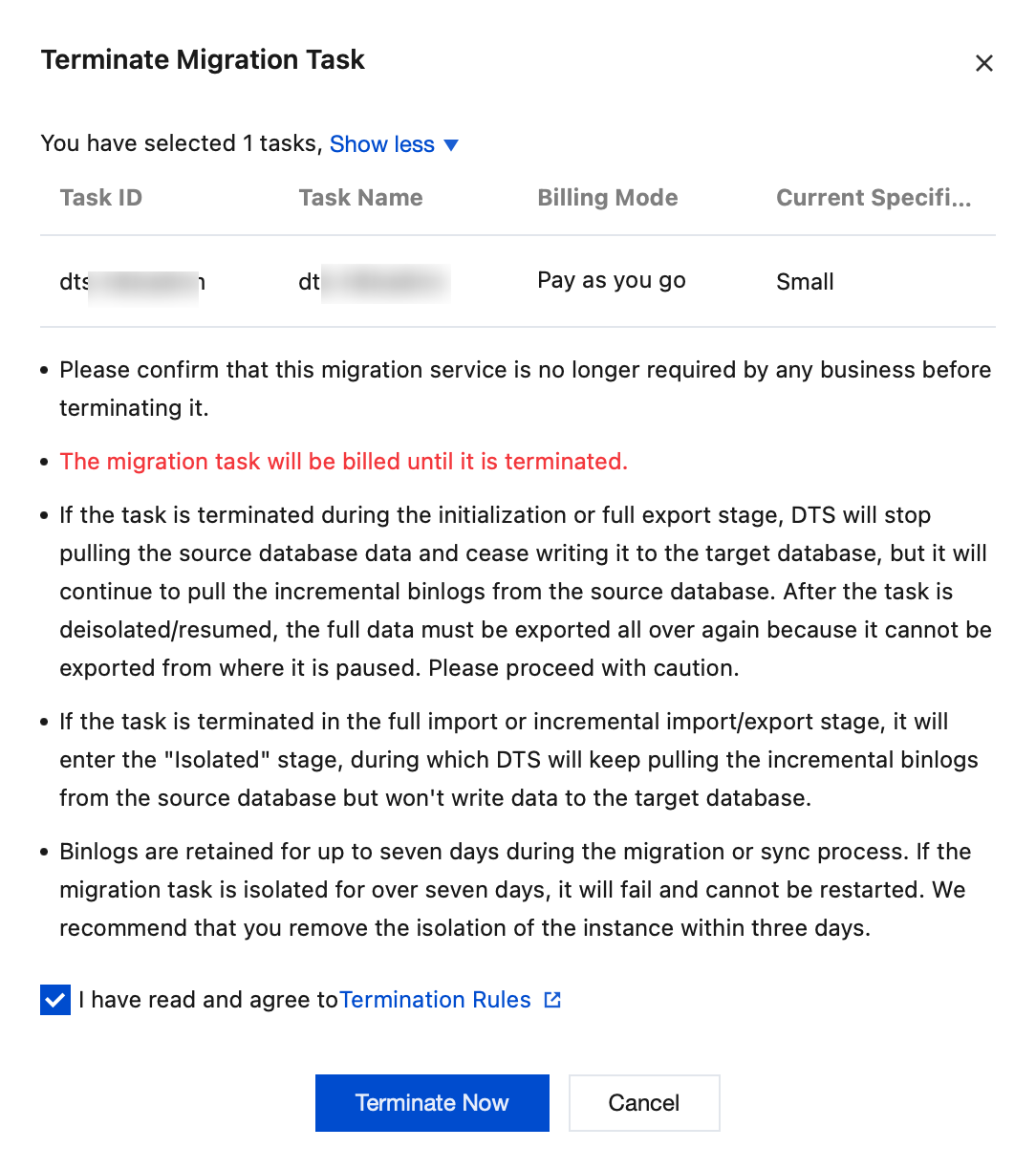
After the migration task is started, if the user wants to stop the migration task, they can terminate the task. After termination, the task is permanently paused and cannot be recovered, but the record of the migration task is still retained on the console.
Note
Once terminated, the task cannot be recovered, and the operations that have been performed will not be rolled back. Please proceed with caution.
Operation Steps
1. Log in to the DTS console, select the Data Migration page in the left-side navigation, choose the specified migration task, and in the Operation column, select More > Terminate.
2. In the pop-up dialog box, confirm that everything is correct and click Terminate Now.